AR Drawing
- 1.51K
- 4.3
- Installs
- 60.00M
- Version
- Varies with device

Screenshots
Pro
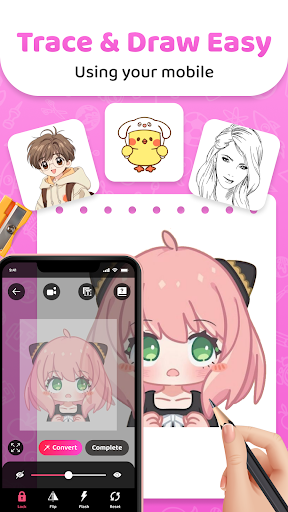
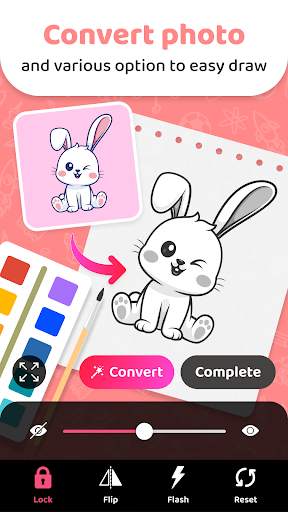
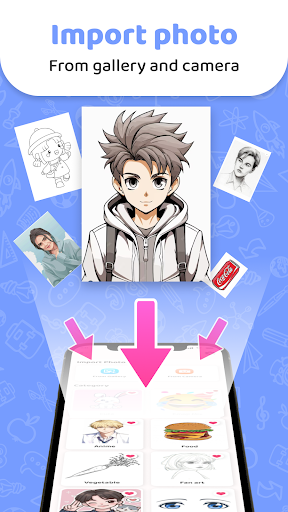
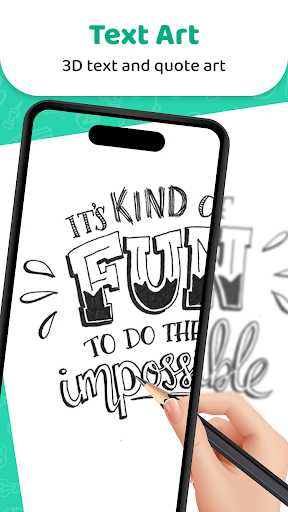
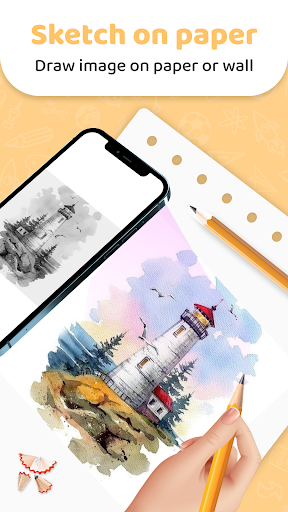
1. Enhanced Learning: AR Drawing - Sketchar App uses augmented reality to project images onto surfaces, making it easier for users to learn drawing techniques and improve skills interactively.
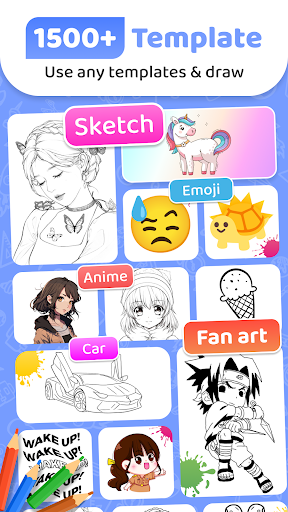
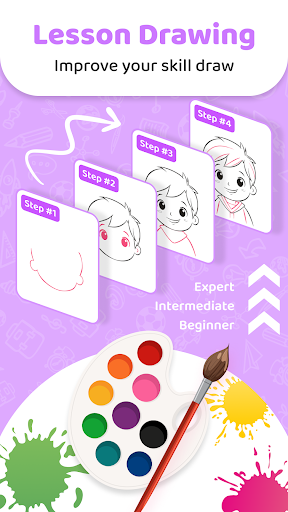
2. Accessibility: The app offers step-by-step tutorials and a user-friendly interface, catering to beginners and advanced artists alike, ensuring that drawing is accessible to all skill levels.
3. Portability: With AR technology, users can draw anywhere using their smartphone or tablet, eliminating the need for traditional drawing tools and making art creation more convenient and mobile.
Con
1. Requires High-End Devices: Sketchar's AR feature demands powerful hardware, limiting its use on older or less capable smartphones, which can exclude a significant number of potential users.
2. Steep Learning Curve: The app's advanced features and AR capabilities can be difficult for beginners to grasp, potentially leading to a frustrating user experience.
3. Subscription Costs: Access to all of Sketchar's features often requires a subscription, making it less accessible for users unwilling or unable to pay for premium content.


