Draw Easy
- 1.01K
- 4.9
- Installs
- 20.00M
- Version
- Varies with device

Screenshots

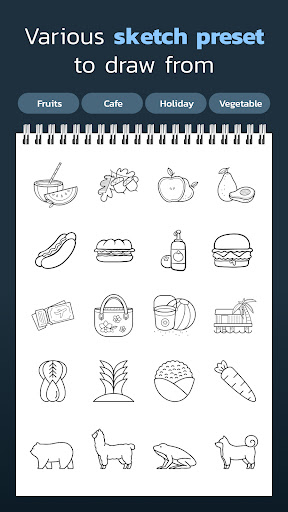
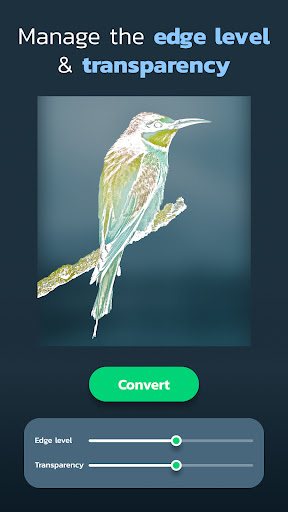
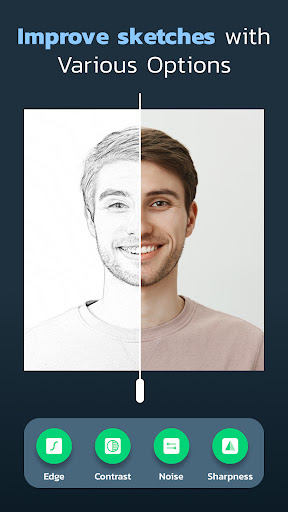
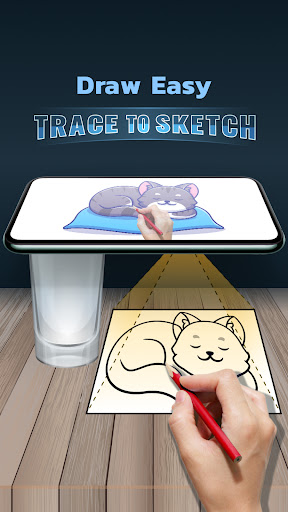
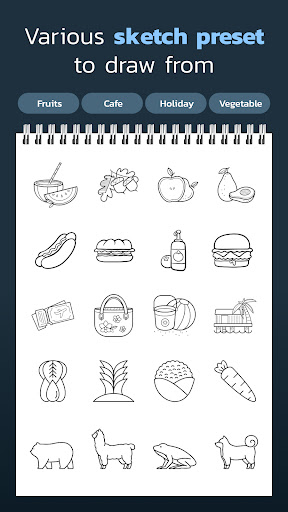
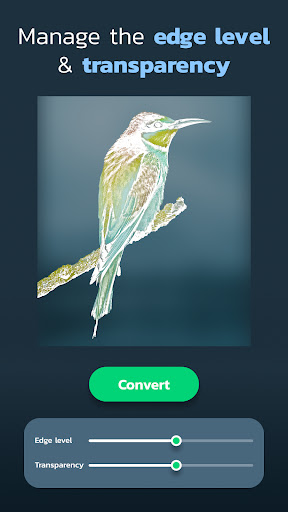
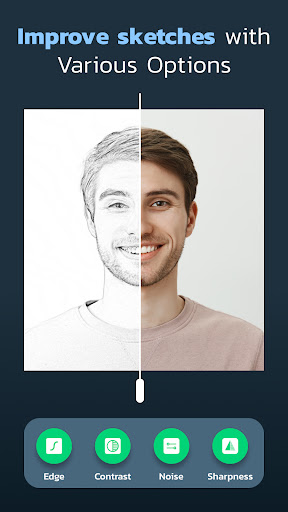
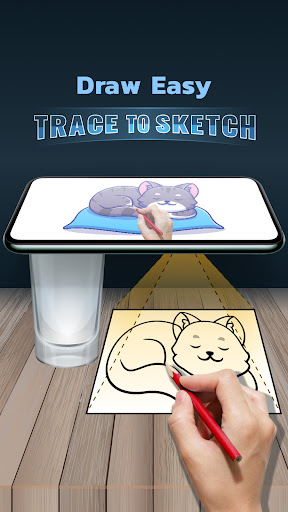
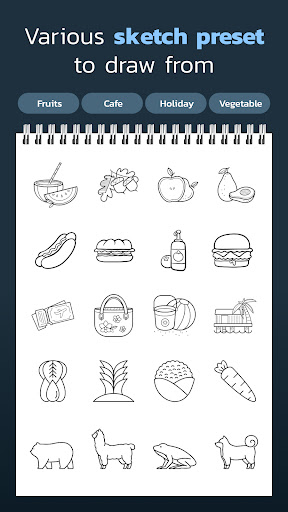
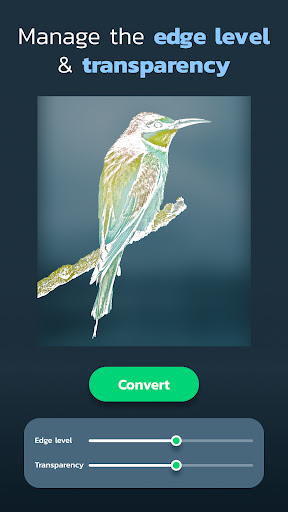
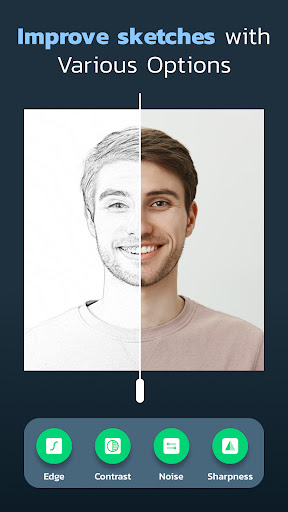
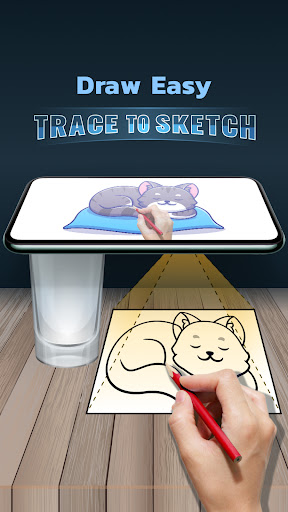

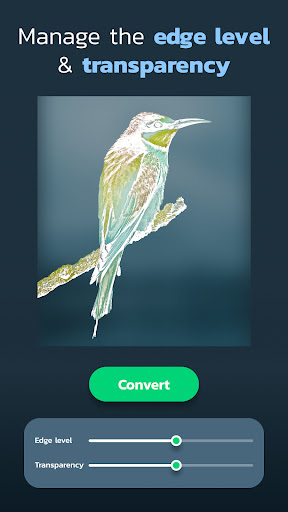
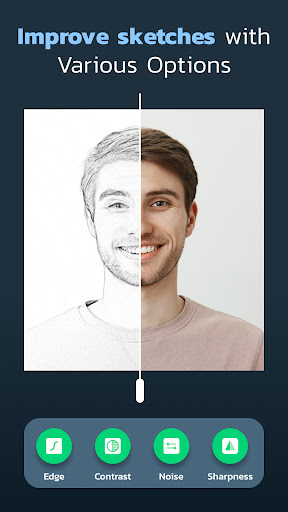
Pro
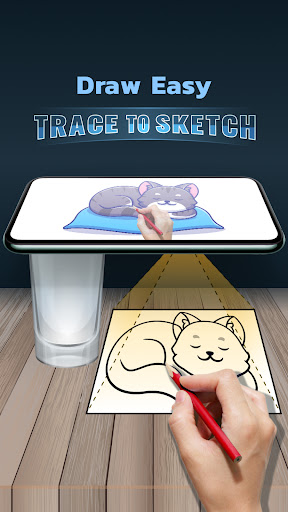
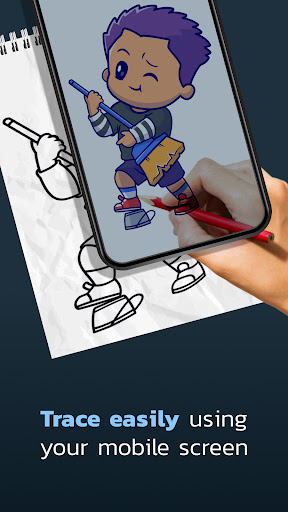
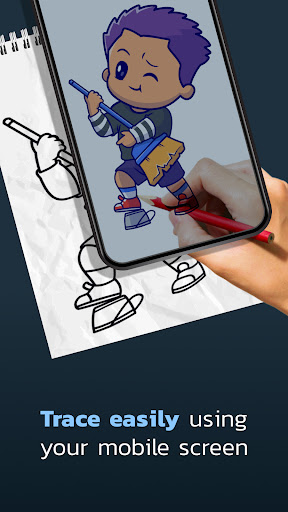
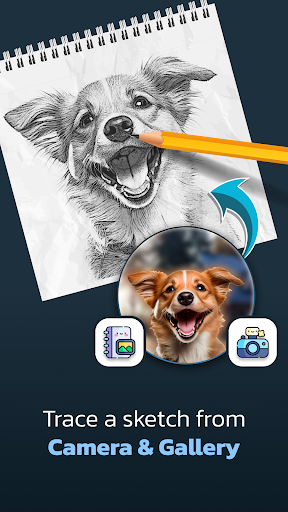
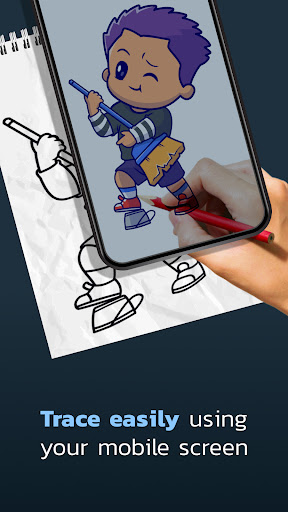
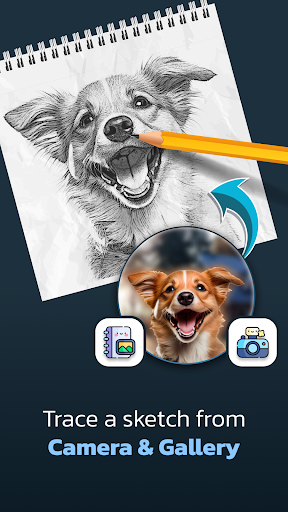
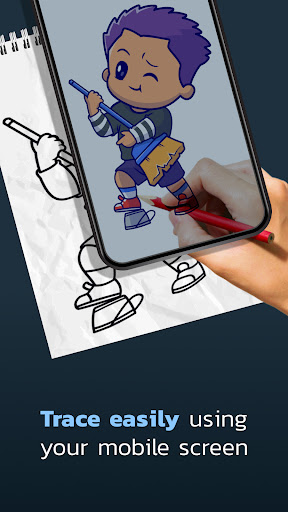
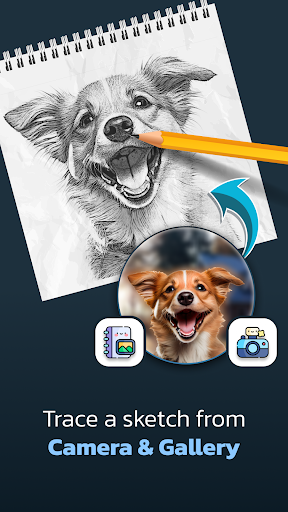
1. Guided Drawing: Draw Easy: Trace to Sketch provides an overlay feature, enabling beginners to trace outlines directly, which simplifies the learning process and helps develop hand-eye coordination and drawing skills.
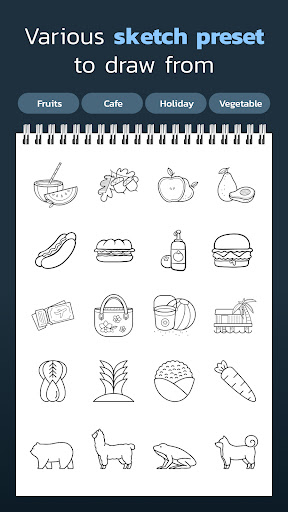
2. Skill Improvement: The app offers a variety of difficulty levels and subjects, allowing users to gradually challenge themselves and improve their drawing capabilities over time.
3. Portable Art Studio: With this application, users have the flexibility to practice drawing anywhere and anytime, using their mobile device as a digital canvas, thus eliminating the need for physical art supplies.
Con
1. Limited Features: Draw Easy: Trace to Sketch may not offer advanced editing tools or a wide range of drawing functions, potentially stifling users who desire more comprehensive artistic features.
2. Learning Hindrance: Relying on tracing can impede the development of freehand drawing skills, as users might not practice drawing from scratch or learn proper techniques.
3. Originality Concerns: Users might become dependent on tracing existing images, which could limit creativity and the ability to produce original artwork, as well as raise questions about the authenticity of their creations.


