WiFi Hotspot
- 1.80K
- 4.6
- Installs
- 10.00M
- Version
- Varies with device

Screenshots

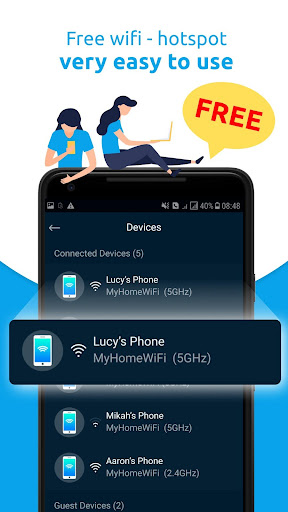
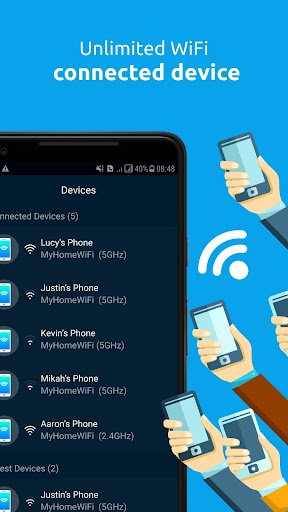
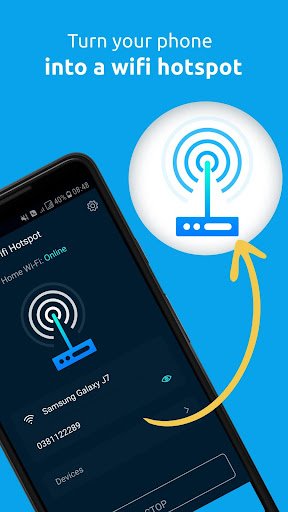
Pro
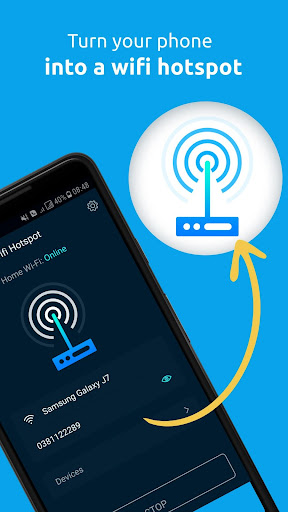
1. Portability: With the WiFi Hotspot app, you can create an internet access point anywhere you go, turning your device into a portable router that provides connectivity to other devices on-the-go.
2. Convenience: It simplifies sharing your mobile data connection, eliminating the need for external hardware or complex setup processes. Activation is typically straightforward, often requiring just a few taps in the app or on your device settings.
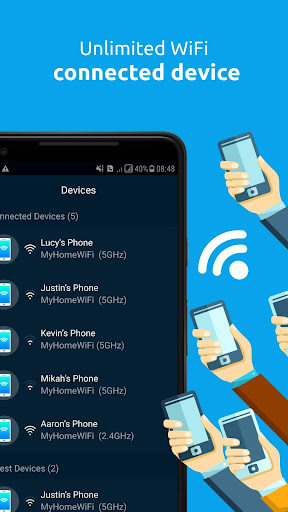
3. Control: Offers the ability to monitor and limit connected devices, track data usage, and secure your hotspot with passwords, ensuring that only authorized users have access to your connection and that your personal data remains protected.
Con
1. Data Consumption: Personal hotspots can quickly deplete your mobile data allowance, resulting in additional charges or reduced data speeds if you exceed your plan's limits.
2. Battery Drain: Running a hotspot significantly increases battery usage, leading to faster battery depletion and potential inconvenience, especially without access to a charging source.
3. Security Risks: Hotspots can be less secure than private Wi-Fi networks. Without proper security settings, unauthorized users could access your network, leading to potential data breaches or misuse of your internet connection.


