
VideoPad Video Editor Software
for Windows- Name VideoPad Video Editor Software
- Category Photo & video
- Downloads 95,000,000+
- Developer NCH Software
- Available on PC
- OS Windows 10 version 15063.0 or higher
- Architecture x86
- Keyboard Integrated Keyboard
- Mouse Integrated Mouse
Pros
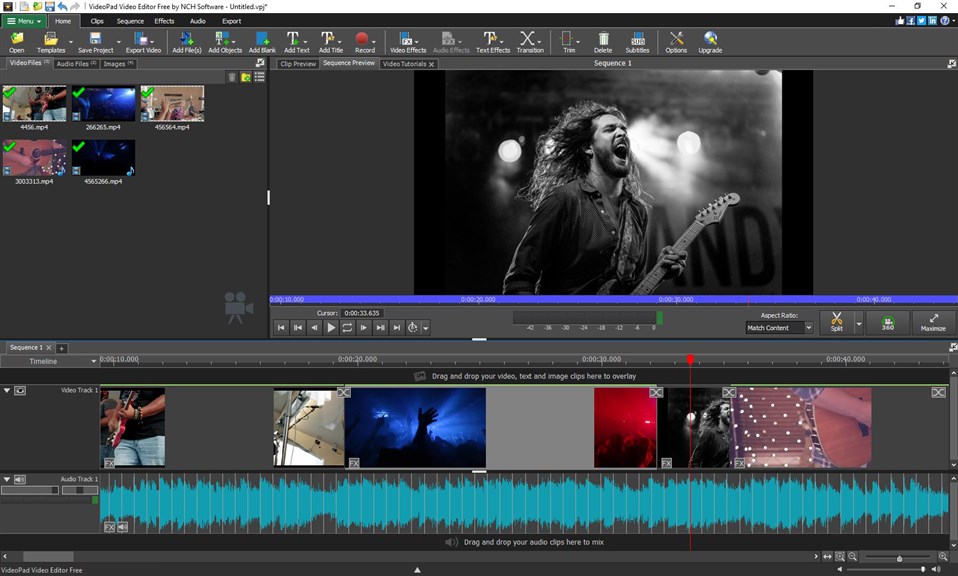
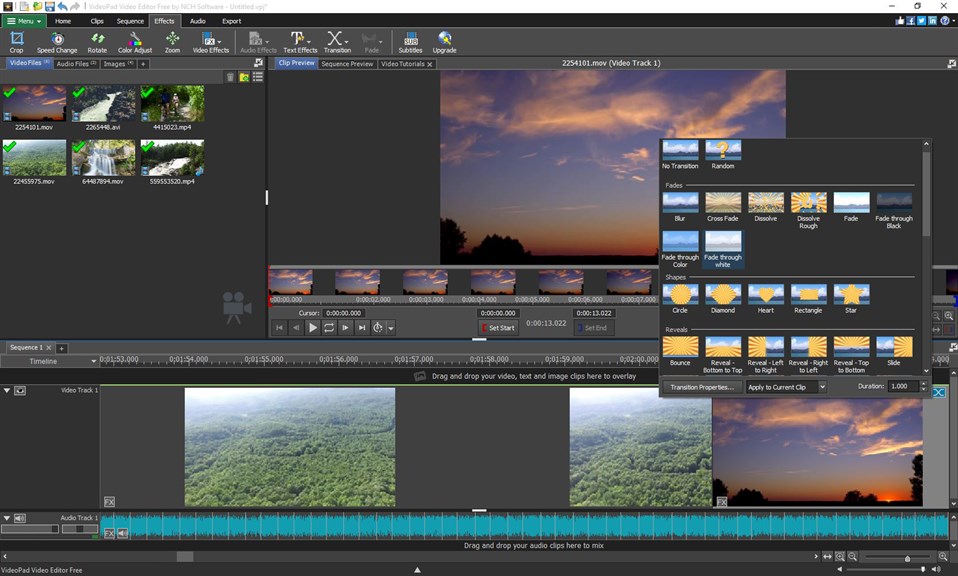
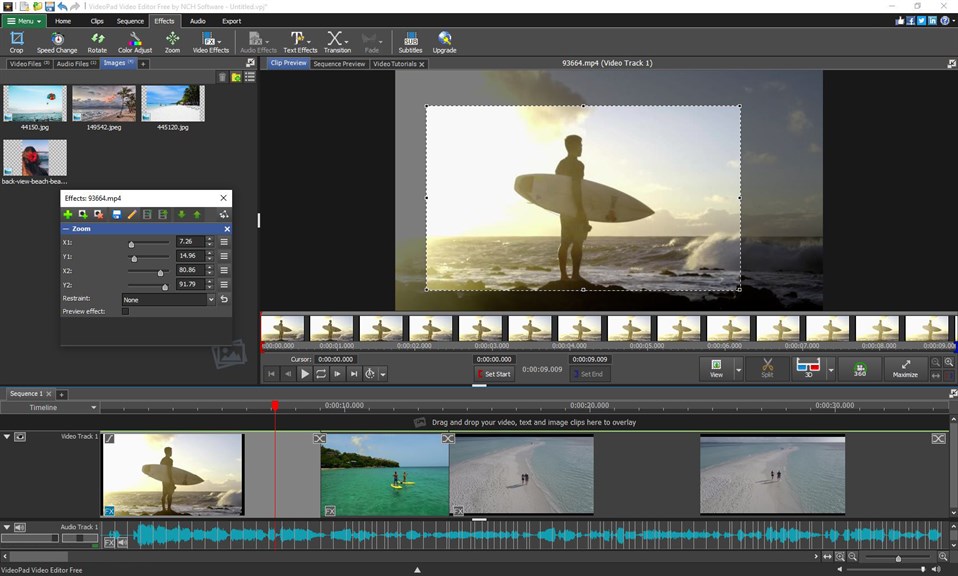
1. Intuitive Interface: VideoPad Video Editor offers a straightforward and user-friendly interface, making it accessible for beginners without compromising on powerful features for more experienced users.
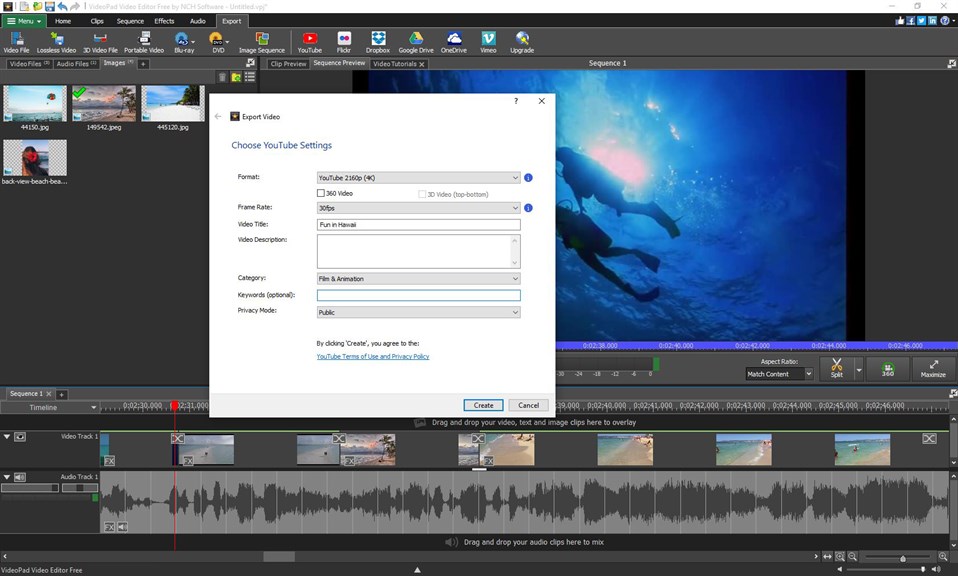
2. Extensive Format Compatibility: The software supports a wide range of video file formats for both import and export, allowing users to work with virtually any video type.
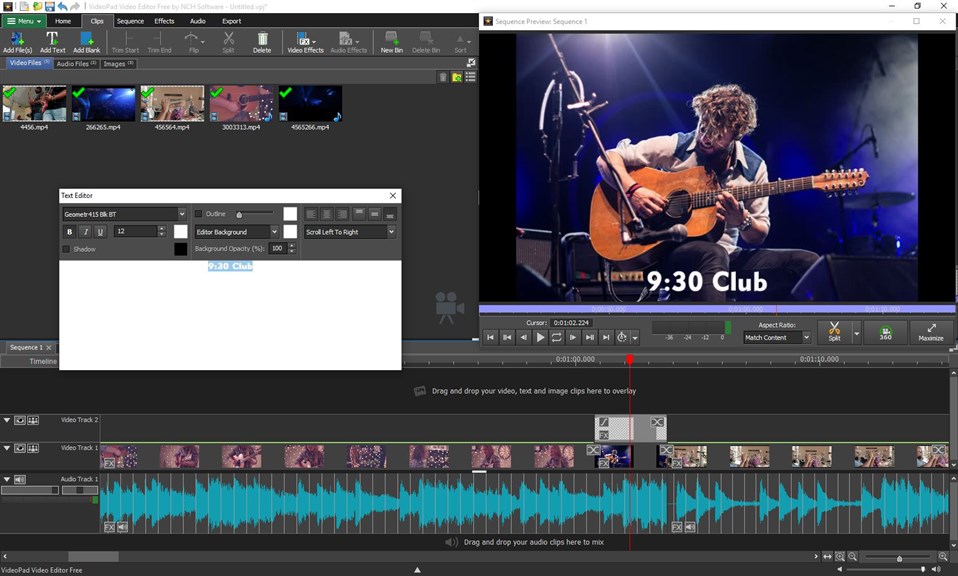
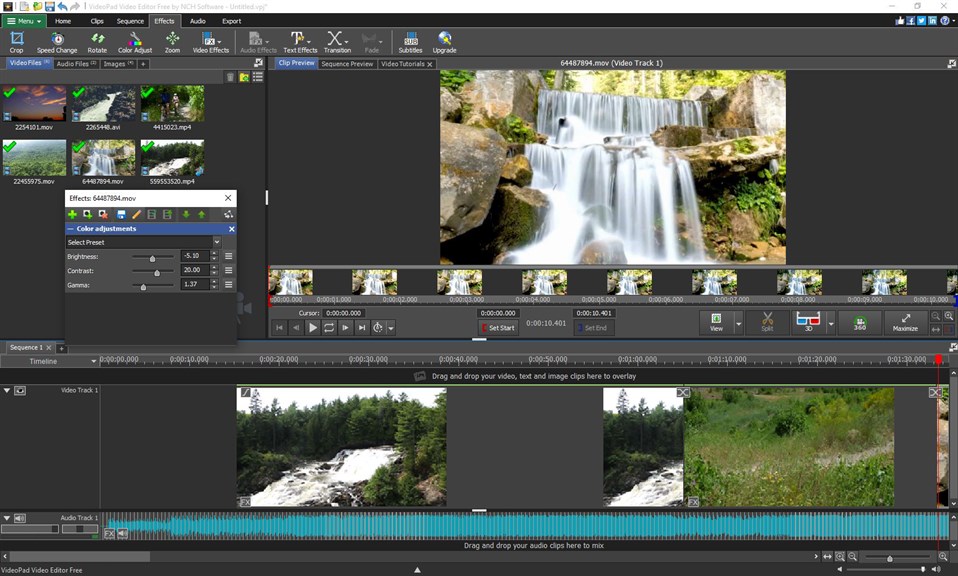
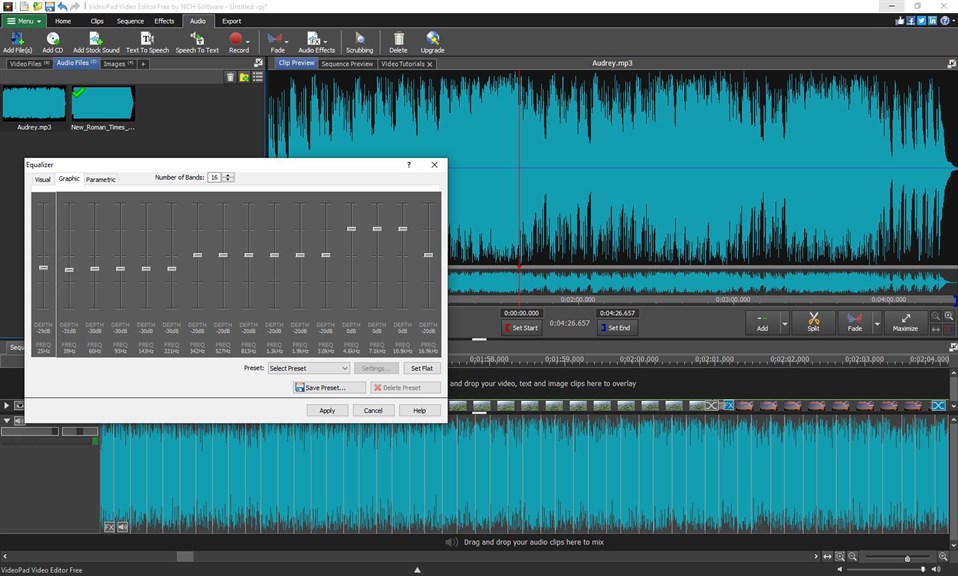
3. Rich Feature Set: VideoPad comes equipped with a variety of video effects, transitions, and tools for editing audio, enabling the creation of professional-quality videos with ease.
Cons
1. Limited Advanced Features: VideoPad Video Editor lacks some of the advanced editing capabilities found in professional software, such as extensive motion tracking, high-end color grading, and sophisticated visual effects, which can restrict creative potential.
2. Performance Issues: Users with lower-end PCs may experience sluggish performance and slower rendering times, especially when working with high-resolution video files or complex projects, leading to a less efficient editing process.
3. Non-intuitive Interface: Some users find VideoPad's user interface to be less intuitive compared to other editing software, with a steeper learning curve for beginners, which can make the editing process more time-consuming and frustrating for new users.


