
Screenshot - Screen capture screenshots snipping tool
for Windows- Name Screenshot - Screen capture screenshots snipping tool
- Category Photo & video
- Downloads 102,000,000+
- Developer Wuhan Net Power Technology Co., Ltd
- Available on PC
- OS Windows 10 version 17134.0 or higher
- Keyboard Integrated Keyboard
- Mouse Integrated Mouse
Pros
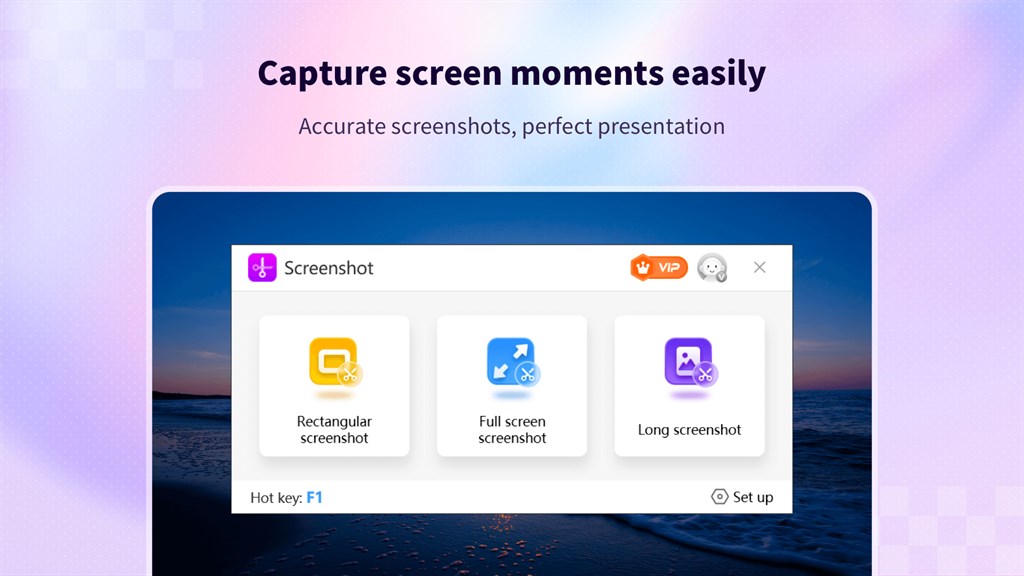
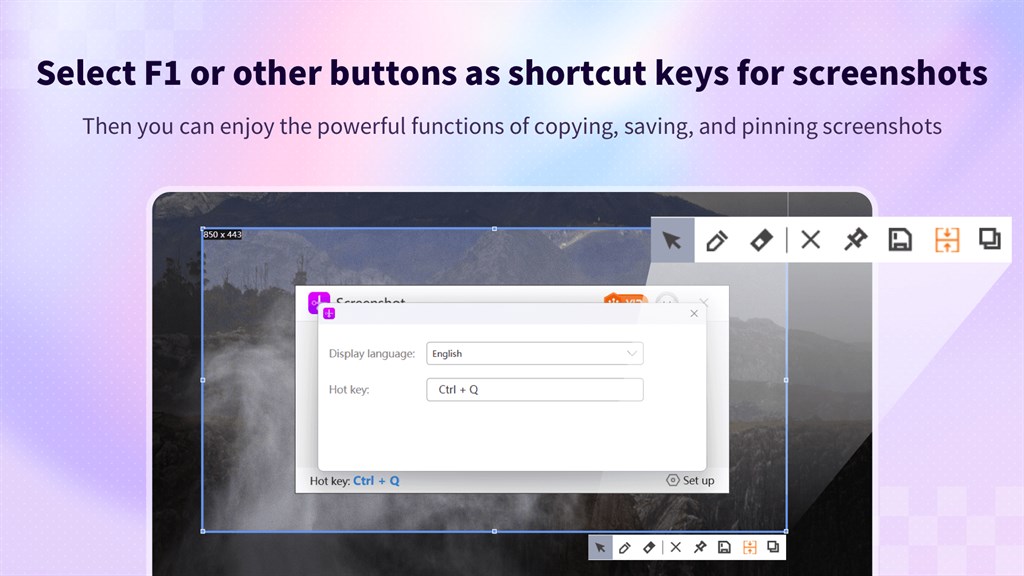
1. Quick Access: The software enables quick and efficient screen capturing with readily accessible hotkeys or simple icon clicks, streamlining the process of taking screenshots without navigating through complex menus.
2. Versatile Editing Features: It offers a range of editing tools that allow users to annotate, highlight, or blur parts of their screenshots, enhancing communication or emphasis on specific screen elements.
3. Multiple Save Formats: Users can save their captures in various file formats such as PNG, JPG, or PDF, offering flexibility in how the screenshots are stored and shared according to their needs or preferences.
Cons
1. Limited Editing Features: Basic screen capture tools often lack advanced editing options, limiting users to rudimentary annotation capabilities like simple lines or text, without offering more sophisticated editing functionality such as filters, layer editing, or image effects.
2. No Automated Captures: These tools typically require manual initiation of a screenshot and do not support timed or automatic captures, which can be a hindrance for users needing to document or monitor screen activity over periods.
3. Single-Platform Dependency: Many snipping tools are platform-specific and do not offer cross-platform compatibility, limiting users to capturing and editing screenshots within one operating system and complicating workflows for those using multiple devices or operating systems.


