
Screen Recorder Pro For Win10
for Windows- Name Screen Recorder Pro For Win10
- Category Utilities & tools
- Downloads 57,000,000+
- Developer winuwp
- Available on PC
- OS Windows 10 version 14393.0 or higher
- Architecture x86
Pros
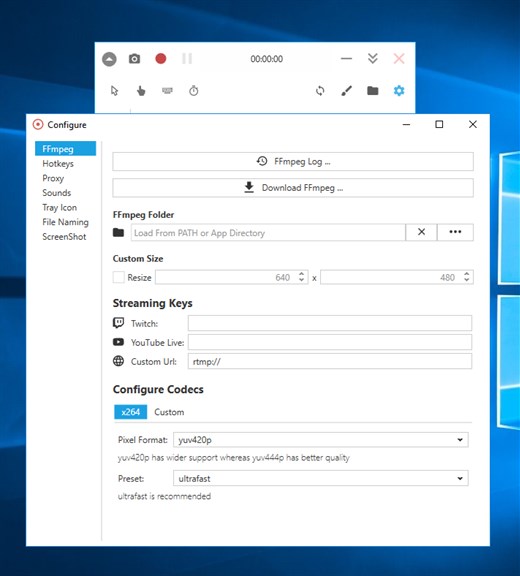
1. **High-Quality Recording**: Screen Recorder Pro For Win10 captures screen content in high resolution, ensuring crisp and clear video output, making it suitable for professional presentations or tutorials.
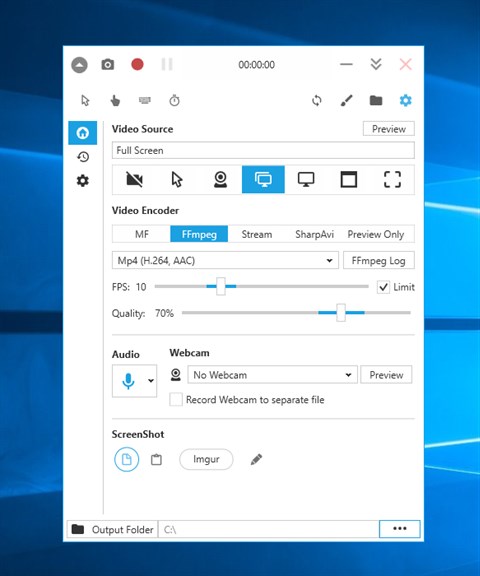
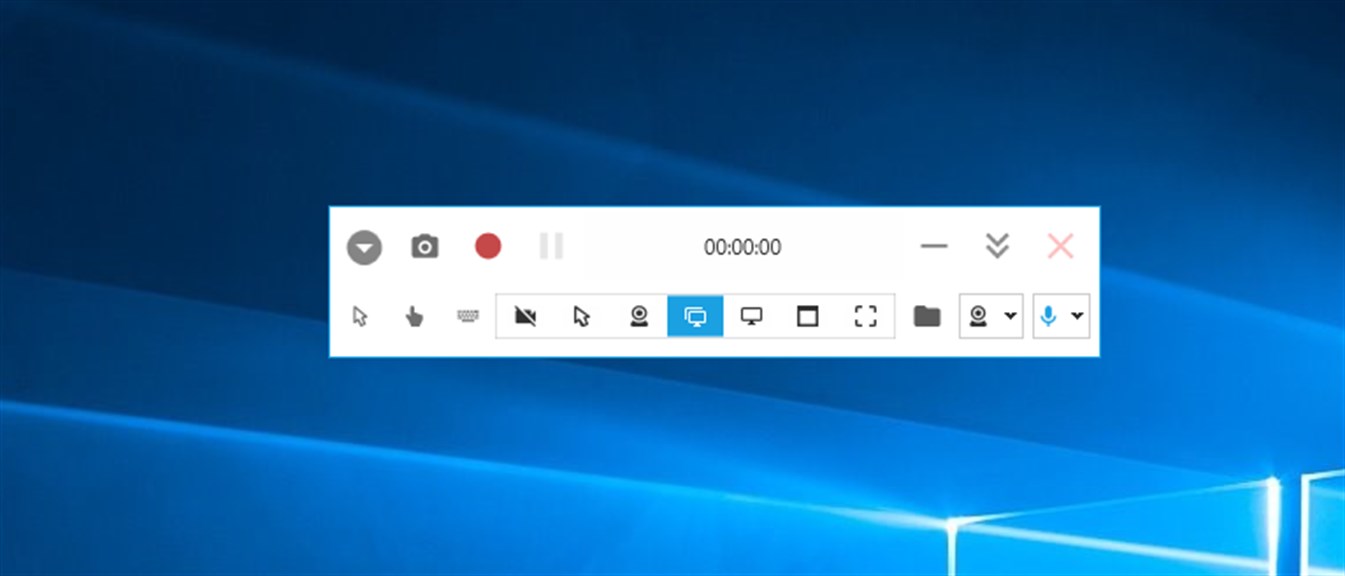
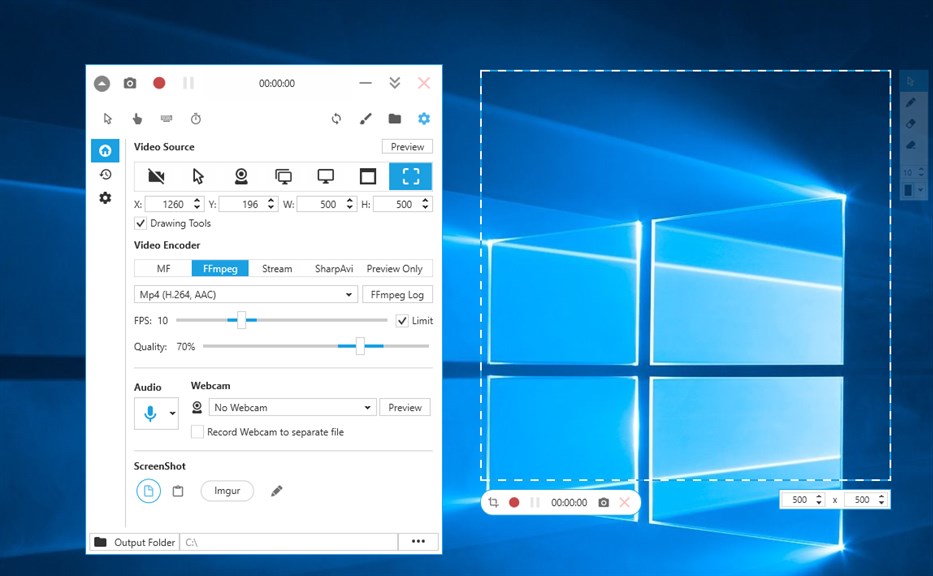
2. **Versatile Recording Modes**: It offers multiple recording modes including full screen, region, webcam, and picture-in-picture, allowing you to tailor the recording to your specific needs.
3. **Built-In Editing Tools**: The software includes editing features that enable you to trim, cut, and merge recordings directly within the app, streamlining your workflow by eliminating the need for additional editing software.
Cons
1. Limited Editing Features: Screen Recorder Pro for Win10 offers basic recording functionality but lacks advanced editing tools, which can be a drawback for users seeking to refine and enhance their recorded content directly within the app.
2. Compatibility Issues: Some users report compatibility problems, particularly with certain Win10 updates or on older systems, leading to crashes or performance issues that can disrupt recording sessions.
3. Watermark on Videos: The free version of Screen Recorder Pro for Win10 places a watermark on the recorded videos, which can be intrusive. To remove it, users need to purchase the full version, which can be a deterrent for those looking for a cost-free solution.


