
Monster Smart Lighting
for Windows- Name Monster Smart Lighting
- Category Utilities & tools
- Downloads 82,000,000+
- Developer JEM Accessories Inc
- Available on PC
- OS Windows 10 version 17763.0 or higher
- Keyboard Integrated Keyboard
- Mouse Integrated Mouse
- Memory 300 MB
- Video Memory 1 GB
Pros
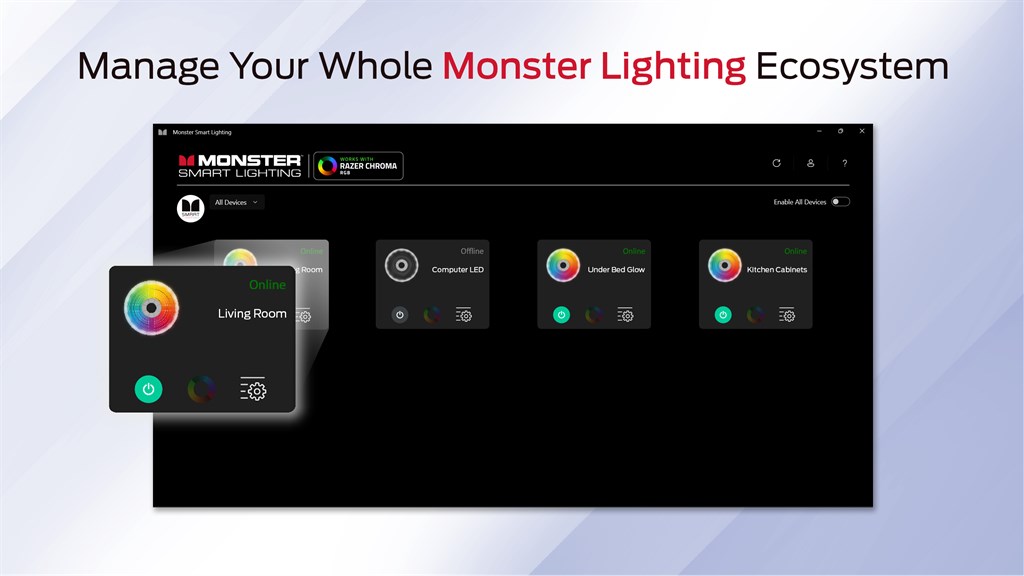
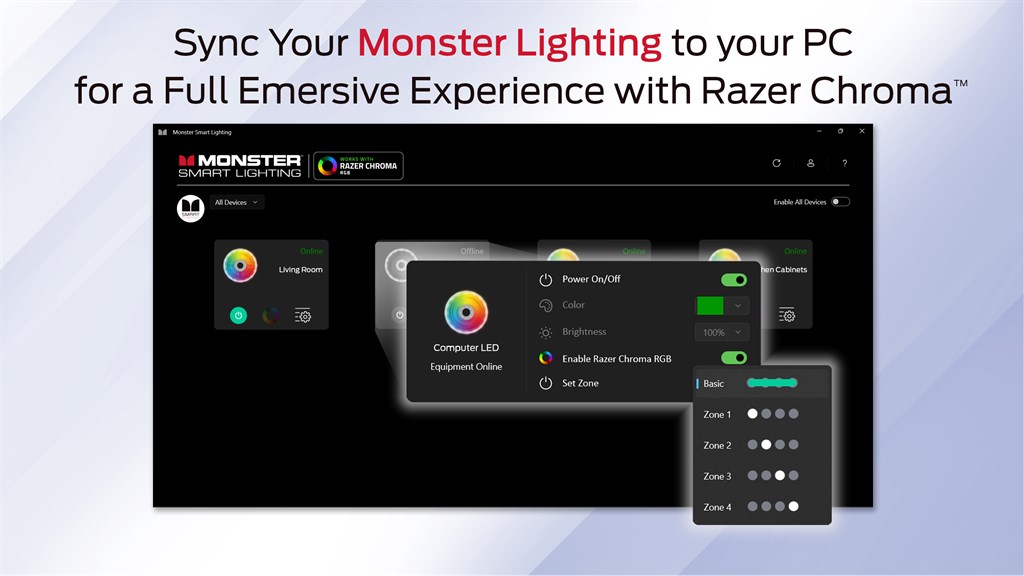
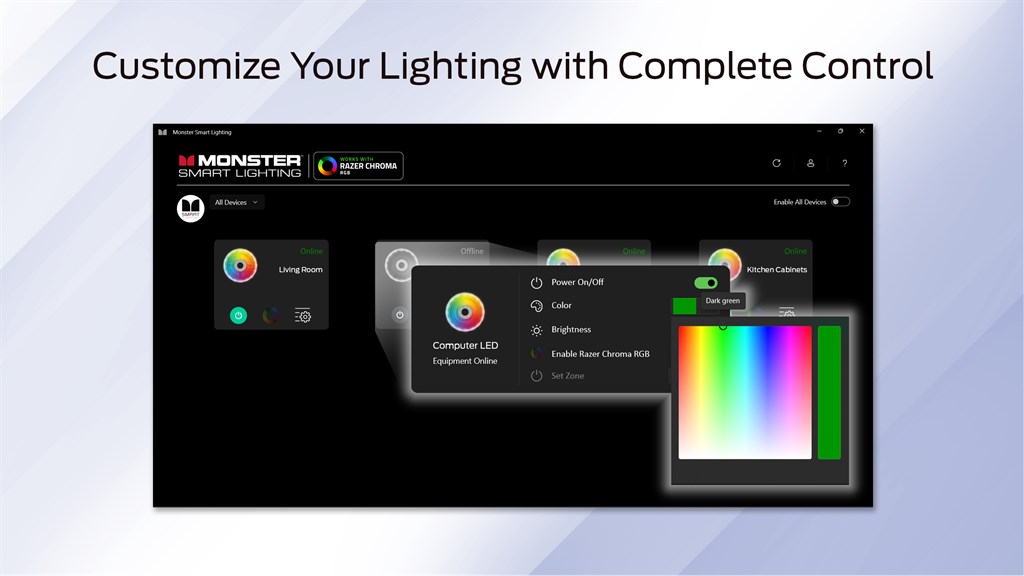
1. Convenient Control: Monster Smart Lighting software for PC allows you to easily manage your lighting system from your computer, offering a user-friendly interface to adjust settings such as color, brightness, and scheduling without the need for physical switches.
2. Enhanced Customization: The software provides a wide range of customization options, enabling users to create personalized lighting scenes and effects that match their mood or activity, which can enhance the ambiance of any space.
3. Centralized Management: With the PC software, you can control and synchronize multiple smart lighting devices at once, making it efficient to manage an entire home or office lighting system from a single point, saving time and effort.
Cons
1. Compatibility Issues: Monster Smart Lighting software for PC may not be universally compatible with all operating system versions, potentially excluding users who don't have the specific required setup.
2. Limited Features: The software might offer more limited functionality compared to its mobile counterpart, providing fewer customization and control options for the lighting systems.
3. User Interface: The PC version of the software may have a less intuitive user interface than the mobile app, which can lead to a steeper learning curve and frustration for users accustomed to the convenience of mobile applications.


