
Pic Collage
for Windows- Name Pic Collage
- Category Photo & video
- Downloads 38,000,000+
- Developer Cardinal Blue Software
- Available on PC, Mobile, Surface Hub
- OS Windows 10 version 10240.0 or higher
- Memory 2 GB
- Touch Not specified
- Keyboard Not specified
- Mouse Not specified
- Camera Not specified


Pros
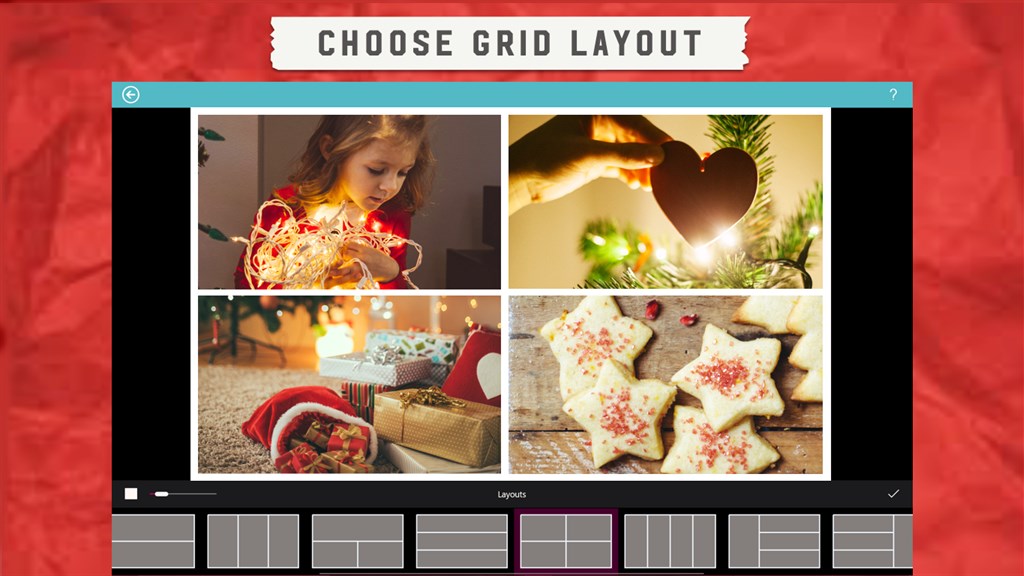
1. User-Friendly Interface: Pic Collage offers an intuitive and easily navigable interface, allowing users to quickly create and customize photo collages without requiring advanced editing skills.
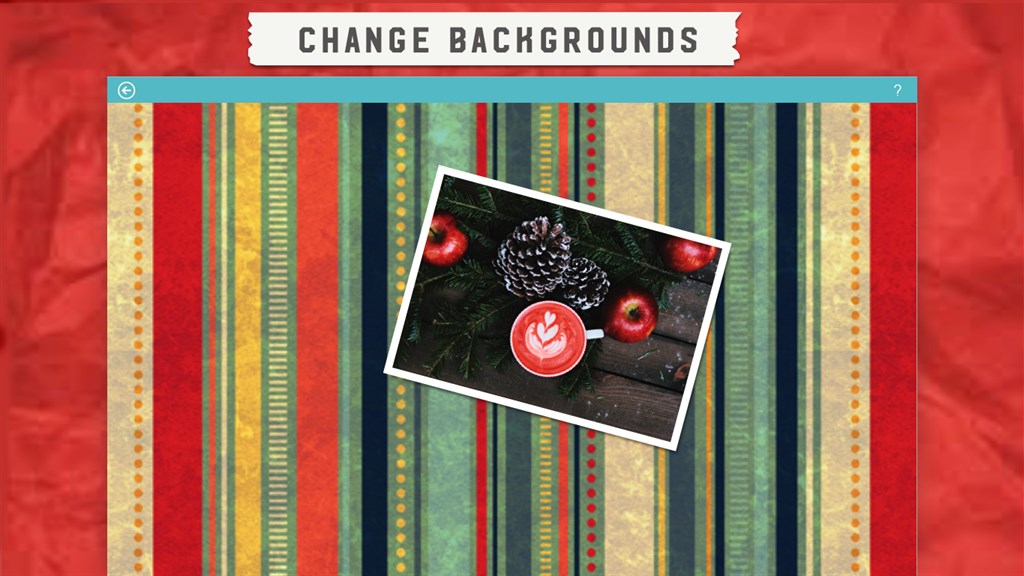
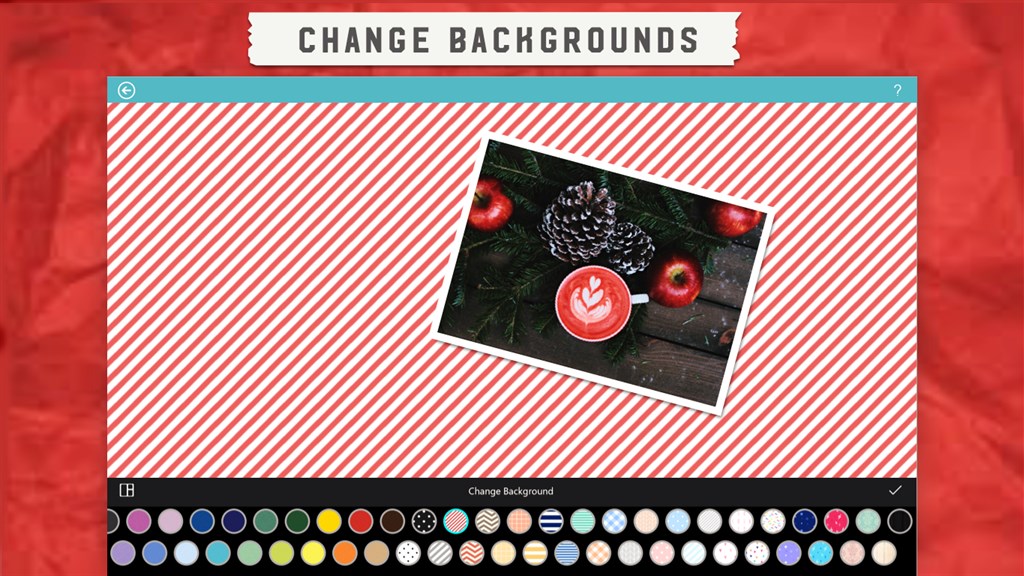
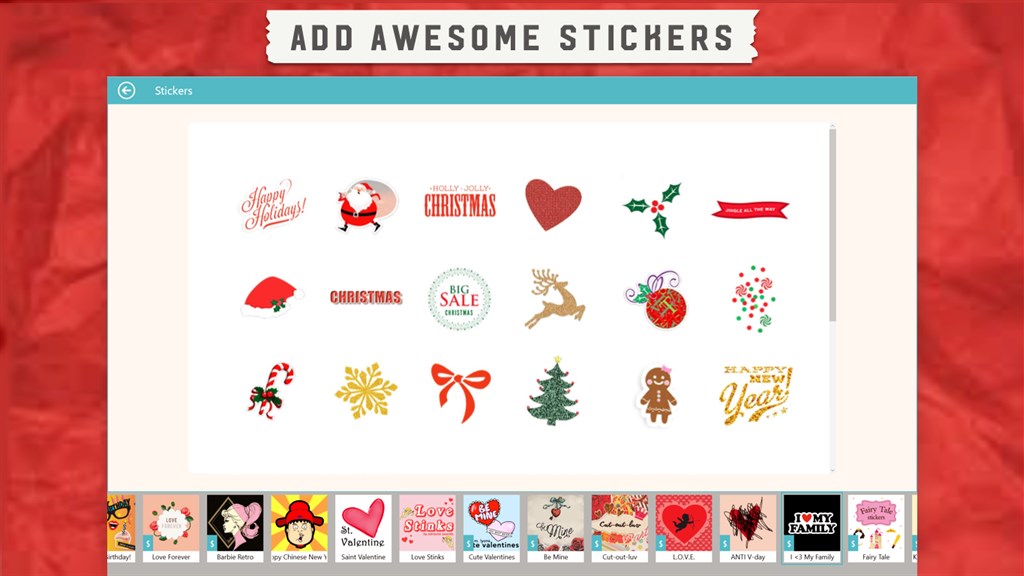
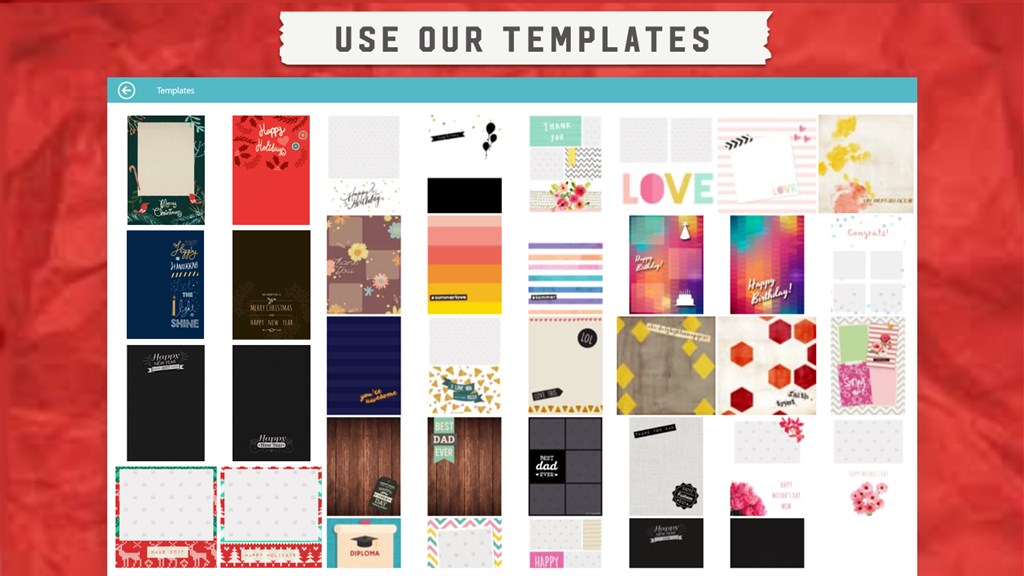
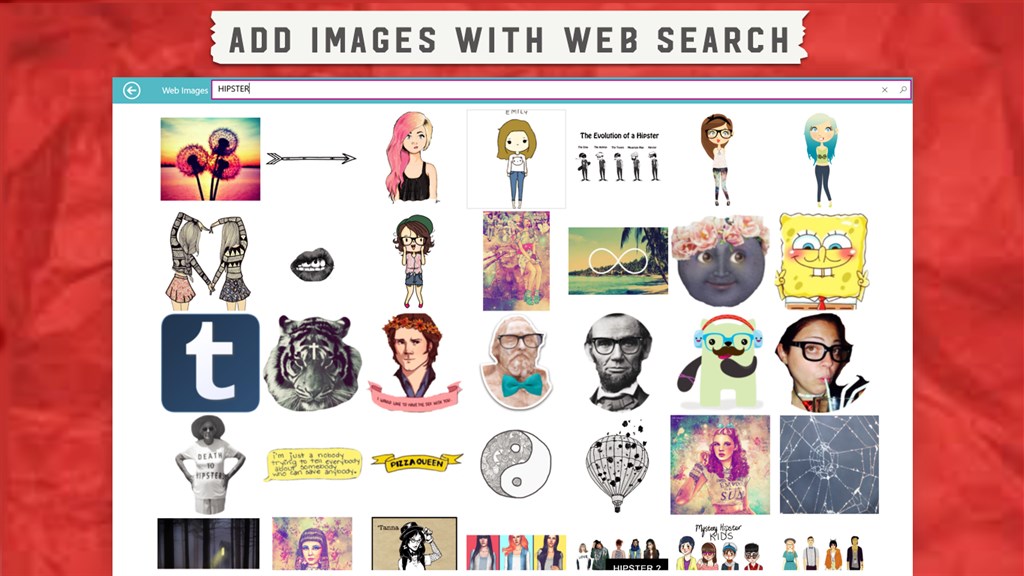
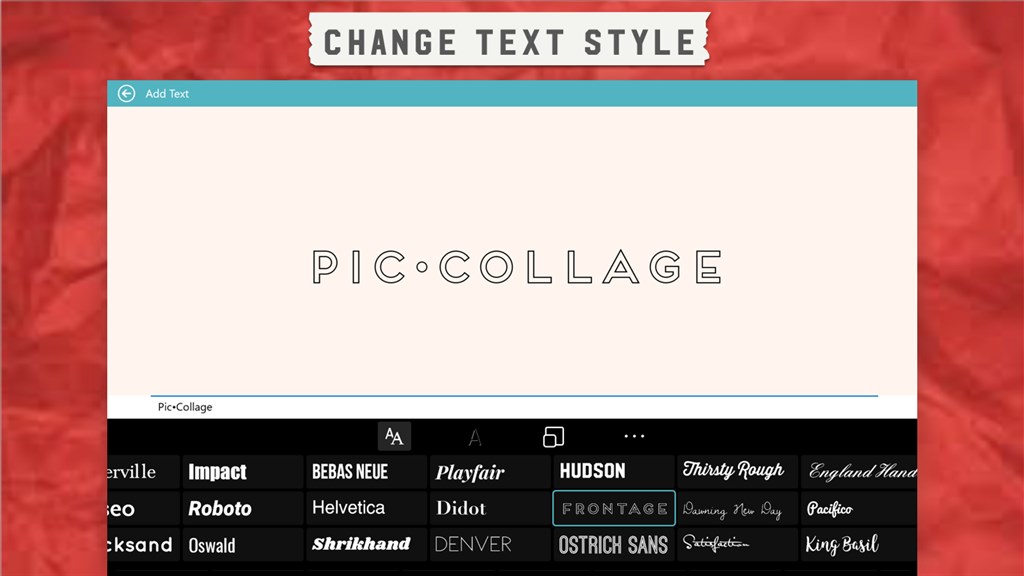
2. Diverse Templates and Embellishments: The software provides a wide variety of templates and design elements such as stickers, backgrounds, and text options to enhance the visual appeal of collages.
3. Sharing Capabilities: Pic Collage facilitates seamless sharing of creations via social media platforms or email, enabling users to instantly share their photo collages with friends, family, or an online audience.
Cons
1. Limited Free Features: Pic Collage provides a basic set of tools for free, but numerous advanced features and additional content such as stickers and backgrounds are locked behind a paywall, restricting creative options for non-paying users.
2. Performance Issues: Some users experience sluggish performance, slow response times, or crashes, particularly on older or less powerful PCs, which can hinder the editing process and overall user experience.
3. Steep Learning Curve: New users may find the interface and multitude of options overwhelming, leading to a steep learning curve. Without intuitive guidance, it can take time to become proficient in creating collages, potentially frustrating those seeking a quick and easy editing tool.


