
OpenXR Tools for Windows Mixed Reality
for Windows- Name OpenXR Tools for Windows Mixed Reality
- Category Utilities & tools
- Downloads 15,000,000+
- Developer Microsoft Corporation
- Available on PC, Mobile, Surface Hub, HoloLens
- OS Windows 10 version 17763.0 or higher
- Architecture x64

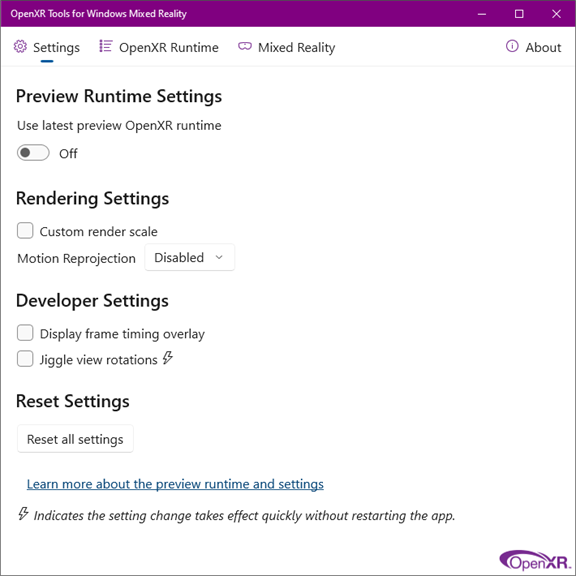
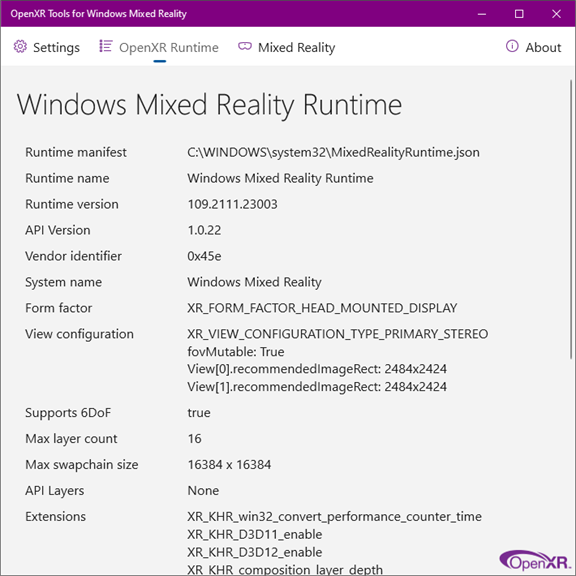
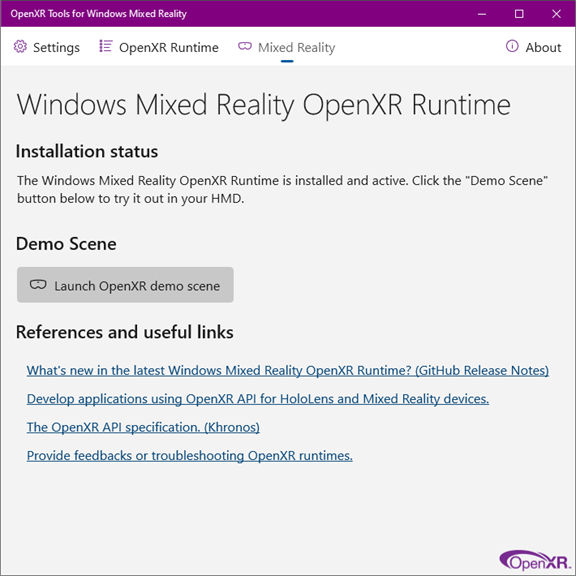
Pros
1. Hardware Agnostic: OpenXR Tools allow developers to create applications that can run across various VR and AR platforms, supporting a wide range of hardware within the Windows Mixed Reality ecosystem, thus overcoming compatibility issues.
2. Streamlined Development: It provides developers with a consistent API, which simplifies the development process, reducing the need to write platform-specific code and enabling quicker deployment of mixed reality experiences.
3. Industry Support: As an open standard backed by the Khronos Group, OpenXR Tools have broad industry support, which ensures ongoing enhancements, widespread adoption, and future-proofing of applications as the mixed reality landscape evolves.
Cons
1. Limited Compatibility: OpenXR Tools for Windows Mixed Reality primarily support Windows-based MR headsets, which can be restrictive for users with VR hardware from other ecosystems, limiting cross-platform functionality and device choice.
2. Technical Complexity: Setting up and optimizing OpenXR Tools can be daunting for novices due to its technical nature, possibly requiring advanced knowledge to troubleshoot issues and configure the software properly.
3. Performance Overhead: The additional layer of software can introduce performance overhead, potentially affecting the responsiveness and smoothness of VR experiences, which is critical for maintaining immersion and avoiding motion sickness.


