
Microsoft Clipchamp
for Windows- Name Microsoft Clipchamp
- Category Photo & video
- Downloads 56,000,000+
- Developer Microsoft Corporation
- Available on PC
- OS Windows 10 version 18362.0 or higher
- Architecture neutral
- Memory Not specified


Pros
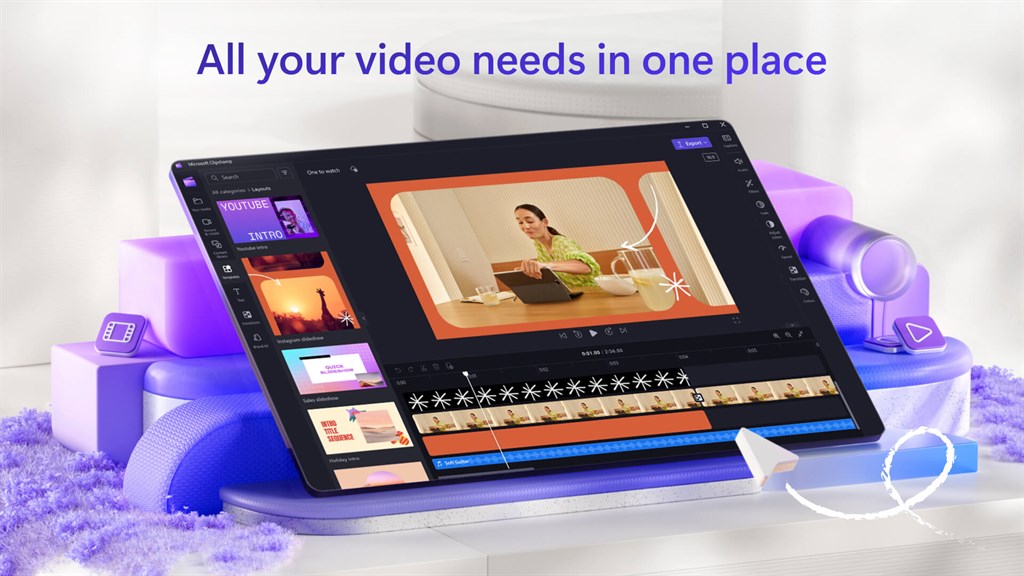
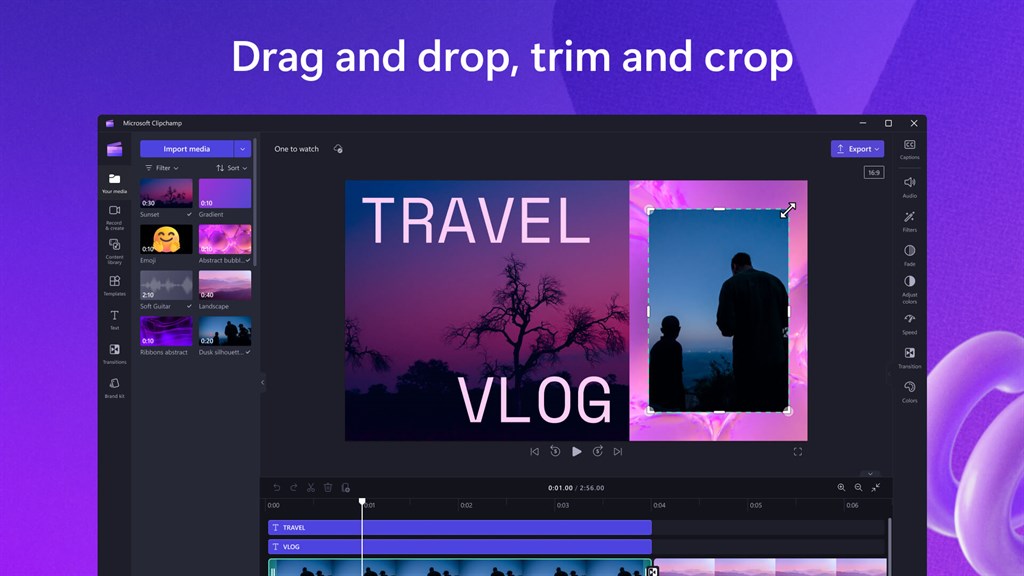
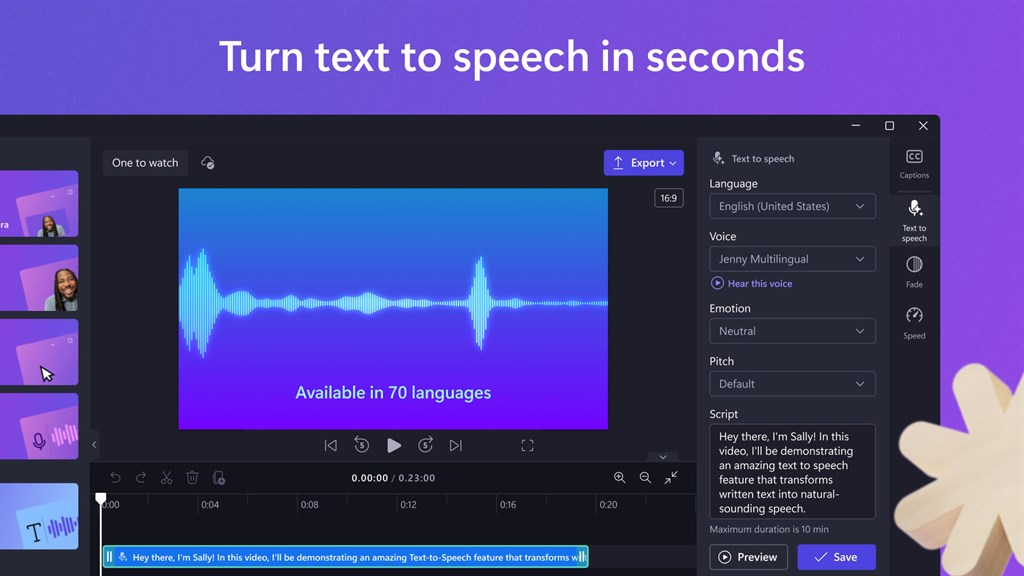
1. Microsoft Clipchamp software for PC enables efficient video editing with a user-friendly interface, offering a range of editing tools such as filters, transitions, text overlays, and audio enhancements, allowing users to create professional-quality videos easily.
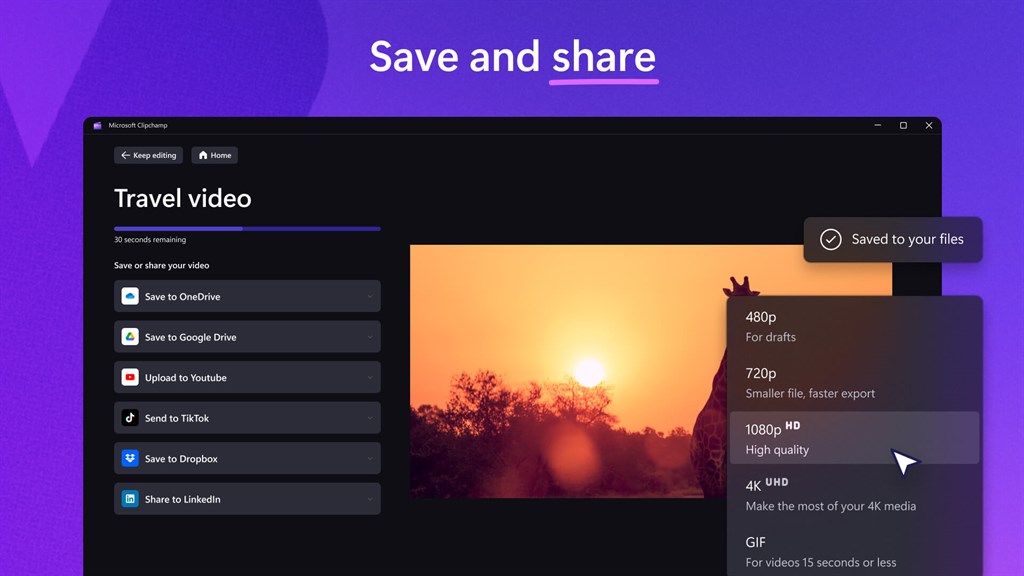
2. The software supports a wide variety of video formats, making it versatile and compatible with different devices and platforms. It ensures seamless video playback and sharing experiences across multiple devices while maintaining high video quality.
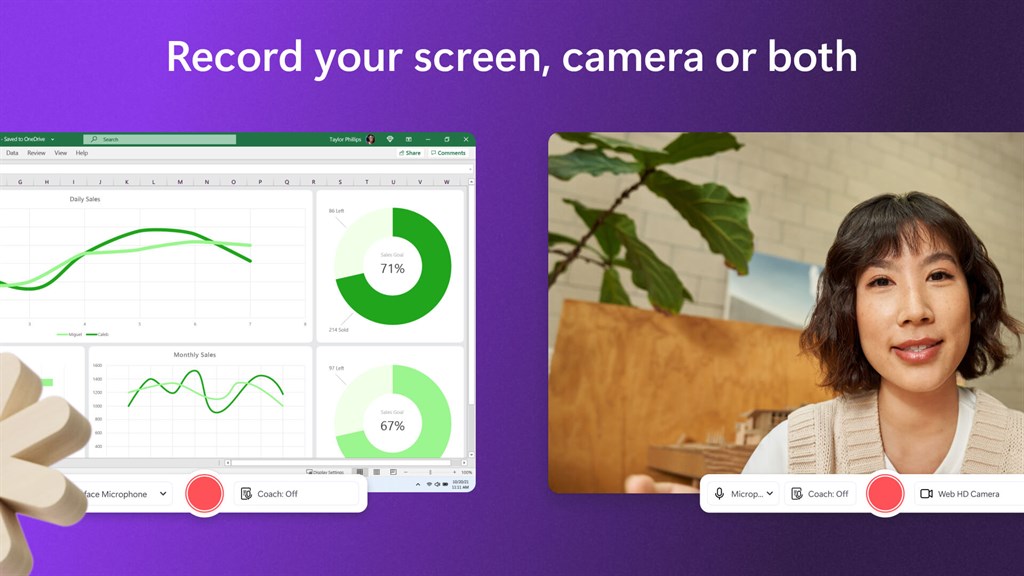
3. With built-in recording capabilities, Microsoft Clipchamp lets users capture their screens and webcam footage directly within the software. This feature proves to be useful for creating tutorials, presentations, or vlogs, as it eliminates the need for using third-party screen recording applications.
Cons
1. Limited editing features: Microsoft Clipchamp for PC has a limited number of editing features compared to other video editing software. Users may find themselves lacking advanced options for customization and fine-tuning their videos.
2. Compatibility issues: Clipchamp may not be fully compatible with all video file formats, causing difficulties when importing and exporting videos. This limitation requires users to convert their files to a compatible format before editing or may result in quality loss during conversion.
3. Internet reliance: The software heavily relies on the internet for certain functionalities, such as cloud-based storage and sharing. This can be a disadvantage for users with unstable or limited internet connections, as it may affect the overall usability and accessibility of the software.


