
Greenshot (Unofficial)
for Windows- Name Greenshot (Unofficial)
- Category Photo & video
- Downloads 100,000,000+
- Developer Hauke Hasselberg
- Available on PC
- OS Windows 10 version 10240.0 or higher
- Architecture x86
- Mouse Not specified
Pros
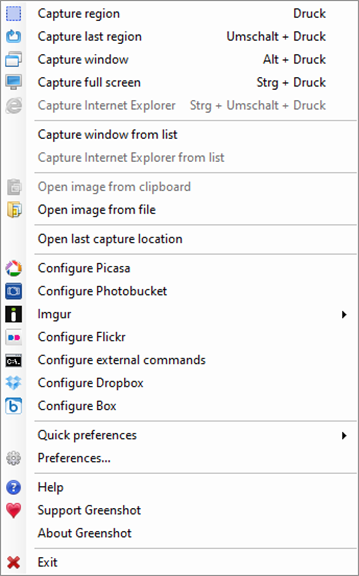
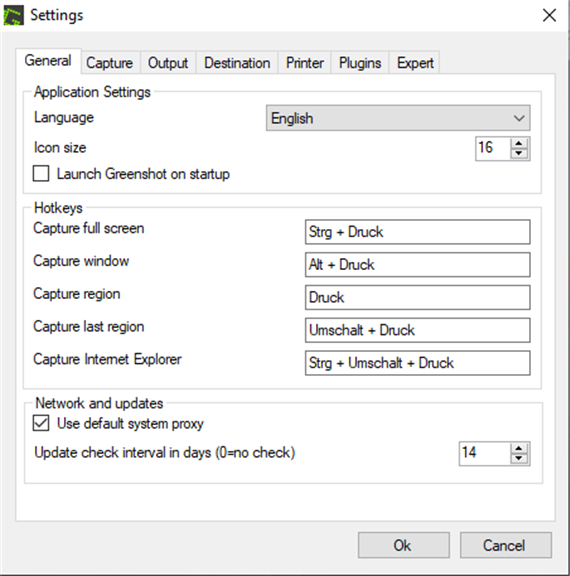
1. Efficiency: Greenshot allows for quick and precise screenshots through its easy-to-use capture modes, saving time in grabbing exactly what you need from your screen.
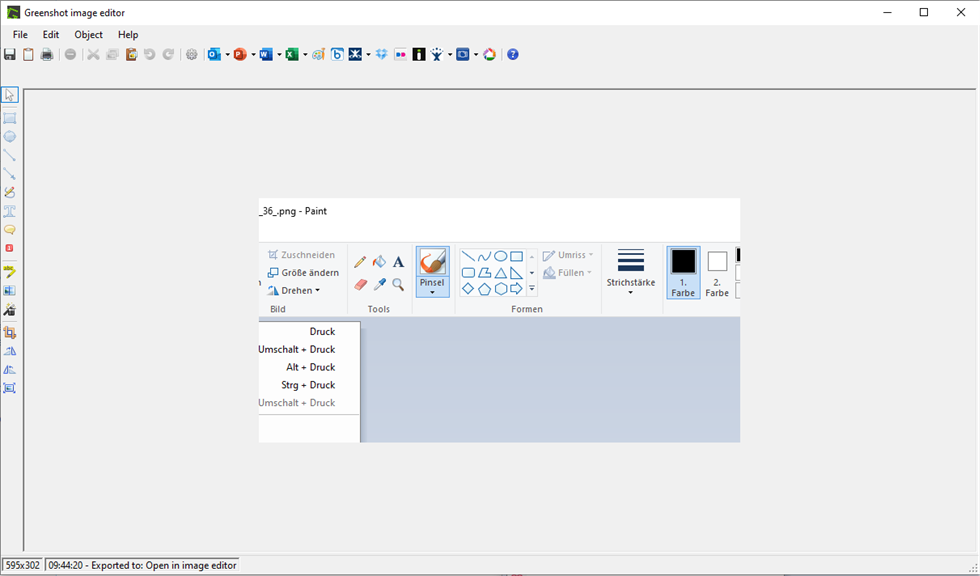
2. Annotation: It offers built-in editing tools to annotate, highlight, or redact parts of the screenshot, enhancing communication and feedback.
3. Integration: Greenshot can directly export captured images to various programs and services, such as email, office applications, or image editing software, streamlining the workflow.
Cons
1. Limited Editing Tools: Greenshot (Unofficial) offers basic annotation and editing options. Users seeking advanced image manipulation features might find the software lacking in functionality compared to more sophisticated image editors.
2. Windows-Centric: Greenshot is primarily designed for Windows users. Individuals using other operating systems may not have access to the software or might experience compatibility issues if there are unofficial ports.
3. No Video Capture: Greenshot is focused on capturing screenshots and does not support video recording. Users requiring screen recording capabilities have to look for other software to fulfill that need.


