
GoPro Player + HyperSmooth Pro
for Windows- Name GoPro Player + HyperSmooth Pro
- Category Photo & video
- Downloads 53,000,000+
- Developer GoPro
- Available on PC
- OS Windows 10 version 17134.0 or higher
- Architecture x64
- Keyboard Integrated Keyboard
- Mouse Integrated Mouse
- Memory 6 GB
- Video Memory 1 GB

Pros
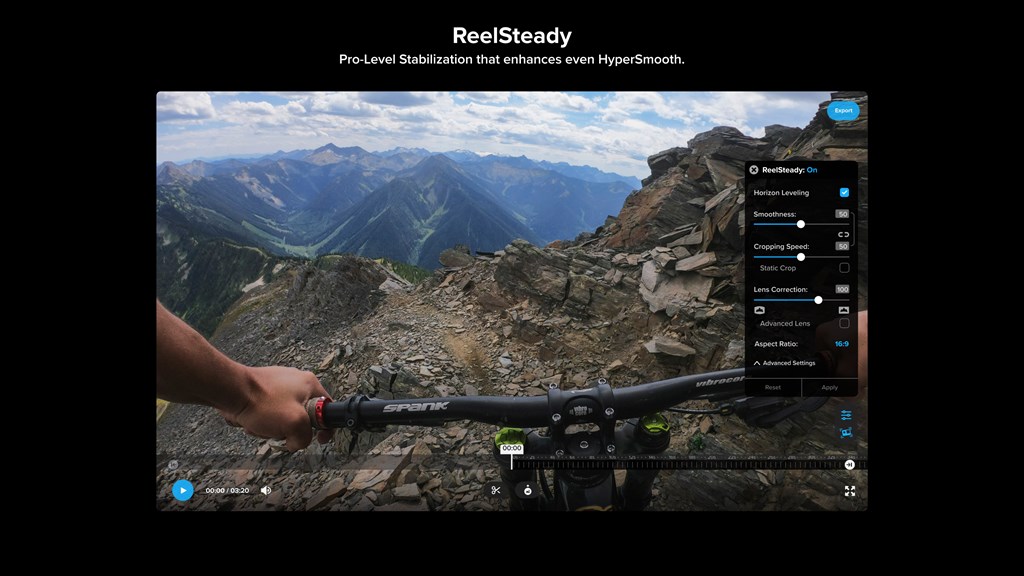
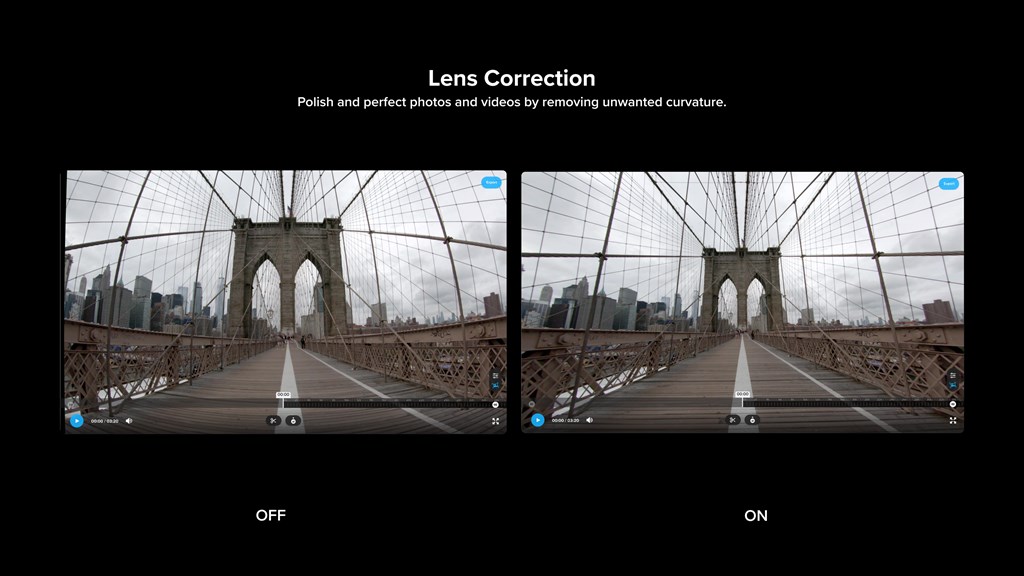
1. Enhanced stabilization: The GoPro Player + HyperSmooth Pro software for PC offers advanced stabilization features, ensuring smooth and shake-free footage.
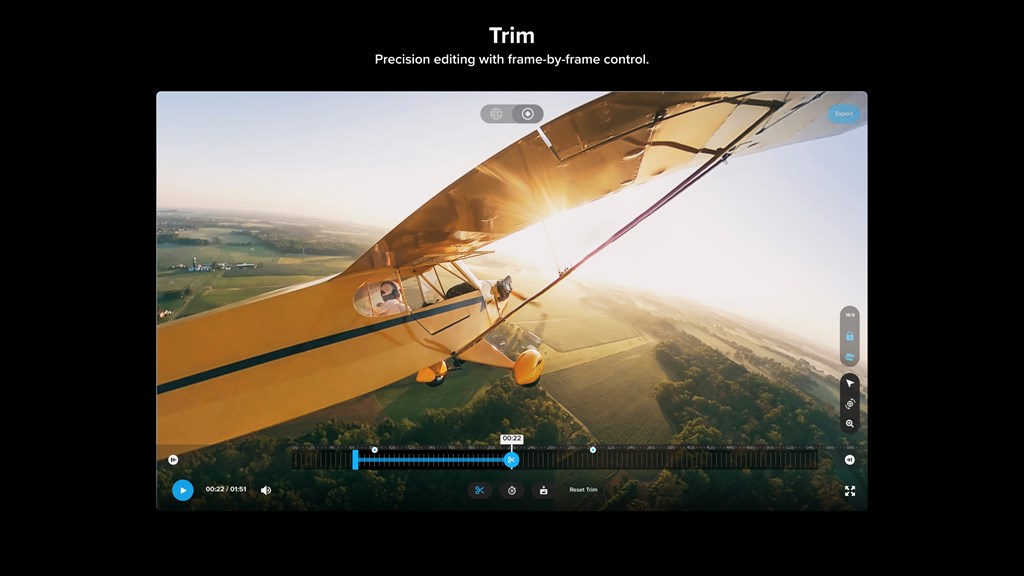
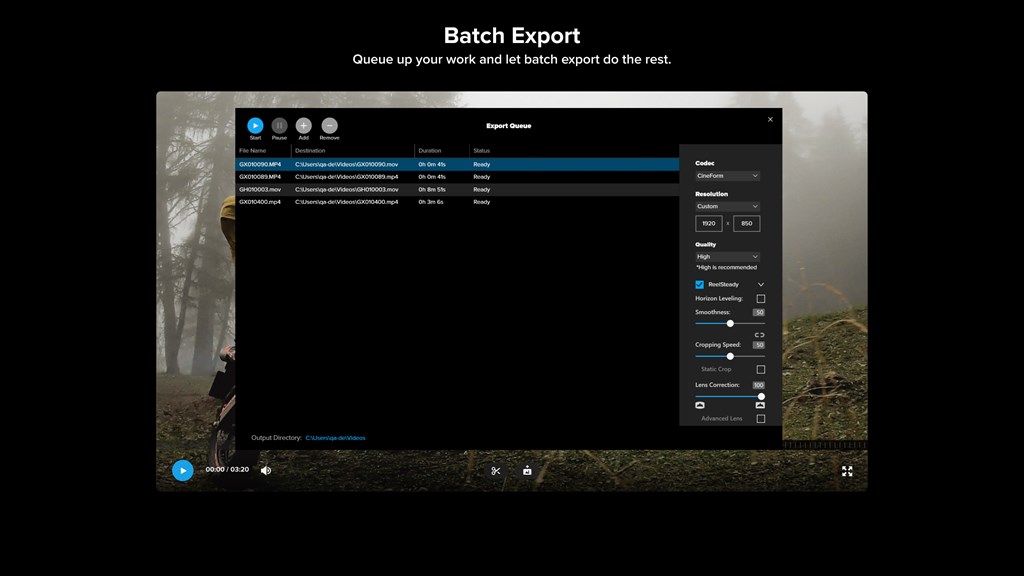
2. Time-saving workflow: With the software, you can easily organize, trim, and edit your GoPro footage, saving you valuable time in post-production.
3. High-quality output: The software enables you to export your videos in high resolution, preserving the stunning details captured by your GoPro, and ensuring professional-looking results.
Cons
1. Limited compatibility: The GoPro Player + HyperSmooth Pro software is only available for PC, which means it is not compatible with Mac operating systems. This restricts its usage and may not be suitable for users who primarily use Mac devices.
2. Steep learning curve: The software has a complex user interface and may require some time for users to understand and navigate its features effectively. This can be a disadvantage for beginners or those looking for a simple and straightforward video editing experience.
3. High system requirements: The software demands a powerful computer with relatively high system specifications to ensure smooth performance. This can be a disadvantage for users with older or low-end PCs, as they may experience lag or degraded performance when using the software.


