
EasyMail - Email client
for Windows- Name EasyMail - Email client
- Category Productivity
- Downloads 85,000,000+
- Developer Tim Grabinat
- Available on PC
- OS Windows 10 version 18362.0 or higher
- Architecture x86, x64, Arm64
- Memory 2 GB
- Keyboard Not specified
- Mouse Not specified
Pros
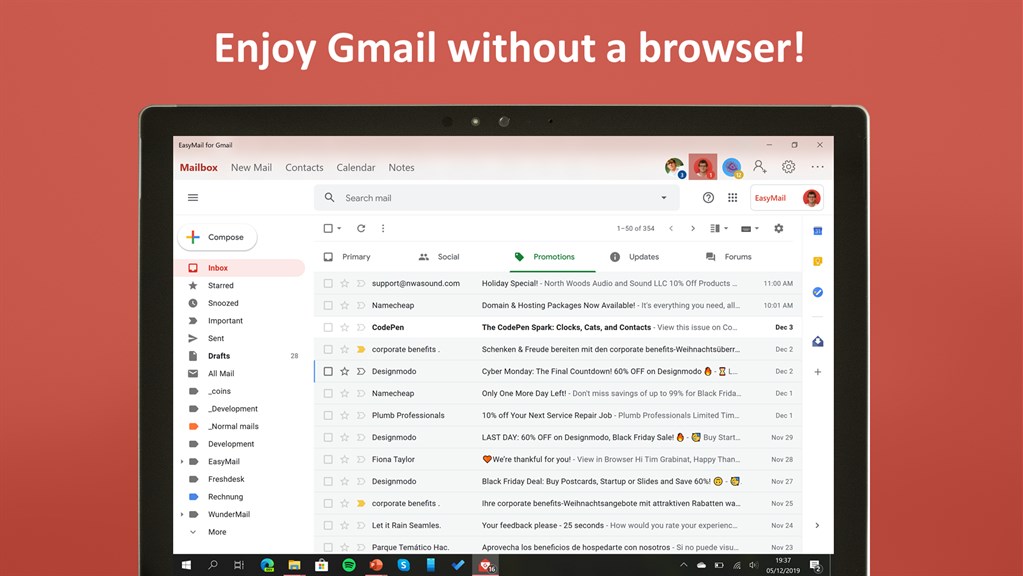
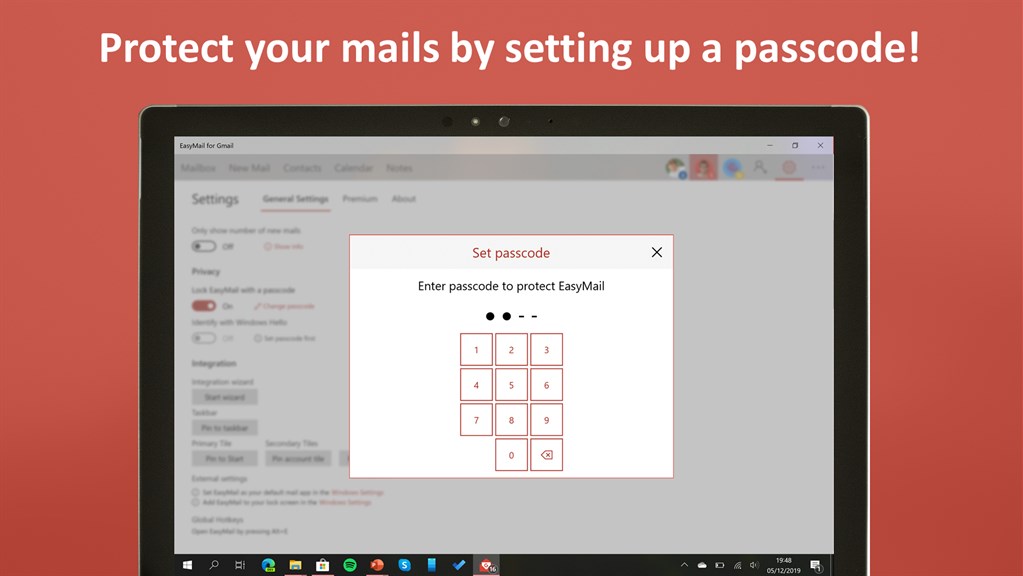
1. Easy to Use: EasyMail's user-friendly interface allows for seamless navigation and efficient email management. Whether you're new to email clients or an experienced user, EasyMail simplifies the process of composing, organizing, and accessing your emails.
2. Enhanced Productivity: With features like quick replies, email templates, and customizable filters, EasyMail boosts productivity by streamlining email communication. You can save time and effort by automating repetitive tasks and focusing on the most important messages in your inbox.
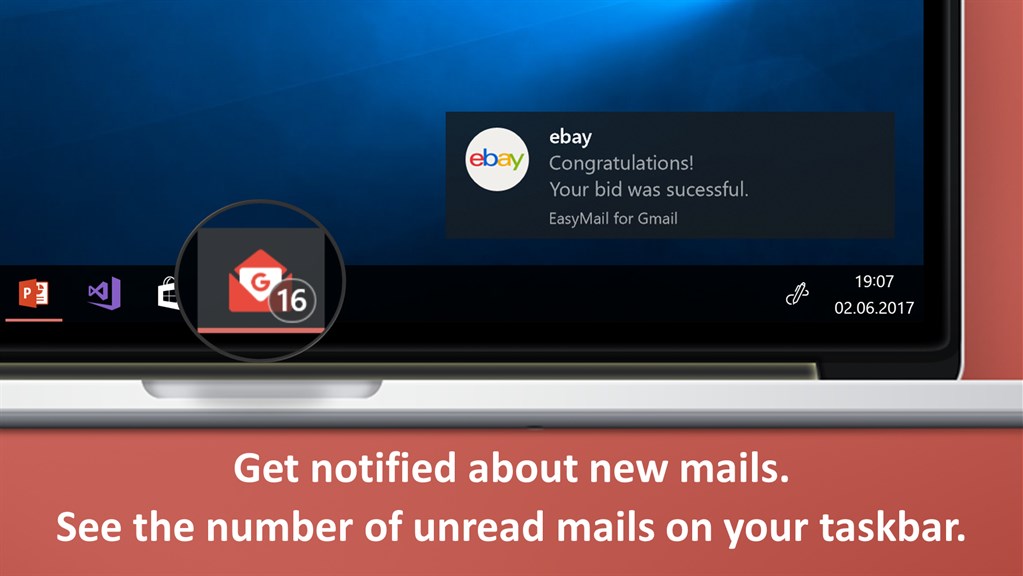
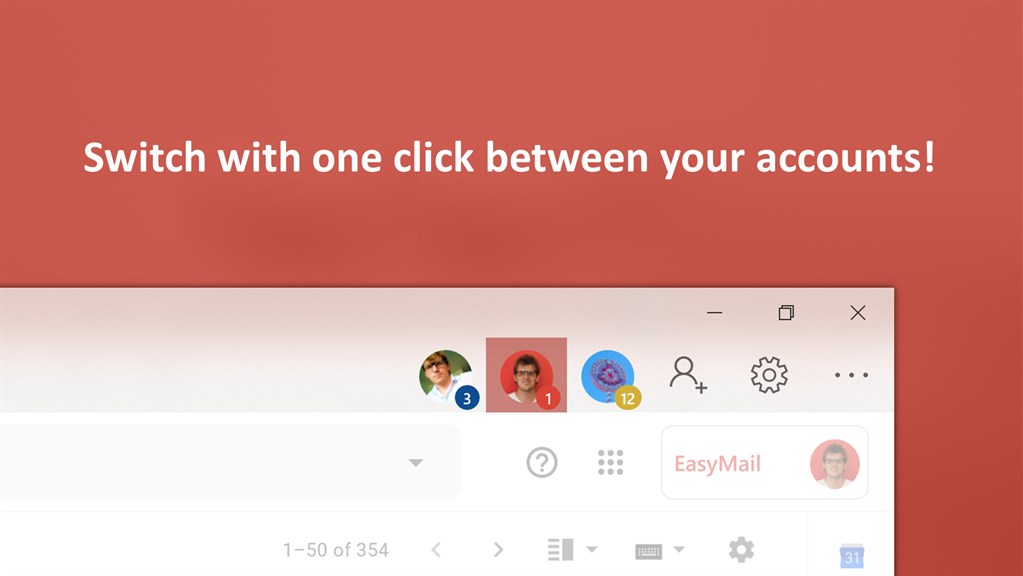
3. Multi-Account Support: EasyMail supports multiple email accounts from various providers, allowing you to easily manage all your messages in one centralized application. With synchronized folders, unified search, and consolidated notifications, you can efficiently stay on top of all your email correspondence.
Cons
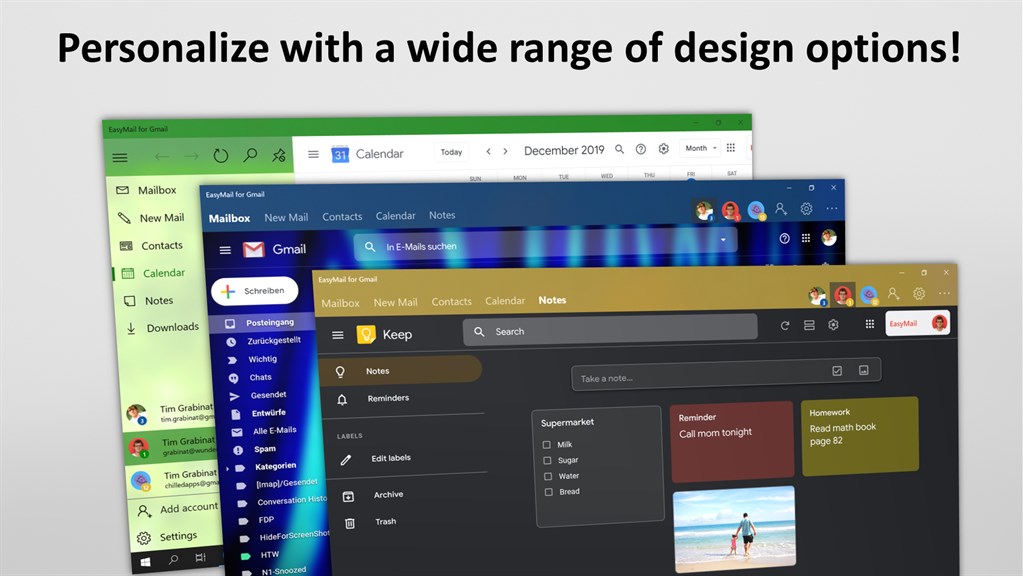
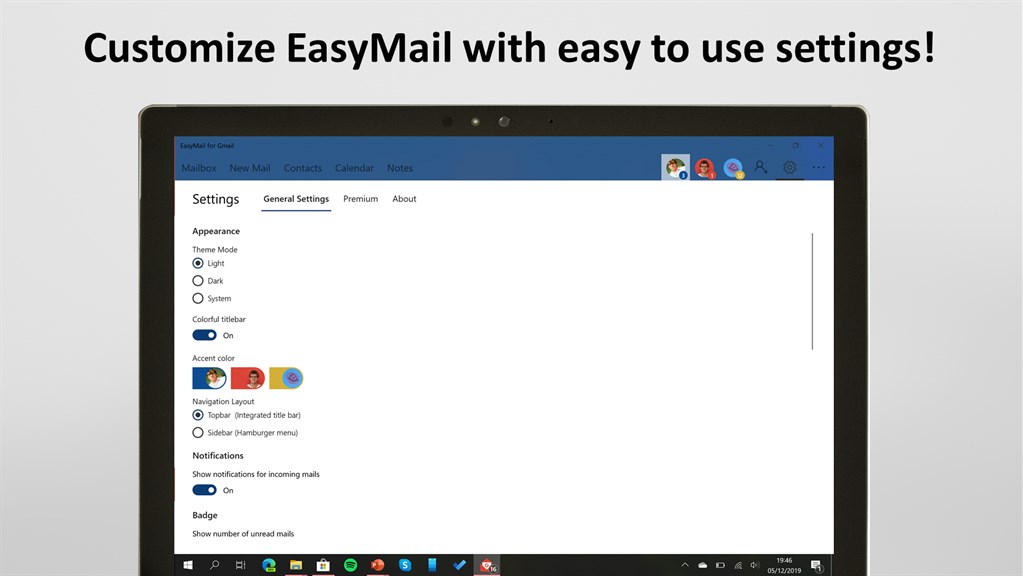
1. Limited customization: EasyMail lacks advanced customization options, limiting users' ability to personalize their email client interface and settings according to their preferences and needs.
2. Limited integration: The software has limited integration capabilities with third-party applications and services, making it challenging to seamlessly connect email accounts with other productivity tools, calendars, or task management apps.
3. Slow performance: Users may experience slow performance, especially when handling large email volumes, due to inefficient resource management and sluggish mail synchronization processes.


