Google Chat
- 1.64K
- 4.8
- Installs
- 940.00M
- Version
- Varies with device

Screenshots










Introduction to Google Chat
Google Chat is a powerful communication tool designed to streamline collaboration and enhance productivity for both individuals and teams. As part of the Google Workspace ecosystem, this app integrates seamlessly with other Google services, making it a go-to solution for businesses and personal users alike. Whether you're looking to chat with colleagues, organize group discussions, or manage projects, Google Chat offers a versatile platform to meet your needs.
Key Features of Google Chat
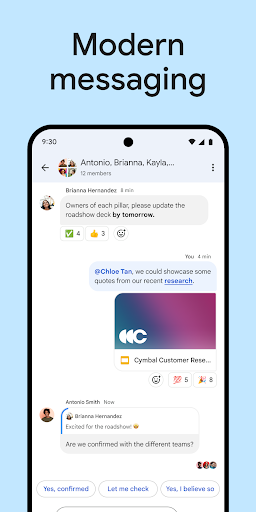
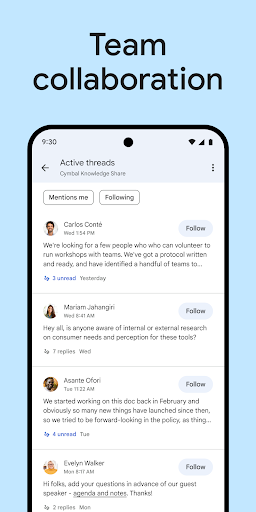
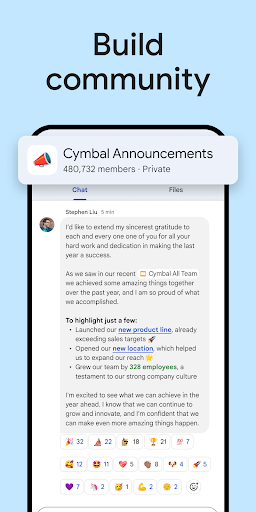
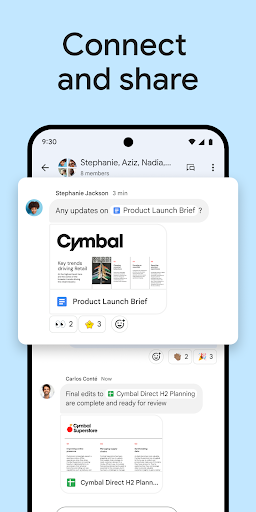
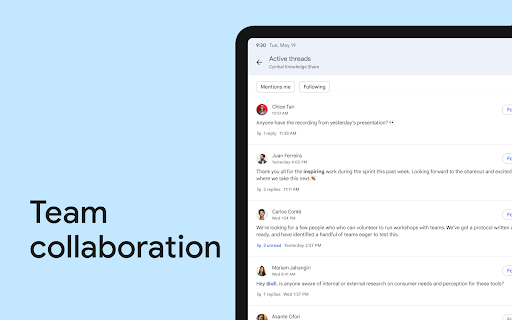
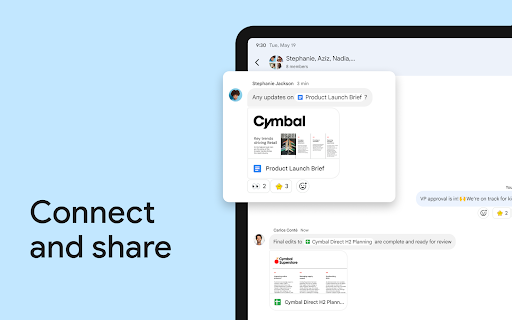
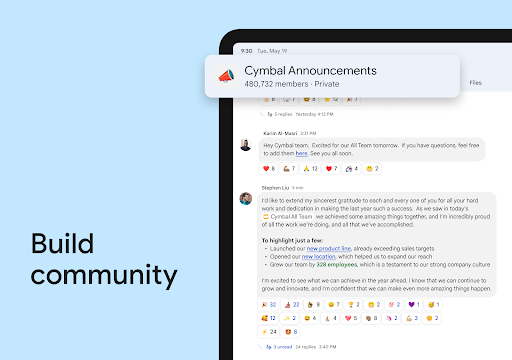
Google Chat is packed with features that make it stand out in the crowded messaging app market. One of its standout features is the ability to create dedicated chat rooms for specific projects or teams. These rooms allow users to share files, assign tasks, and hold threaded conversations, ensuring that discussions remain organized and focused.
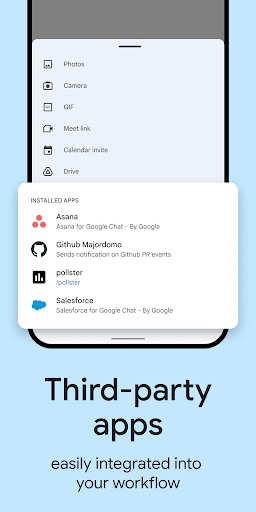
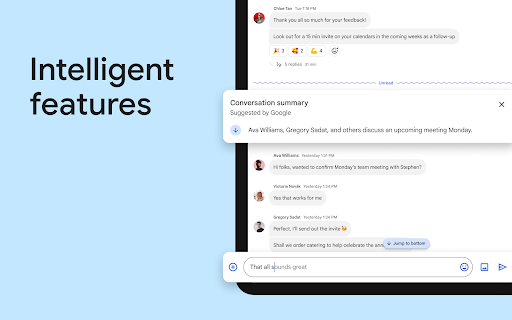
Another notable feature is the integration with Google Meet. With just a click, users can transition from a text-based chat to a video call, making it easy to switch between asynchronous and real-time communication. Additionally, Google Chat supports bots and automation, enabling users to automate repetitive tasks and integrate third-party tools directly into their conversations.
User-Friendly Interface
Google Chat boasts a clean and intuitive interface that is easy to navigate, even for first-time users. The app's design aligns with Google's Material Design principles, offering a consistent and visually appealing experience across devices. The sidebar provides quick access to direct messages, group chats, and rooms, while the main window displays conversations in a clear and organized manner.
For those who prefer keyboard shortcuts, Google Chat offers a range of commands to speed up navigation and enhance productivity. Whether you're on a desktop or mobile device, the app ensures a seamless user experience.
Integration with Google Workspace
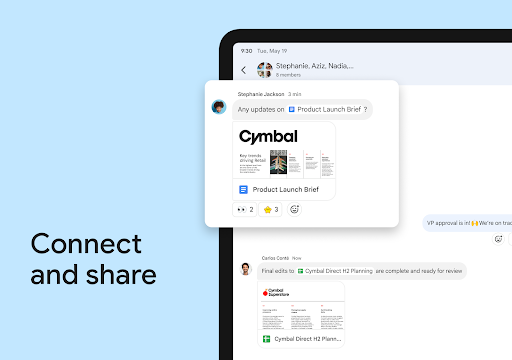
One of Google Chat's biggest advantages is its deep integration with Google Workspace. Users can easily share files from Google Drive, collaborate on Google Docs, Sheets, and Slides, and even schedule meetings using Google Calendar—all without leaving the app. This level of integration eliminates the need to switch between multiple tools, saving time and reducing friction in workflows.
Moreover, Google Chat's compatibility with other Google services ensures that users can access their conversations and files from any device, making it a reliable choice for remote teams and on-the-go professionals.
Security and Privacy
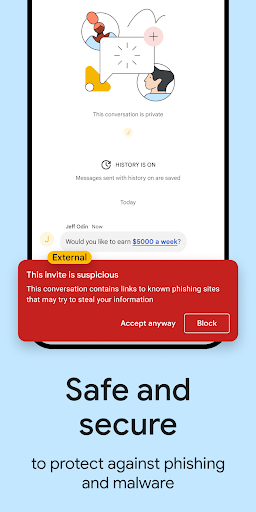
Google takes security and privacy seriously, and Google Chat is no exception. The app employs robust encryption to protect user data, ensuring that conversations and shared files remain secure. For businesses, Google Chat offers advanced admin controls, allowing organizations to manage user permissions, monitor activity, and enforce compliance with company policies.
Additionally, Google Chat adheres to strict data protection regulations, giving users peace of mind when it comes to safeguarding sensitive information.
Cross-Platform Availability
Google Chat is available on multiple platforms, including iOS, Android, and web browsers. This cross-platform compatibility ensures that users can stay connected regardless of the device they're using. The app's synchronization feature ensures that conversations and files are updated in real-time across all devices, providing a consistent experience no matter where you are.
Pricing and Accessibility
Google Chat is included as part of Google Workspace subscriptions, making it an affordable option for businesses of all sizes. Individual users can also access the app for free with a Google account, though some advanced features may require a paid plan. With its flexible pricing and accessibility, Google Chat caters to a wide range of users, from small teams to large enterprises.
Conclusion
Google Chat is a versatile and feature-rich communication tool that excels in fostering collaboration and enhancing productivity. Its seamless integration with Google Workspace, user-friendly interface, and robust security features make it a top choice for both personal and professional use. Whether you're managing a team project or simply staying in touch with friends, Google Chat offers a reliable and efficient platform to meet your communication needs.
Latest Update: Redesigned Chat Header and Streamlined Navigation
Google Chat introduced a redesigned chat header and cleaner navigation to help you find conversations and controls faster. The new header surfaces the space or conversation title, member avatars, quick‑access search, and one‑tap shortcuts for pinned items, notifications, and adding people, with a consistent layout across web, mobile, and within Gmail. Navigation between Chats, Spaces, and Rooms was simplified for quicker switching, keyboard shortcuts and accessibility were improved, and admins can expect a staged rollout for Workspace customers.


