Dayforce
- 1.92K
- 4.7
- Installs
- 60.00M
- Version
- Varies with device

Screenshots
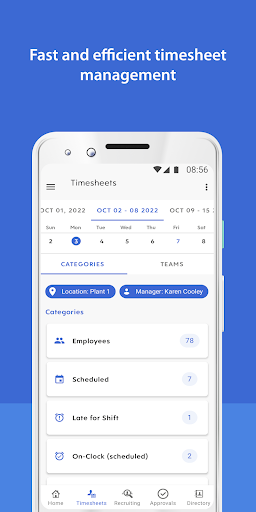
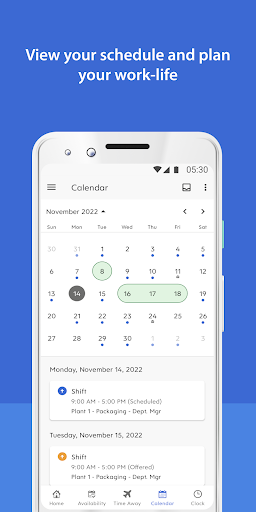

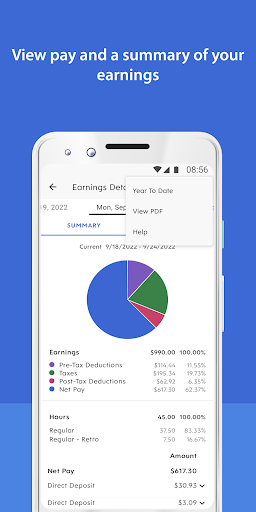

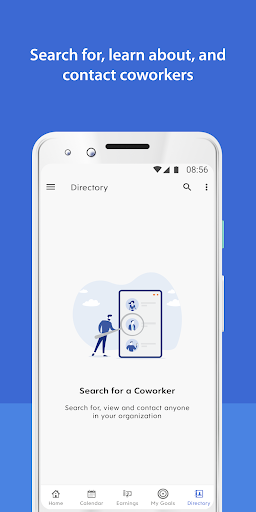
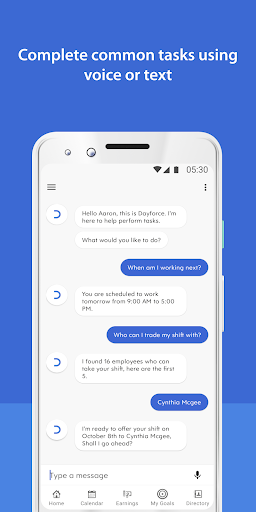


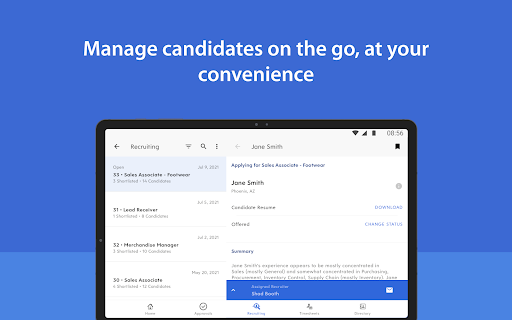


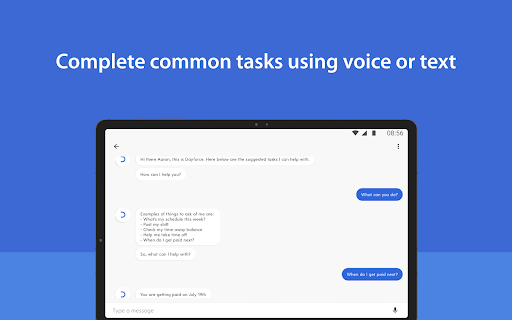


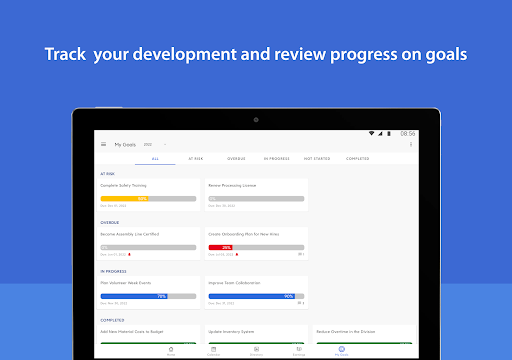


Need access to your work life at your convenience? Dayforce puts you in the driver’s seat with an engaging, intuitive mobile experience to easily manage your work tasks. Whether you’re an employee wanting to submit time off, or a manager needing to action a team member’s request, Dayforce has you covered.
As an employee, being able to access work-related tasks quickly is critical, so you can focus on your job. From checking your schedule, to requesting pay instantly, to setting performance goals, Dayforce lets you manage these tasks from your mobile device.
For managers, supporting your team is a top priority. Being able to respond to employee requests promptly and connect with them when needed improves your effectiveness as a manager. Whether you’re approving a shift trade or time off, or reviewing and authorizing worked time, or simply reaching out to potential candidates, Dayforce builds upon its employee capabilities with even deeper manager functionality.
See how Dayforce can improve work life by providing secure, mobile access to your data, so you can save time, and accomplish tasks more easily.
Please note: Dayforce mobile access is only available to Dayforce customers. If you are an employee of a Dayforce client, please check with your employer before downloading the app to see if they have activated the mobile option.
Disclaimer: Dayforce mobile features will be limited to the Dayforce web version that has been deployed to your organization.


