PhotoArt
- 1.51K
- 4.2
- Installs
- 700.00M
- Version
- Varies with device

Screenshots



Pro
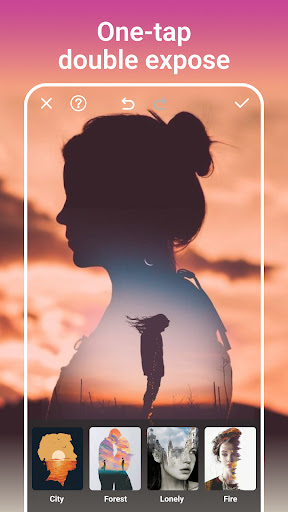
1. User-Friendly Interface: PhotoArt offers an intuitive and easy-to-navigate interface, ensuring users of all skill levels can effortlessly enhance and edit their photos.
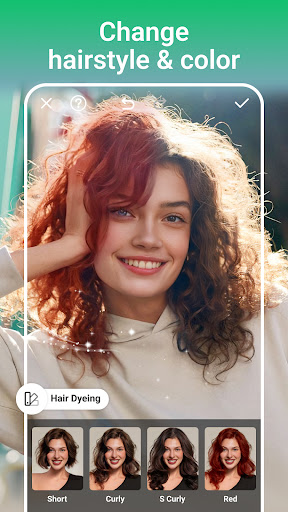
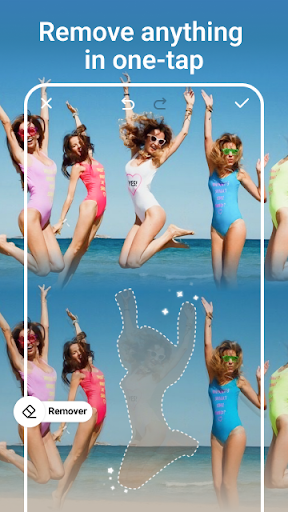
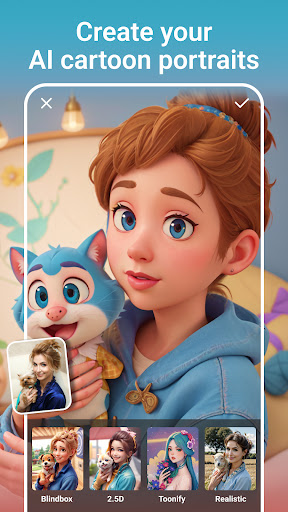
2. Advanced Editing Tools: The application provides a comprehensive suite of editing tools, including filters, effects, and retouch options, allowing for professional-quality photo enhancements.
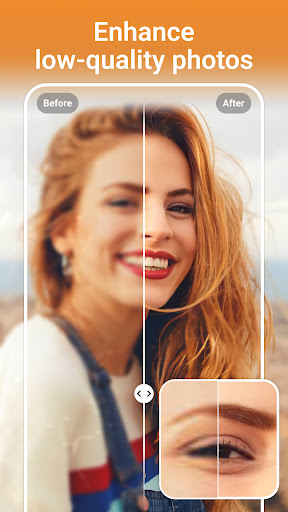
3. AI Capabilities: PhotoArt leverages powerful AI technology to automatically improve photo quality, adjust lighting, and optimize images with minimal user input, saving time and effort.
Con
1. Limited Export Quality: Users have reported that the exported images from PhotoArt sometimes suffer from a noticeable loss in quality compared to the original edit.
2. High Subscription Costs: The application has expensive subscription fees, which might not be justified for more casual users or those on tight budgets.
3. Inconsistent AI Performance: The AI features can be inconsistent, occasionally making errors in photo edits that require manual corrections, reducing overall efficiency.


