Gallery
- 2.28K
- 4.5
- Installs
- 110.00M
- Version
- Varies with device

Screenshots
Pro
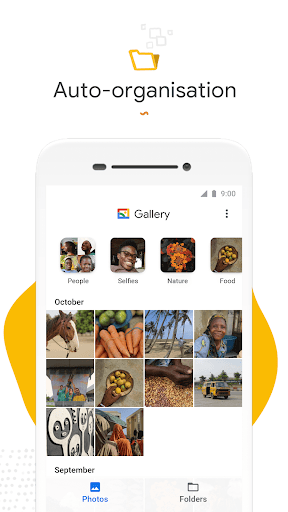
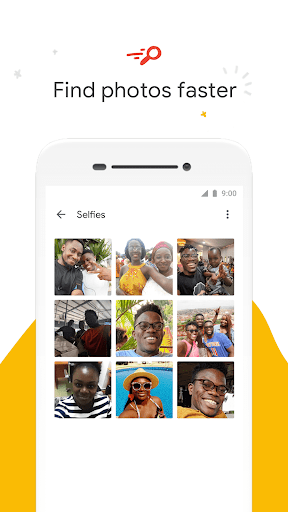
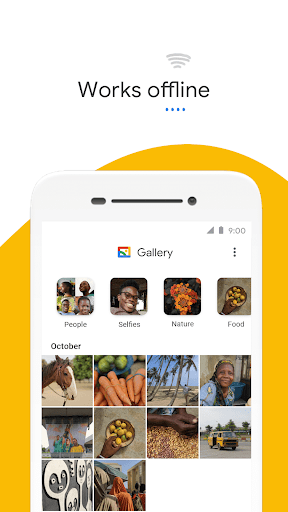
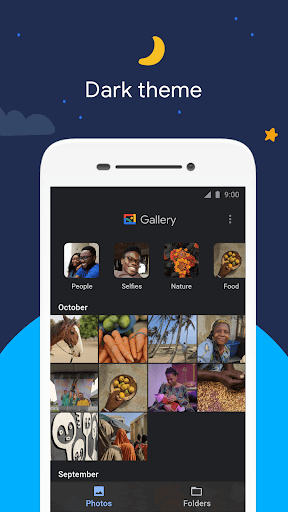
1. Organized Viewing: Gallery apps categorize images and videos, allowing users to quickly locate and browse their media in an organized manner.
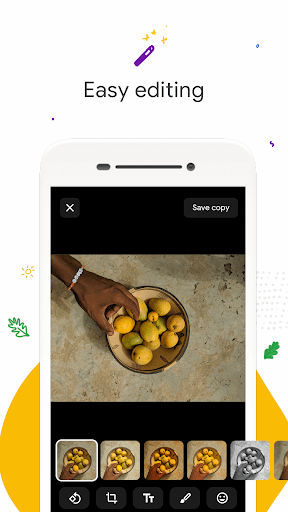
2. Editing Tools: Built-in editing features enable users to enhance and personalize their photos with filters, cropping, and adjustment tools directly within the app.
3. Sharing Capabilities: Gallery applications often include easy sharing options, letting users conveniently send images and videos to others or upload them to social media platforms.
Con
1. Limited Editing Features: The Gallery application often falls short in providing advanced image editing tools and functionalities compared to specialized photo editing software, limiting users who want to do more than basic edits.
2. Performance Issues with Large Libraries: Users with a high volume of images may experience slowdowns or crashes, as the Gallery app may struggle with managing and smoothly displaying a large number of files.
3. Basic Organizational Capabilities: The organizational features in the Gallery app are usually basic, lacking in-depth sorting, tagging, and filtering options that help manage extensive collections of images efficiently.


