
Windows Terminal
for Windows- Name Windows Terminal
- Category Developer tools
- Downloads 19,000,000+
- Developer Microsoft Corporation
- Available on PC
- OS Windows 10 version 19041.0 or higher
- Architecture x86, x64, Arm64
- Keyboard Not specified
- Notes Not specified
Pros
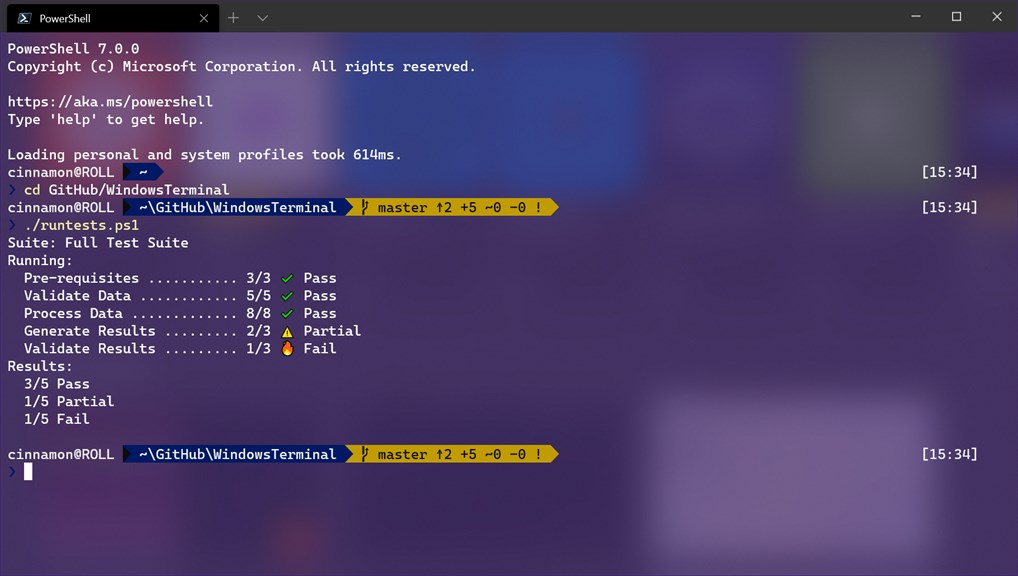
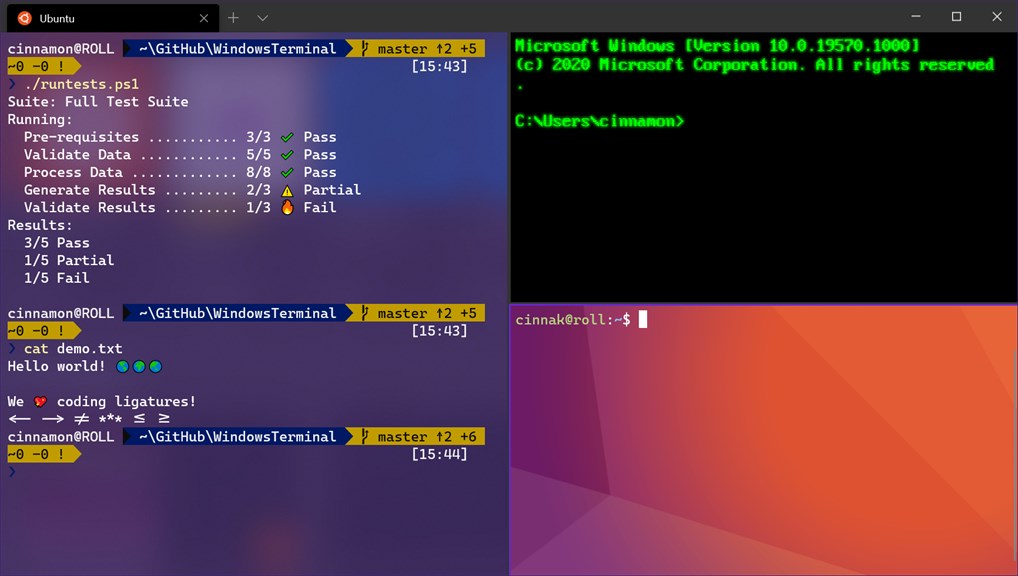
1. Enhanced Productivity: Windows Terminal combines multiple command-line tools and shells in a single application, enabling users to streamline their workflow and switch between different environments effortlessly, resulting in increased efficiency and productivity.
2. Customizable Interface: With Windows Terminal, users can tailor the appearance and behavior of the application to suit their needs. From custom themes and color schemes to personalized keyboard shortcuts, Windows Terminal offers a high level of customization for an optimized user experience.
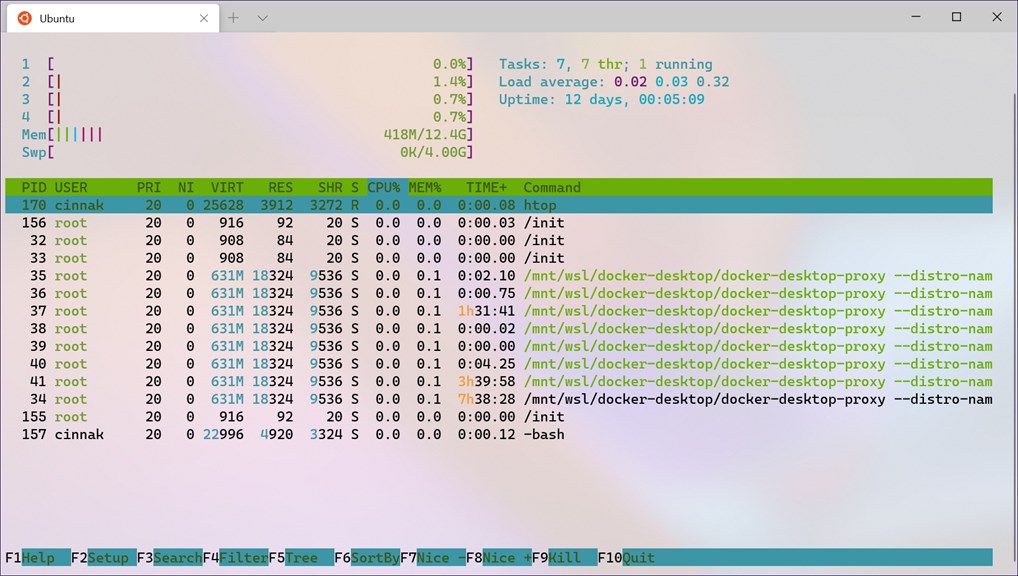
3. Seamless Integration: Windows Terminal seamlessly integrates with Windows Subsystem for Linux (WSL) and Azure Cloud Shell, making it an ideal choice for developers, system administrators, and IT professionals. It provides a unified interface to access various command-line environments, allowing for seamless collaboration and efficient management of different systems.
Cons
1. Limited customization: The Windows Terminal software for PC offers limited options for customization, such as color schemes and background images, which may not meet the preferences of all users.
2. Compatibility issues: Some older applications and commands may not work seamlessly with the Windows Terminal software, potentially causing compatibility issues or requiring additional troubleshooting steps.
3. Resource-intensive: The Windows Terminal software can be resource-intensive, especially when running multiple instances or using complex configurations, which may result in slower performance on low-end or older PCs.


