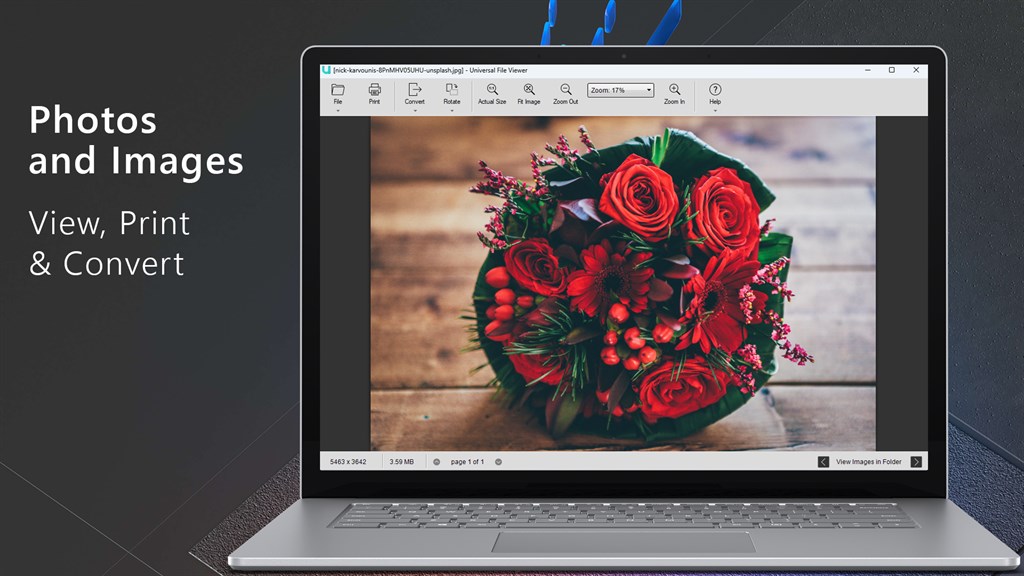
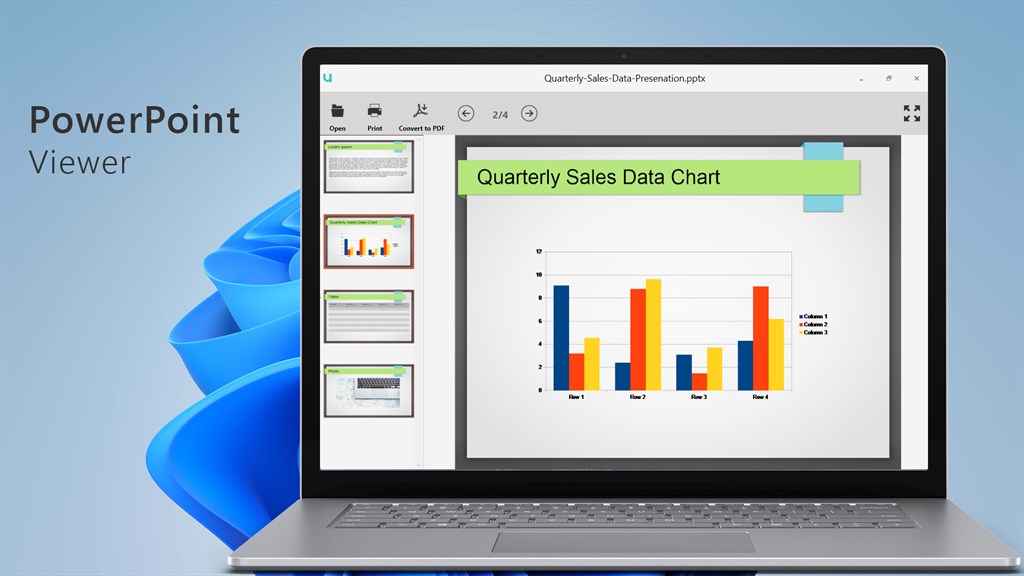
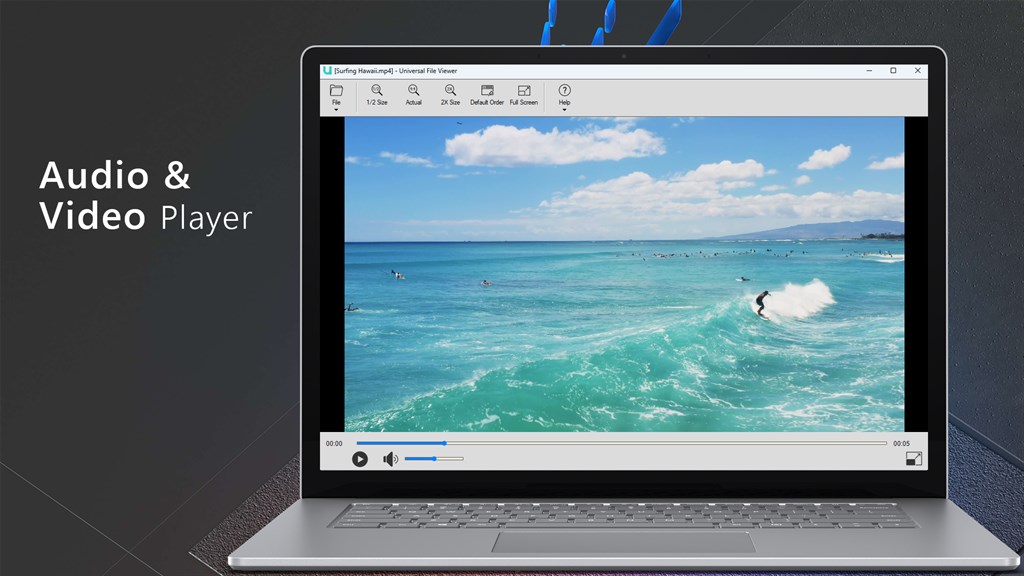
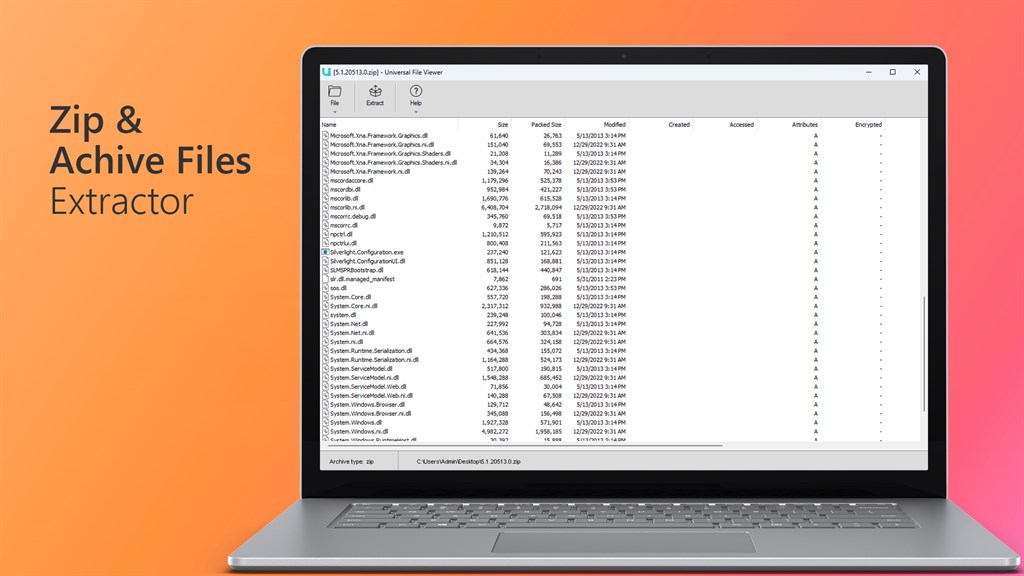
Universal File Viewer: PDF, DOCX, XLSX, PPTX and More

for Windows
4.8
  • Name Universal File Viewer: PDF, DOCX, XLSX, PPTX and More
  • Category Utilities & tools
  • Downloads 27,000,000+
  • Developer LISApp Studio
  • Available on PC
  • OS Windows 10 version 14393.0 or higher
  • Architecture x86
Universal File Viewer: PDF, DOCX, XLSX, PPTX and More_1
Universal File Viewer: PDF, DOCX, XLSX, PPTX and More_2
Universal File Viewer: PDF, DOCX, XLSX, PPTX and More_3
Universal File Viewer: PDF, DOCX, XLSX, PPTX and More_4
Universal File Viewer: PDF, DOCX, XLSX, PPTX and More_5
Universal File Viewer: PDF, DOCX, XLSX, PPTX and More_6
Universal File Viewer: PDF, DOCX, XLSX, PPTX and More_7
Universal File Viewer: PDF, DOCX, XLSX, PPTX and More_8
Universal File Viewer: PDF, DOCX, XLSX, PPTX and More_9
Universal File Viewer: PDF, DOCX, XLSX, PPTX and More_10

Pros

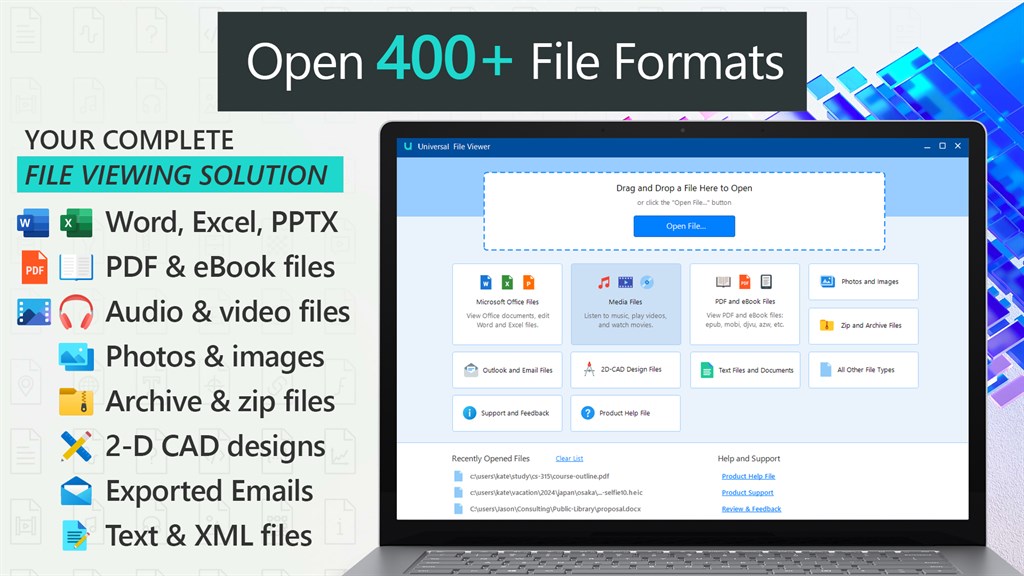
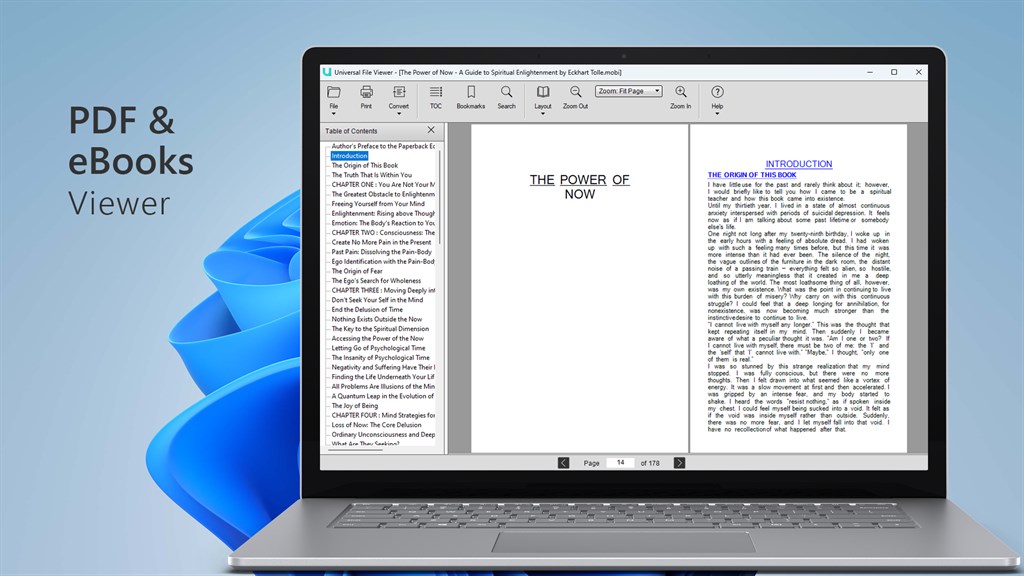
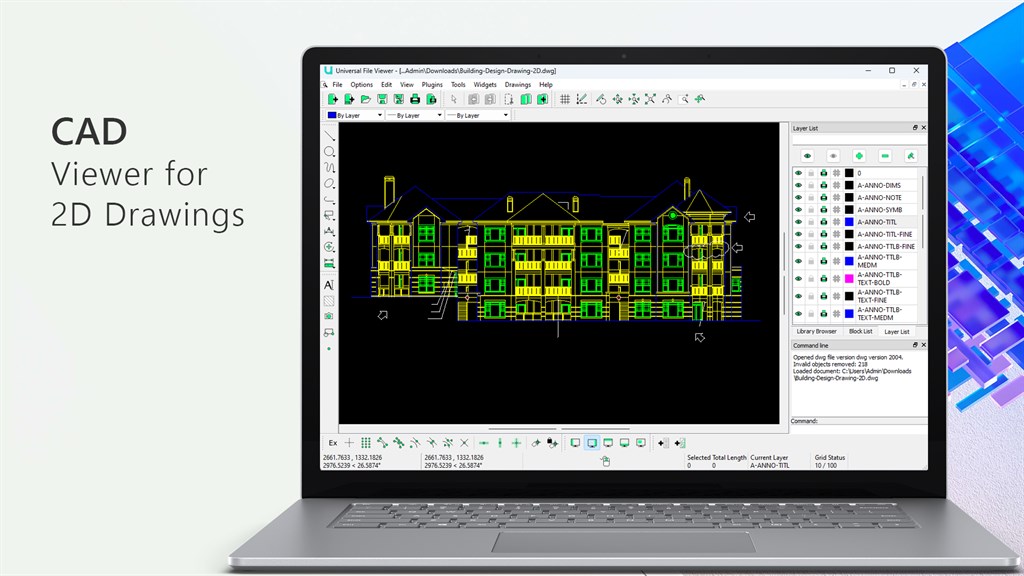
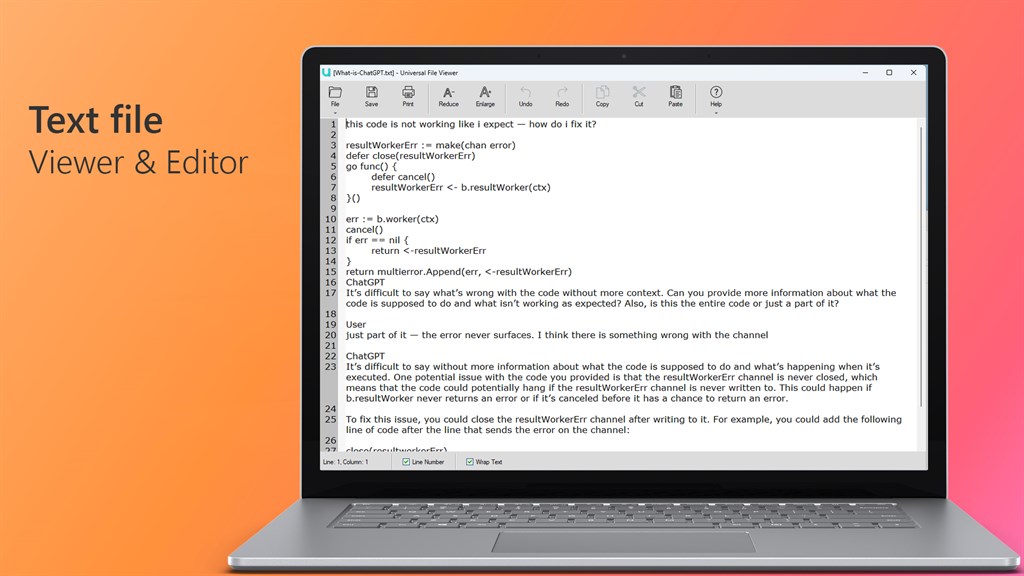
1. Versatility: Universal File Viewer supports numerous file formats, including PDF, DOCX, XLSX, and PPTX, providing users with a one-stop solution for viewing a wide range of document types without the need for multiple specialized programs.

2. Convenience: With the ability to open and view many different file types from a single application, users can save time and streamline their workflow, avoiding the hassle of switching between different software tools.

3. Ease of use: The software typically offers a user-friendly interface, making it accessible for individuals of all skill levels to open and view files quickly, without the need for extensive training or technical knowledge.

Cons

1. Compatibility Issues: Universal File Viewer may not support all file formats or the latest versions of documents, which can limit its usefulness when working with less common or updated file types.

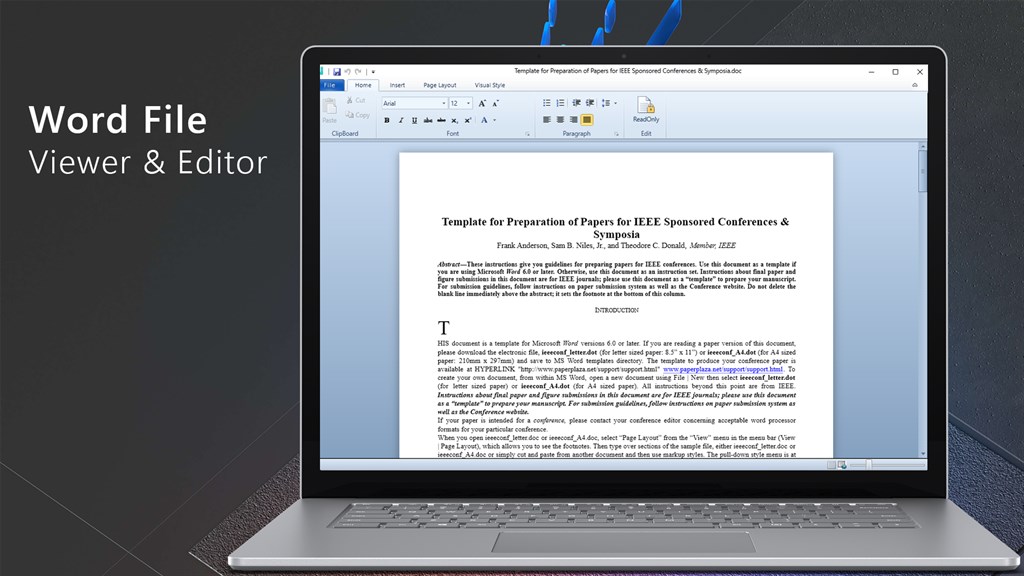
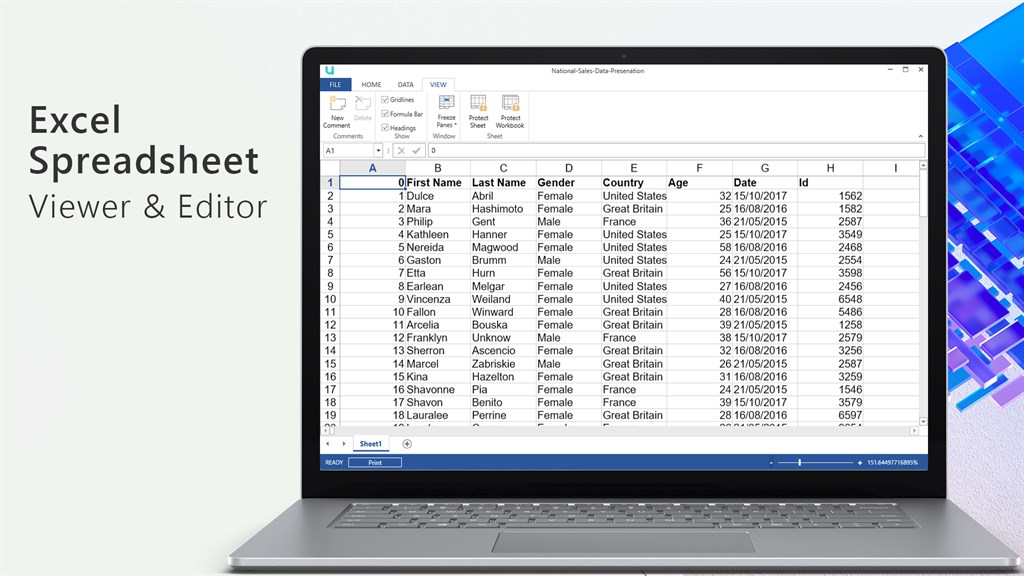
2. Limited Editing Features: The software primarily focuses on viewing files, so it might offer limited or no editing features, reducing its functionality for users who need to modify documents.

3. Performance Concerns: Depending on the implementation, Universal File Viewer could be resource-intensive, leading to slow performance on older or less powerful PCs, especially when viewing large or complex files.

Free Download for Windows

You may also like

AnyDesk

AnyDesk

Utilities & tools
4.5
Download
Snipping Tool

Snipping Tool

Utilities & tools
4.4
Download
Rufus

Rufus

Utilities & tools
4.9
Download
Calculator +

Calculator +

Utilities & tools
4.7
Download
Google Play Store

Google Play Store

Utilities & tools
4.5
Download
Samsung Update

Samsung Update

Utilities & tools
4.3
Download

Top Downloads for Windows

Amazon Music

Amazon Music

for Windows
4.2
TT Geometry

TT Geometry

for Windows
4.4
AnyConnect

AnyConnect

for Windows
4.8
Pixel Studio

Pixel Studio

for Windows
4.7
Facebook

Facebook

for Windows
4.4
EasyCast - Mirror Display

EasyCast - Mirror Display

for Windows
4.5
Boom 3D: Audio Enhancer, Equalizer & Bass

Boom 3D: Audio Enhancer, Equalizer & Bass

for Windows
4.7
DRC INSIGHT Online Assessments

DRC INSIGHT Online Assessments

for Windows
4.1
SVG Design Editor for Creative Makers

SVG Design Editor for Creative Makers

for Windows
4.6
Android File Transfer - Transfer your files

Android File Transfer - Transfer your files

for Windows
4.8
Speed Test for Windows

Speed Test for Windows

for Windows
4.6
GPS Map+

GPS Map+

for Windows
4.1