
Termius - SSH & SFTP client
for Windows- Name Termius - SSH & SFTP client
- Category Developer tools
- Downloads 31,000,000+
- Developer Termius Corporation
- Available on PC
- OS Windows 10 version 14316.0 or higher
- Keyboard Integrated Keyboard
- Mouse Integrated Mouse
- Memory 750 MB
Pros
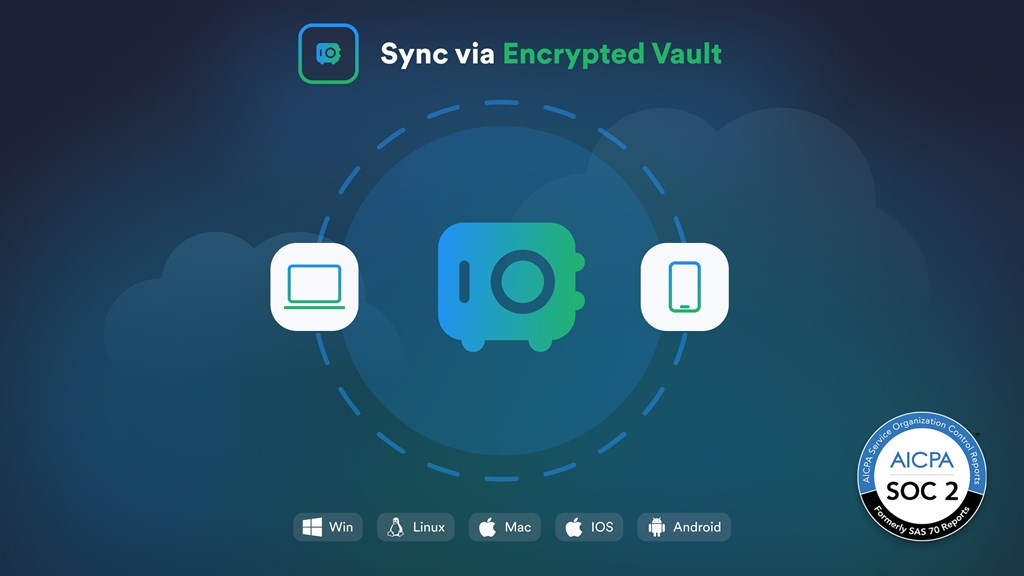
1. Cross-platform Synchronization: Termius allows seamless synchronization of connection data, credentials, and history across all your devices including PCs and smartphones, enhancing workflow efficiency for users managing multiple systems.
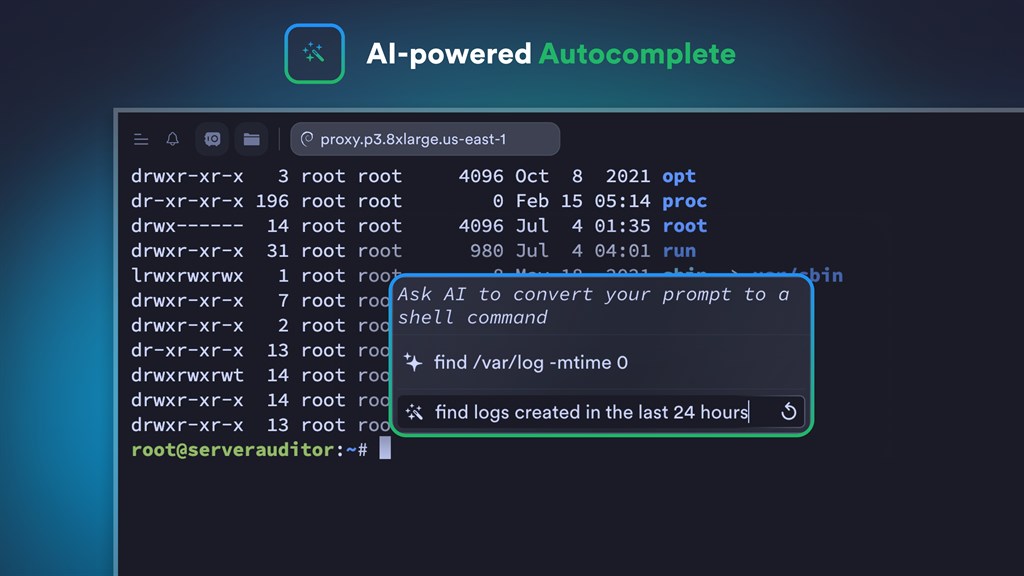
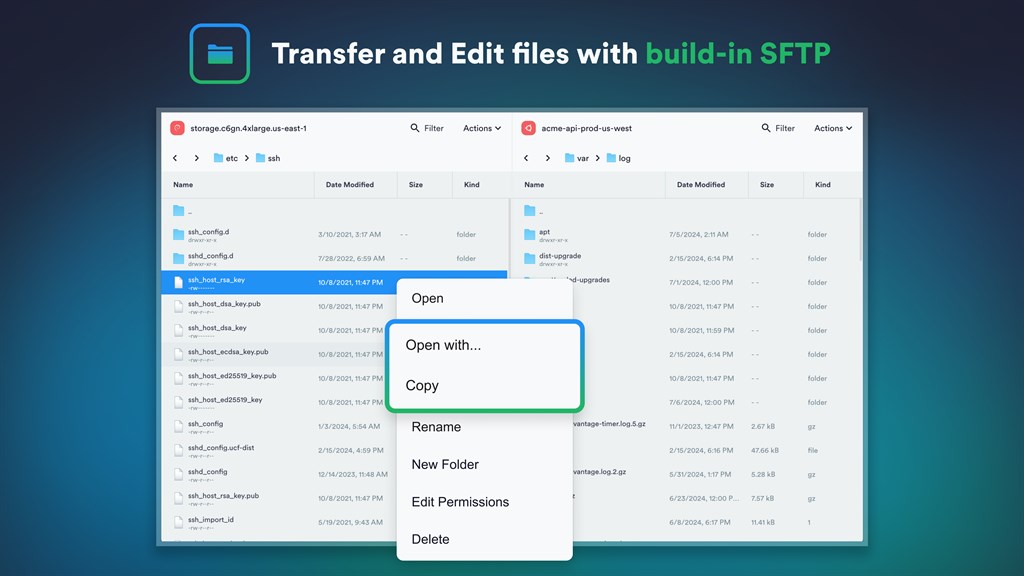
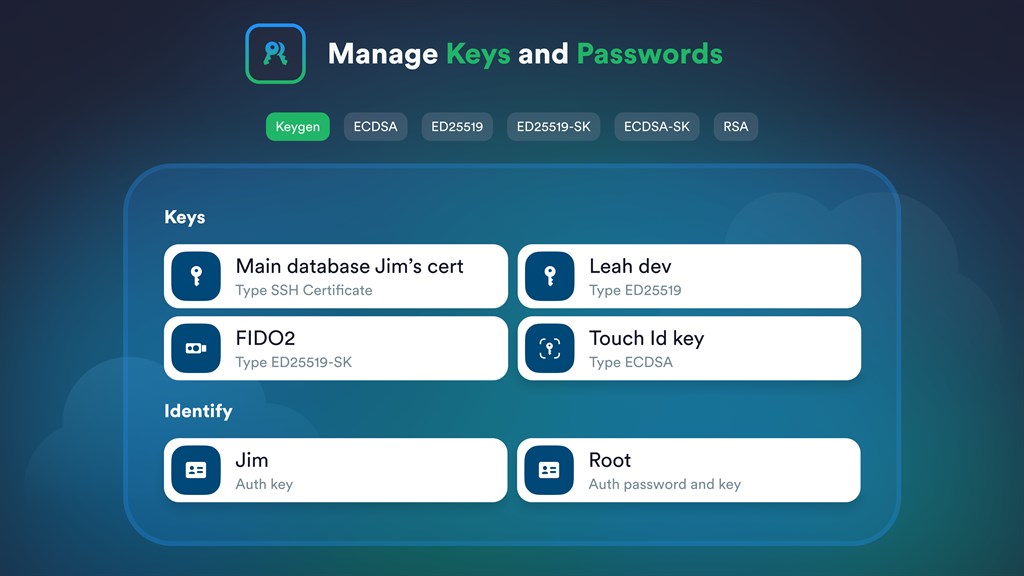
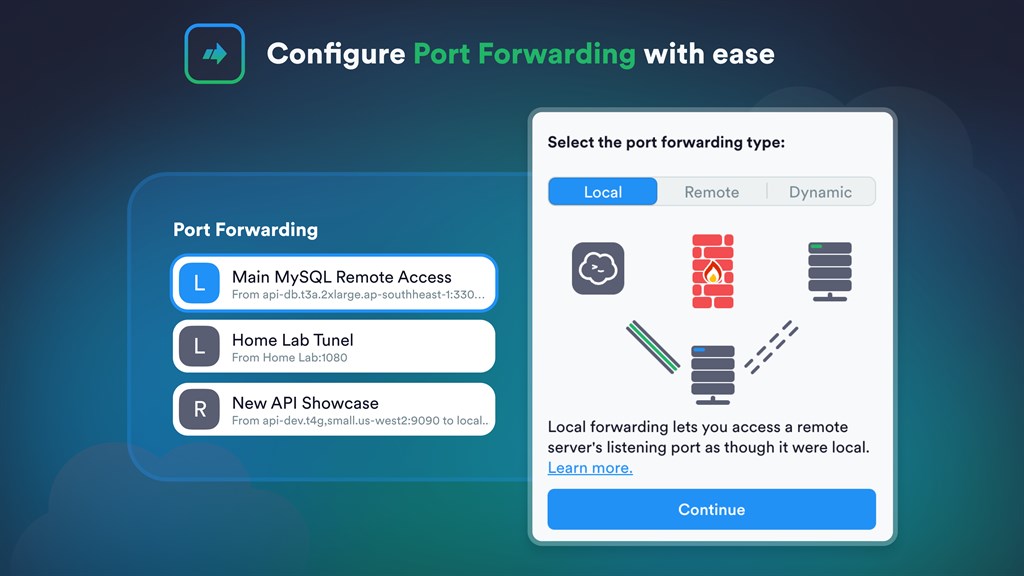
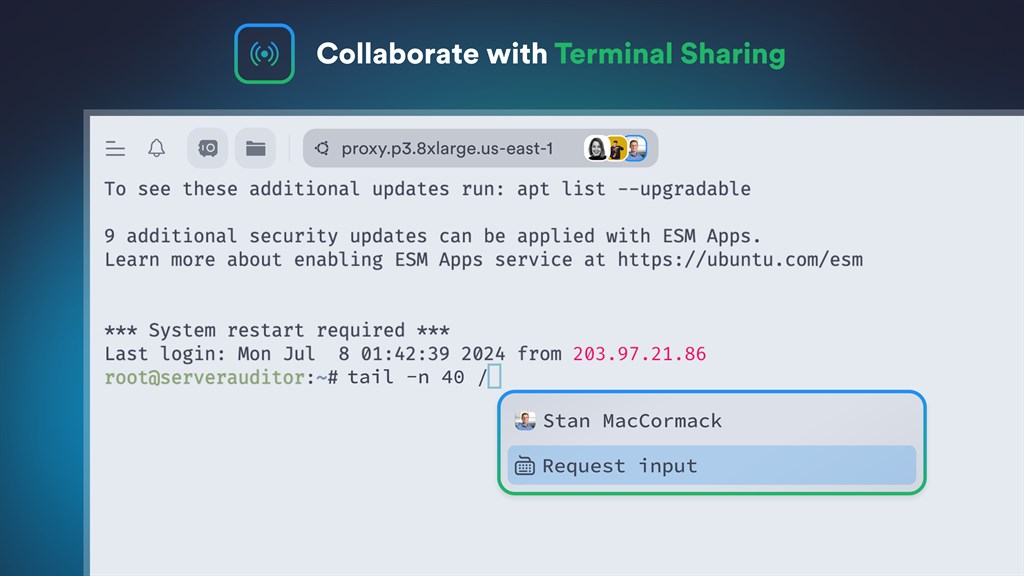
2. Rich Feature Set: Termius provides advanced SSH features such as built-in SFTP client, SSH key pair generation, and support for port forwarding, enabling enhanced security and versatility for remote server management.
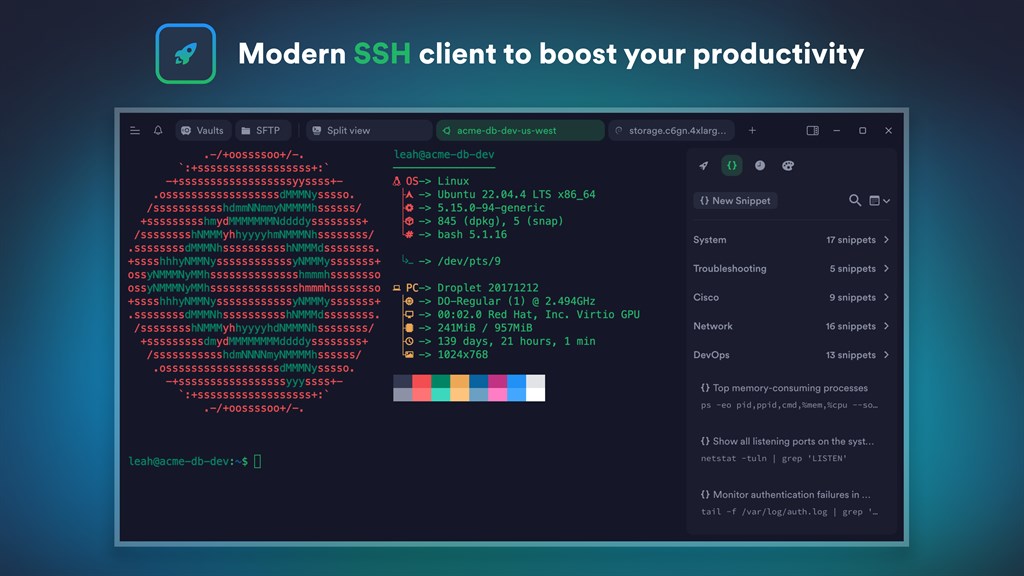
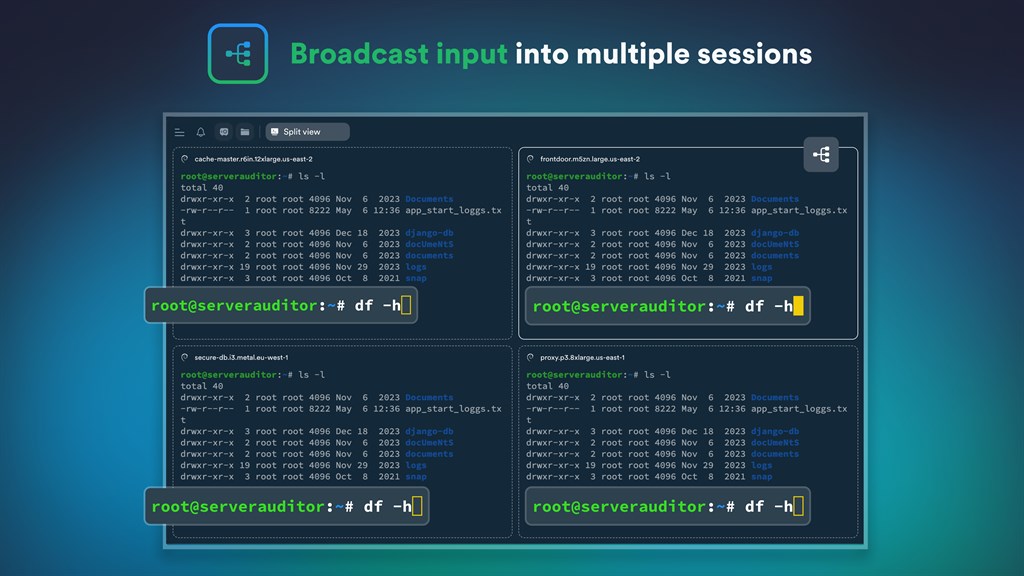
3. User-friendly Interface: With its modern and intuitive interface, Termius simplifies the management of multiple SSH sessions, organizing hosts into groups and offering easy-to-navigate connection settings, making it accessible for both novice and experienced users.
Cons
1. Paid Features: Termius offers a free tier, but several essential and advanced features are locked behind a subscription model, requiring users to pay for the premium version to access them.
2. Platform Compatibility: Termius is primarily designed for mobile devices, and while it does support PC, its user interface and experience may not feel as native or intuitive on desktop environments compared to dedicated PC SSH clients.
3. Learning Curve: New users or those transitioning from other SSH clients may find Termius's interface and functionality slightly complex or different to get accustomed to, potentially leading to a steeper learning curve in the beginning.


