
Screen Recorder+
for Windows- Name Screen Recorder+
- Category Productivity
- Downloads 108,000,000+
- Developer Mobility in Life applications
- Available on PC
- OS Windows 10 version 16299.0 or higher
- Architecture x86, x64
Pros
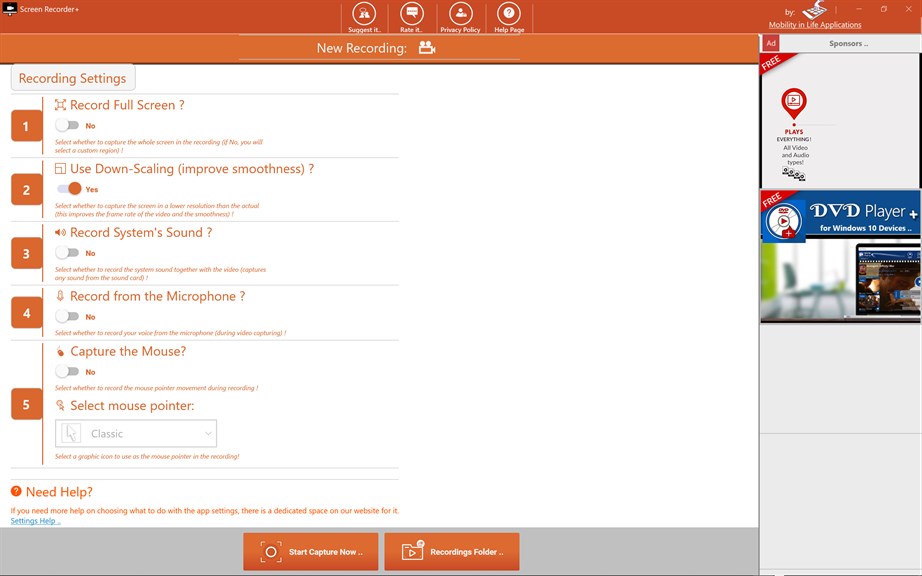
1. User-Friendly Interface: Screen Recorder+ offers an intuitive and simple layout, making it easy for users of all levels to navigate and quickly start recording their PC screen without extensive technical knowledge.
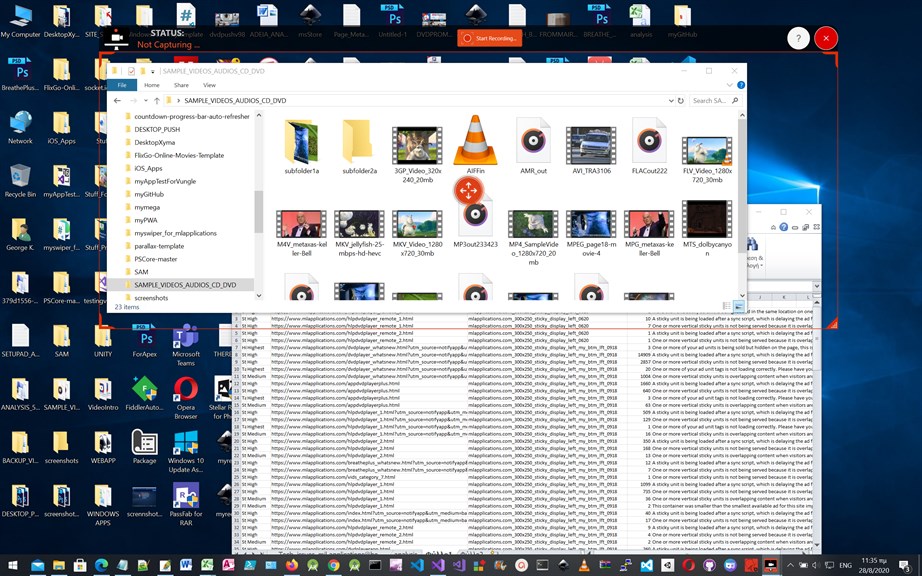
2. Versatile Recording Options: The software allows recording of the full screen, specific regions, webcam, and audio, providing flexibility to capture a wide range of content according to user needs.
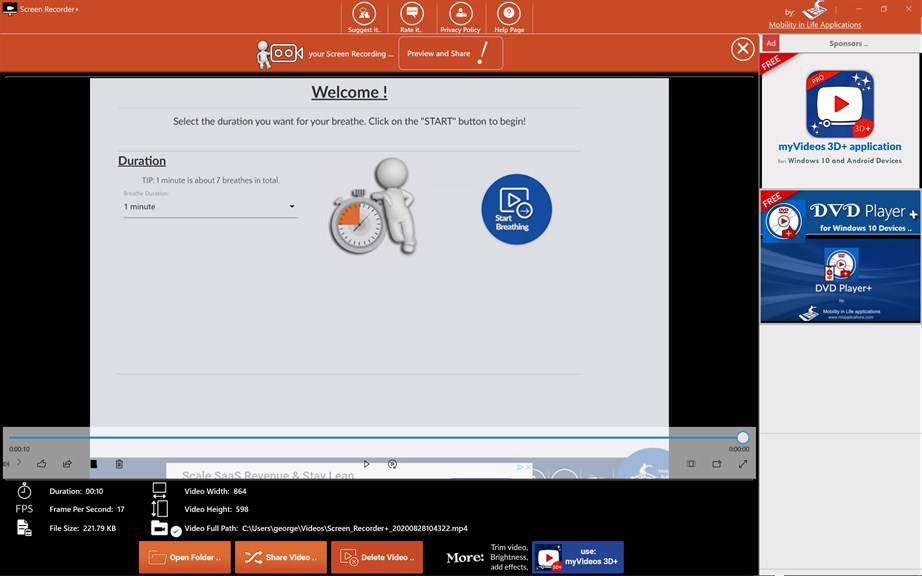
3. High-Quality Output: Screen Recorder+ ensures that the recorded video maintains high resolution and clear audio quality, resulting in professional-looking screen captures suitable for presentations, tutorials, or video content creation.
Cons
1. Limited Editing Features: Screen Recorder+ offers basic recording functionalities but may lack advanced editing tools, which can be a setback for users looking to fine-tune their recordings or create polished content directly within the software.
2. Performance Impact: On some PCs, particularly those with lower specs, Screen Recorder+ can cause a noticeable drop in system performance during recording sessions due to its resource demands, leading to lag or reduced frame rates in the final output.
3. Free Version Limitations: The free version of Screen Recorder+ often comes with restrictive limitations such as watermarks on recordings, time limits, or locked features which necessitate a purchase to unlock the full suite of options.


