
OfficeSuite Personal Office Pack & PDF Editor
for Windows- Name OfficeSuite Personal Office Pack & PDF Editor
- Category Productivity
- Downloads 23,000,000+
- Developer MobiSystems
- Available on PC, Mobile, Surface Hub
- OS Windows 10 version 14393.0 or higher
- Architecture x64
- Memory 1 GB
- Processor 1 GHz or faster, 2-core
Pros
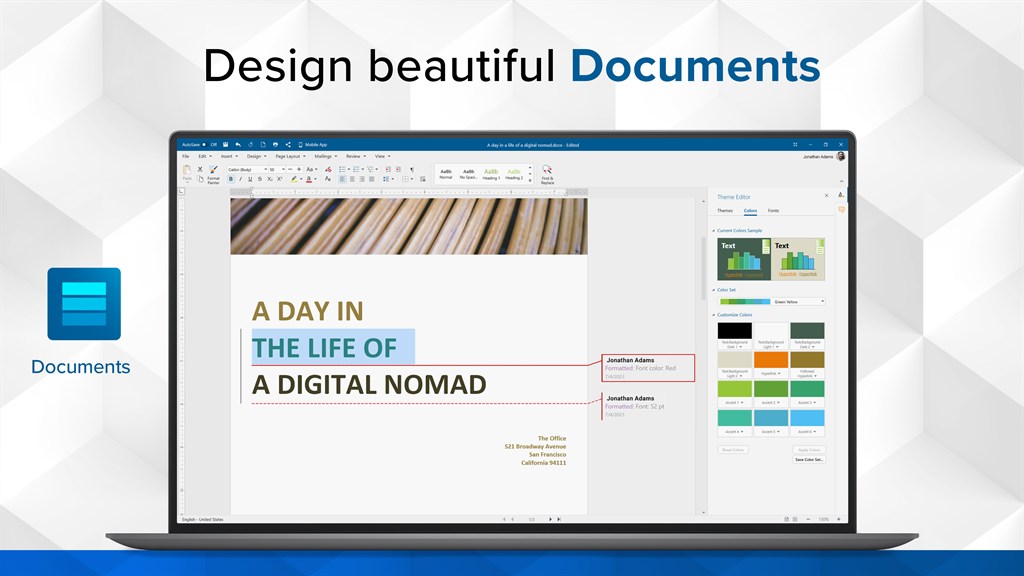
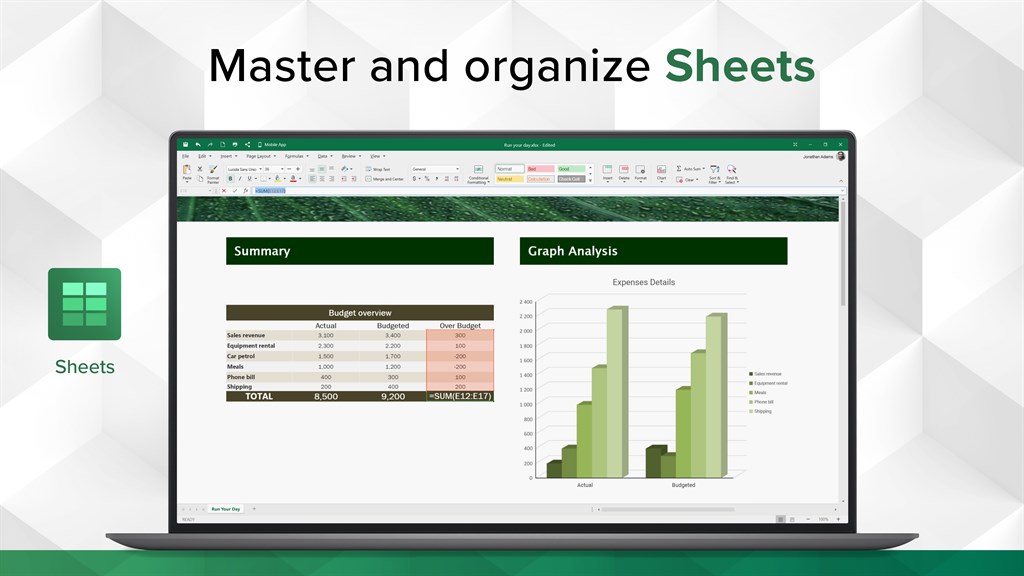
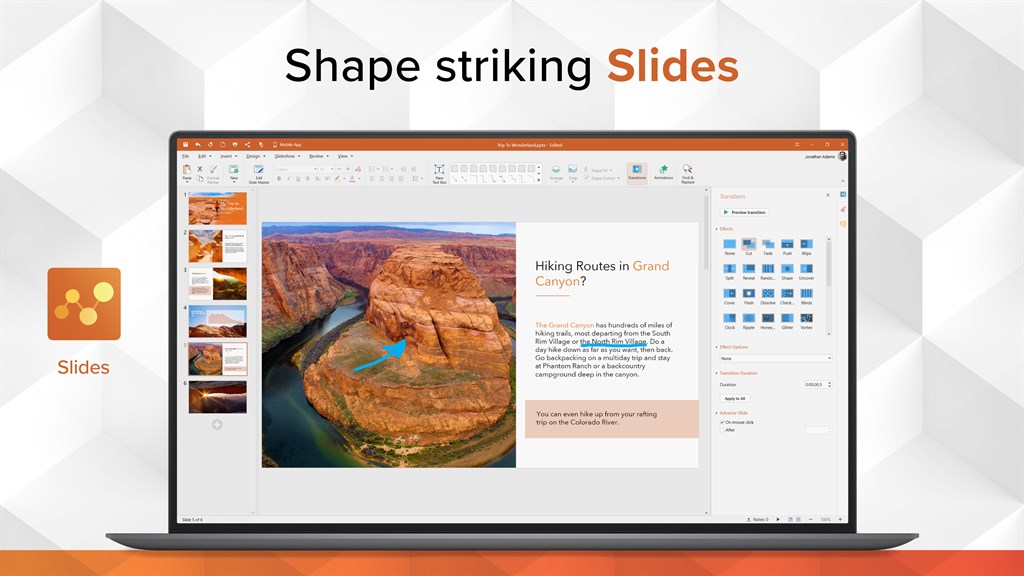
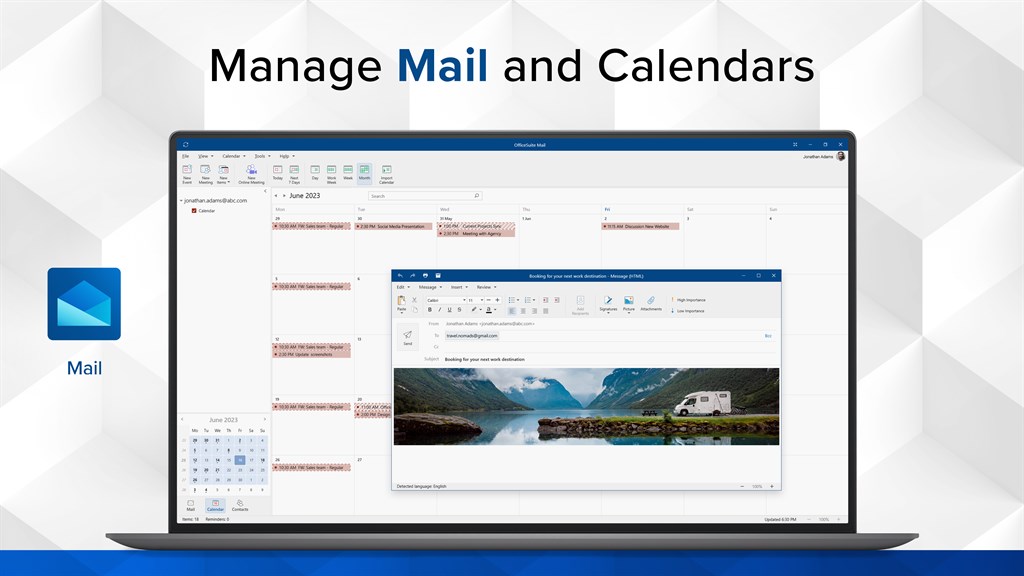
1. Versatility: OfficeSuite Personal Office Pack & PDF Editor offers a comprehensive suite of productivity tools, including word processing, spreadsheet creation, presentation editing, and PDF management, facilitating seamless multitasking and eliminating the need for multiple software applications.
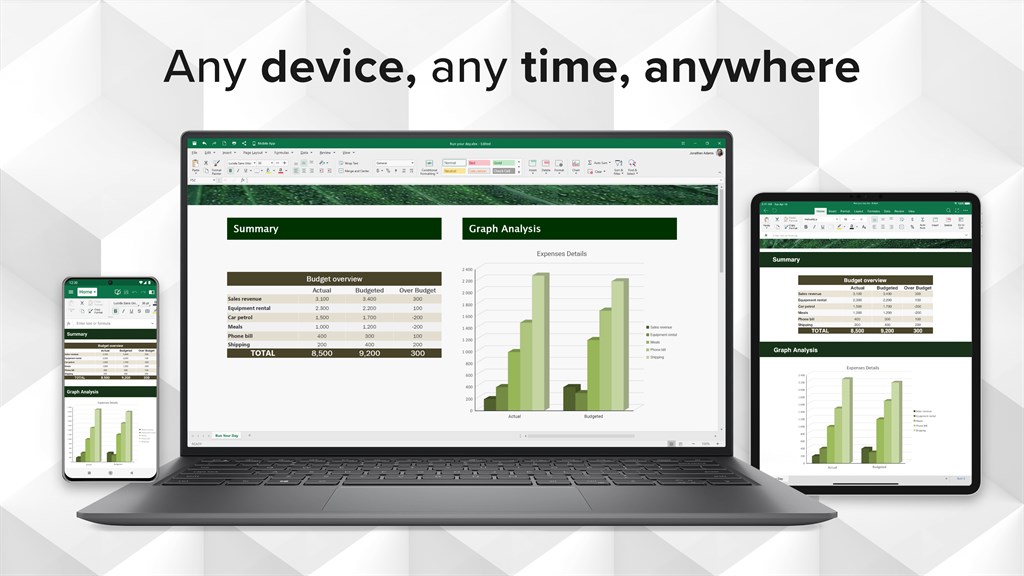
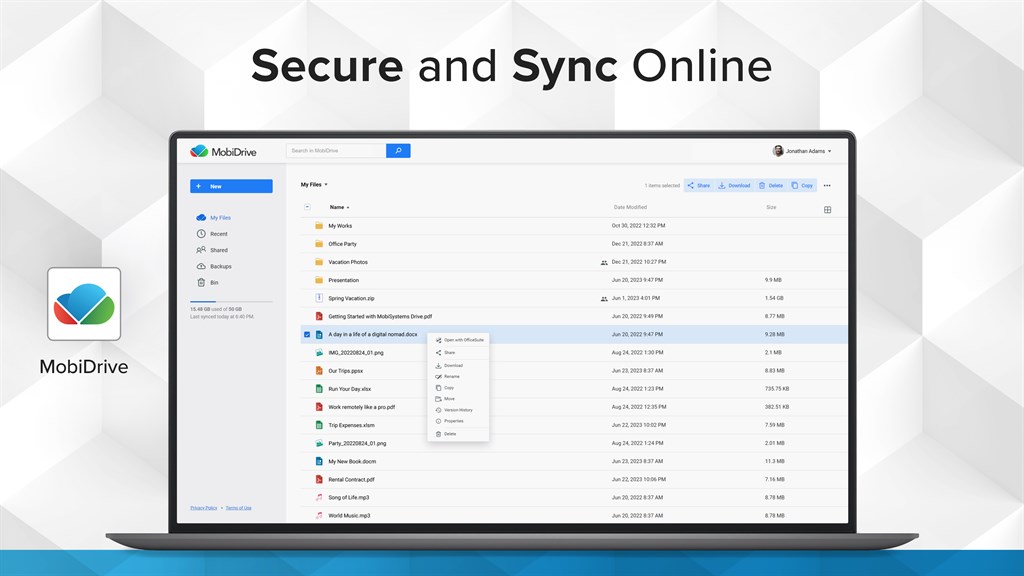
2. Cross-platform compatibility: This software is compatible with popular PC operating systems, allowing users to access their files and work on the go, irrespective of the device they choose to use, such as Windows, macOS, or Linux.
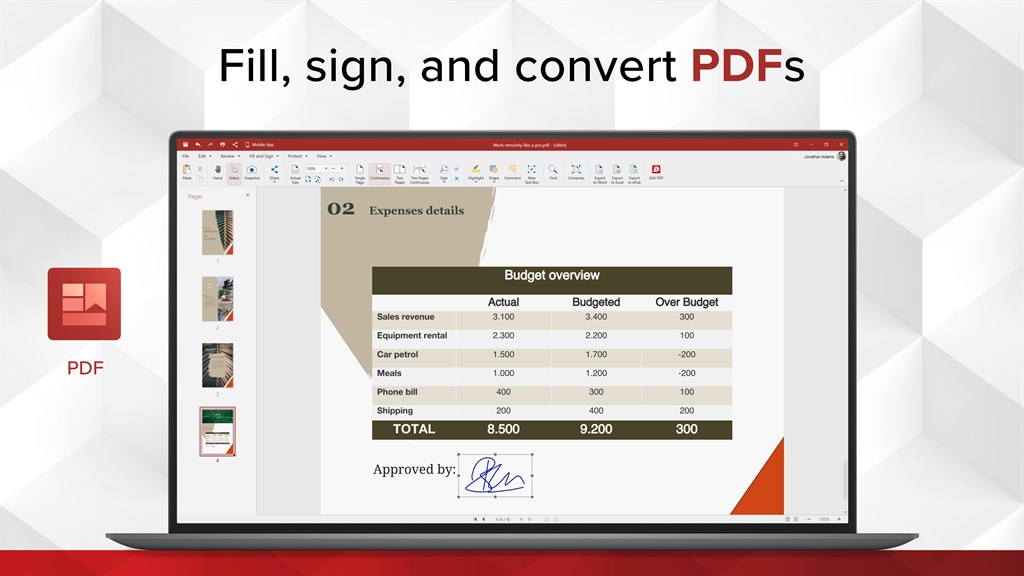
3. Advanced PDF editing: With OfficeSuite Personal Office Pack & PDF Editor, users can easily create, modify, and annotate PDF documents. The software supports features like password protection, digital signatures, form filling, and OCR, enhancing productivity and enabling efficient document management.
Cons
1. Limited advanced features: OfficeSuite Personal Office Pack & PDF Editor for PC lacks some advanced features found in other office software, which may limit its capabilities for power users and professionals.
2. Pricing structure: The software's pricing structure may not be ideal for those on a tight budget, as it requires a subscription plan rather than a one-time purchase option. This might be a drawback for users looking for a more affordable solution.
3. Compatibility issues: Some users may encounter compatibility issues with certain file formats, especially those from other office software providers. This can cause inconvenience and potentially disrupt workflow when sharing files with others who use different software programs.


