
Microsoft Messaging
for Windows- Name Microsoft Messaging
- Category Utilities & tools
- Downloads 43,000,000+
- Developer Microsoft Corporation
- Available on Mobile, PC
- OS Windows 11 version 22000.0 or higher
- Architecture x86, x64, Arm, Arm64
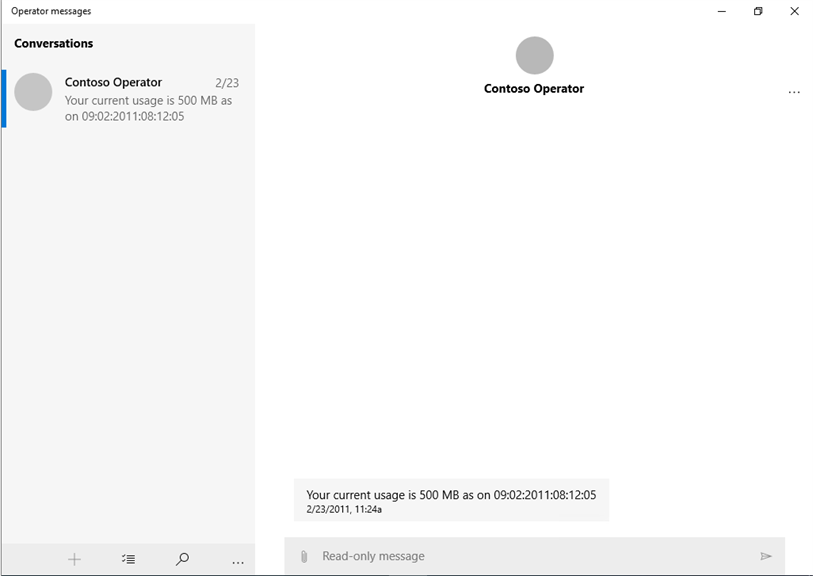
Pros
1. Integration with Microsoft Suite: Microsoft Messaging is tightly integrated with the Microsoft ecosystem, allowing for seamless communication within Office applications and synchronization with Outlook for email and calendar events.
2. Unified Communications: The software combines instant messaging, voice calls, and video conferencing, facilitating versatile and efficient communication channels for team collaboration.
3. Security and Compliance: The platform adheres to Microsoft's robust security protocols, ensuring that messages and calls are encrypted and secure. It also complies with various industry standards and regulations to protect sensitive information.
Cons
1. Limited Cross-Platform Support: Microsoft Messaging is primarily designed for integration with Windows systems and does not offer the same level of functionality or seamless experience on non-Microsoft platforms, hindering communication with users on diverse devices.
2. Sparse Feature Set: Compared to other messaging apps, Microsoft Messaging lacks advanced features such as high-quality video calls, extensive emoji libraries, and customizable themes, which can make it less attractive to users seeking a rich messaging experience.
3. Reliance on Microsoft Account: Users must have a Microsoft account to fully utilize Microsoft Messaging, creating a barrier for those who do not wish to be tied to the Microsoft ecosystem or manage an additional account alongside their other messaging services.


