
Disk Drill Data Recovery
for Windows- Name Disk Drill Data Recovery
- Category Utilities & tools
- Downloads 99,000,000+
- Developer CleverFiles
- Available on PC
- Architecture x64
- OS Windows 10 version 0.0 or higher
- Keyboard Integrated Keyboard
- Mouse Integrated Mouse
- Memory 2 GB
- Processor 64-bit (x86-64) compatible CPU 1.0 GHz or faster


Pros
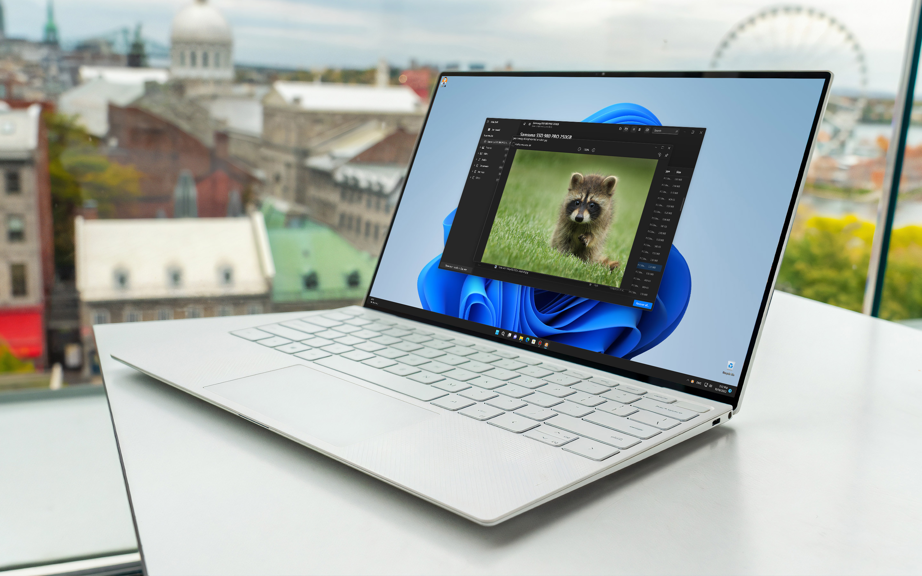
1. Versatile Recovery Options: Disk Drill for PC supports a wide range of file systems and can recover over 400 file formats, ensuring high chances of retrieving your lost data, regardless of its type.
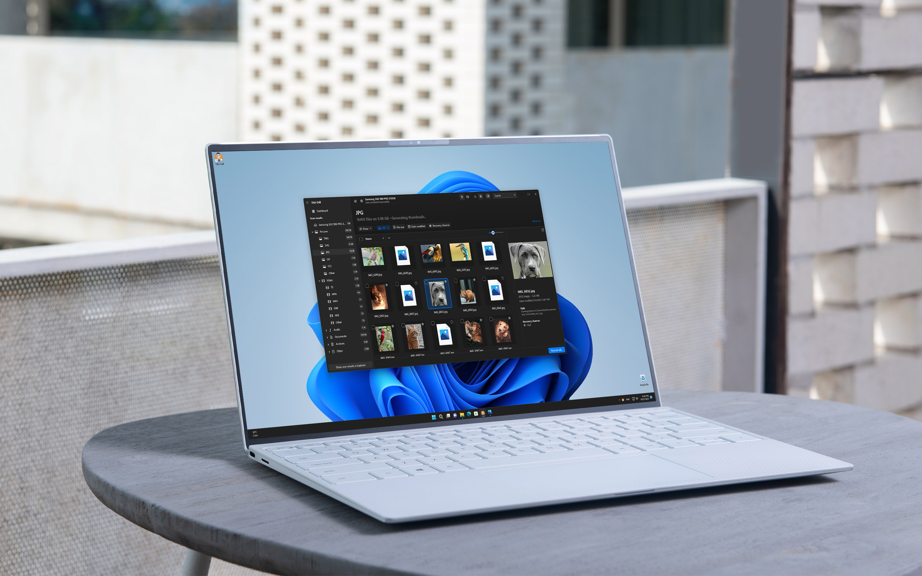
2. User-Friendly Interface: The software boasts an intuitive interface that simplifies the recovery process, making it accessible to users with varying levels of technical expertise.
3. Protective Features: Disk Drill offers Recovery Vault and Drive backup features, which help prevent future data loss by safeguarding important files and creating disk images for safe recovery.
Cons
1. Limited Recovery on Free Version: Disk Drill for PC offers a free version, but it caps free recovery at 500MB, which may not suffice for users needing to retrieve larger amounts of data, prompting a purchase of the Pro version.
2. Performance Impact: Disk Drill's thorough scanning processes can be resource-intensive, potentially slowing down the system, which might inconvenience users needing to use their PC for other tasks simultaneously.
3. Complexity for Beginners: The interface and multitude of features, while comprehensive, can be overwhelming for novice users, making the software potentially less accessible to those without technical experience in data recovery.


