EasyCut
- 1.15K
- 4.7
- Installs
- 190.00M
- Version
- Varies with device

Screenshots






Pro
1. User-Friendly Interface: EasyCut offers a straightforward and intuitive interface that simplifies the video editing process for users of all skill levels, enabling quick and hassle-free creation and customization of videos.
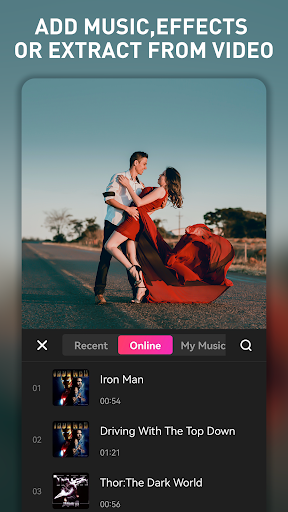
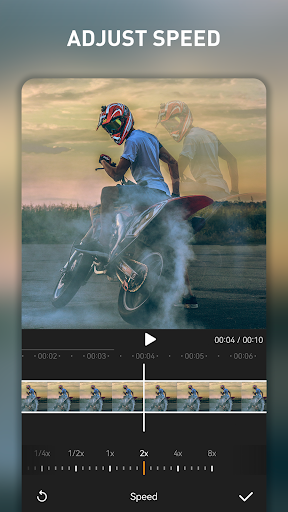
2. Versatile Features: The application boasts a range of editing tools such as trimming, adding text, music, and filters, which enhance the quality and creativity of user-generated content.
3. Mobility and Convenience: As a mobile application, EasyCut allows users to edit videos directly on their smartphones, making it convenient to produce and share content on-the-go without the need for a computer.
Con
1. Limited Features: EasyCut may not offer advanced editing features found in professional-grade software, potentially limiting the creative scope for experienced users looking for sophisticated editing tools.
2. Advertisements: Users may experience interruptions due to ads in the free version of EasyCut, which can be distracting and degrade the editing experience.
3. Watermark: The free version of EasyCut might include a watermark on exported videos, requiring a purchase to remove it, which can be undesirable for users seeking a polished, professional look without additional cost.


