TV Cast for Chromecast
- 1.04K
- 4.8
- Installs
- 300.00M
- Version
- Varies with device

Screenshots







Introduction: Bridging Your Devices with Seamless Streaming
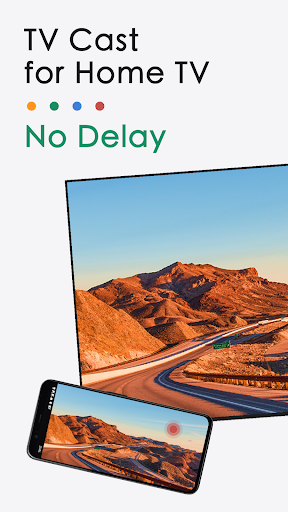
In a world dominated by streaming services, the ability to effortlessly cast content from your mobile device to a larger screen has become essential. TV Cast for Chromecast emerges as a powerful tool designed to transform your smartphone or tablet into a remote control for your TV, leveraging Google's Chromecast technology. This app stands out by offering a robust, user-friendly interface that goes beyond basic casting, making it a competitive choice for anyone seeking to elevate their viewing experience. Whether you’re a cord-cutter or a casual viewer, this review delves into its core features, usability, and what sets it apart in a crowded market.
Effortless Setup and Universal Compatibility
Getting started with TV Cast for Chromecast is remarkably straightforward. After a quick installation, the app automatically detects Chromecast devices on your Wi-Fi network, eliminating cumbersome manual configurations. Its compatibility extends across a wide range of devices, including smartphones, tablets, and even iOS and Android platforms, ensuring a broad user base can access its benefits. The app supports multiple Chromecast models, from the classic dongle to Chromecast with Google TV, as well as smart TVs with built-in Chromecast functionality. This flexibility ensures that you can integrate it seamlessly into your existing home entertainment setup without needing additional hardware or technical know-how. The initial wizard guides you through permissions and network settings, making the process accessible even for less tech-savvy users, while advanced options allow for fine-tuning for those who desire more control.
Versatile Casting Capabilities: From Local Media to Web Content
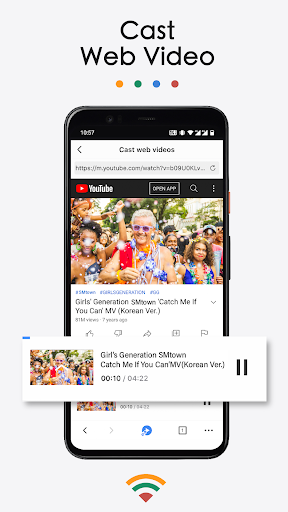
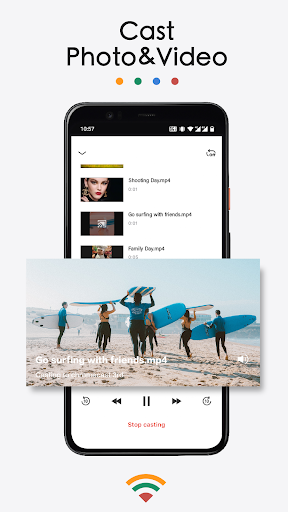
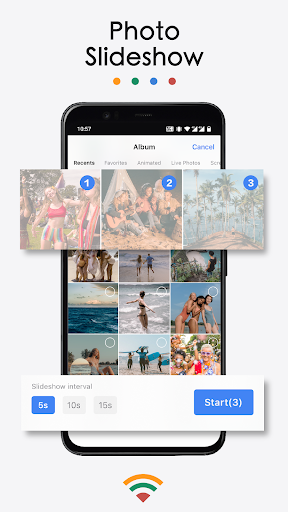
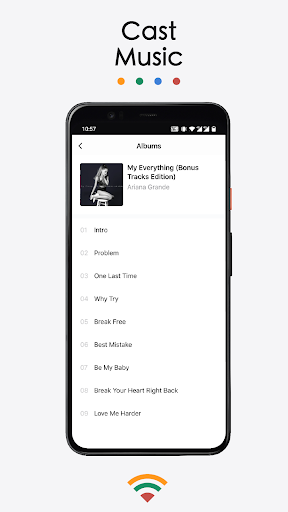
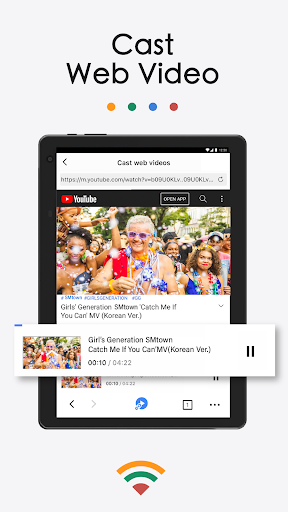
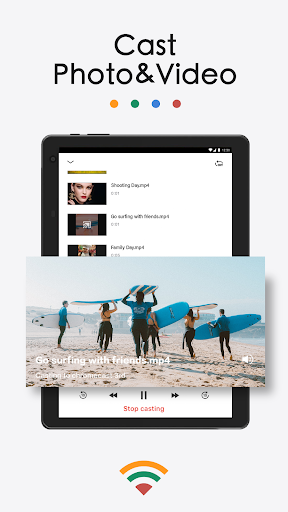
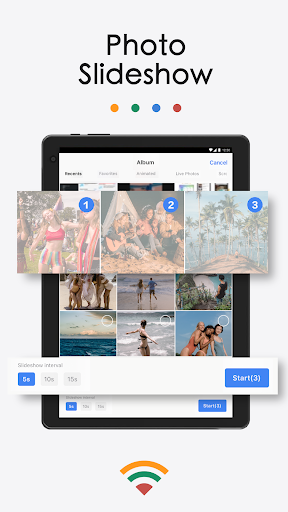
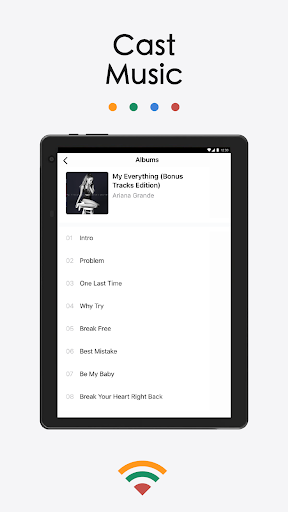
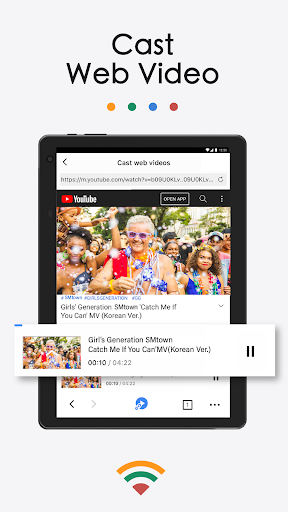
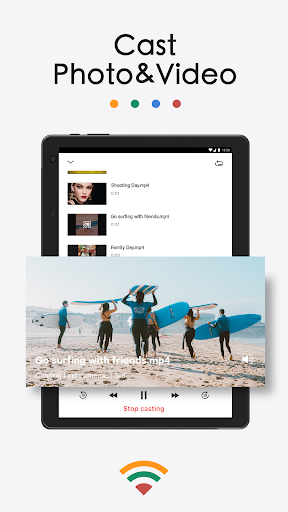
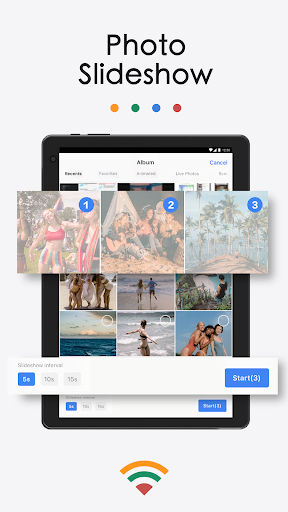
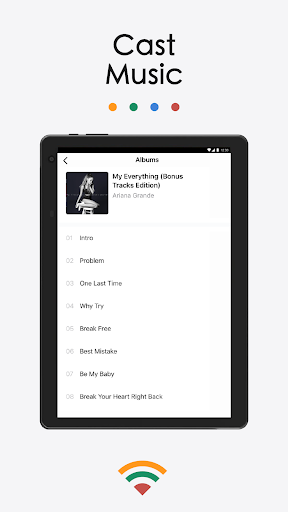
One of TV Cast for Chromecast’s standout features is its versatility in handling diverse content types. Unlike many casting apps that limit you to specific platforms, this tool excels in casting local media files—such as videos, photos, and music stored on your device—with native support for popular formats like MP4, MKV, AVI, and more. It also integrates a robust web browser, enabling you to stream video content from websites that might not offer native casting support, effectively bypassing restrictions. Additionally, the app supports casting from cloud storage services like Google Drive and Dropbox, allowing you to access your media library without local storage limits. This breadth of functionality makes it a one-stop solution for personal content, saving you from juggling multiple apps. The buffering is typically minimal, thanks to optimized streaming protocols, ensuring a smooth playback experience even with high-resolution files.
User Experience: Intuitive Design and Customizable Controls
The app’s interface is designed with the user in mind, prioritizing simplicity without sacrificing advanced features. A clean dashboard presents options for local media, web casting, and device selection, making navigation intuitive. The playback controls are responsive and include essentials like pause, play, volume adjustment via your device, and a progress bar for seeking. A notable advantage is the ability to cast while multitasking—you can browse your phone or use other apps without interrupting the stream, a feature that enhances efficiency. Furthermore, the app offers customization options such as subtitles support for local files and the ability to adjust display settings like aspect ratio or rotation. This attention to detail ensures that your viewing experience aligns with your preferences, whether you’re watching a movie with friends or a personal video with family. The app also includes a queue feature, letting you preload multiple videos for a seamless binge-watching session.
Advanced Features and Performance Highlights
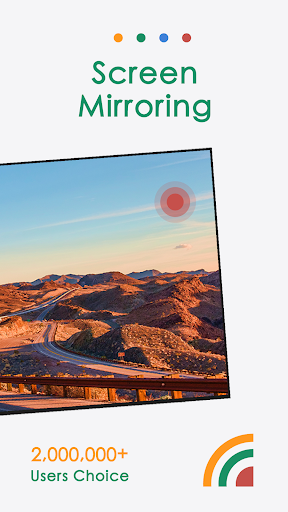
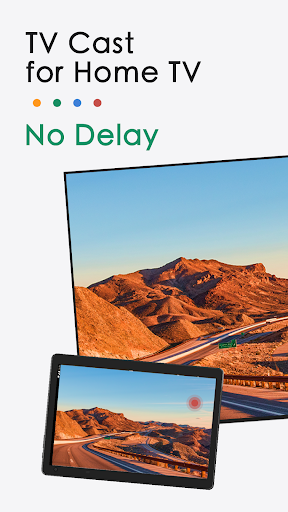
Beyond basic casting, TV Cast for Chromecast packs several advanced tools that elevate its utility. It supports casting in high definition (up to 1080p or even 4K, depending on your device and network), delivering crisp visuals without lag. A key competitive advantage is its ability to cast live video streams from websites, including those with DRM protection in some cases, through its advanced browser engine. The app also includes a screen mirroring mode for Android devices, letting you replicate your phone’s entire display on the TV—ideal for presentations or app demonstrations. Performance-wise, the app consistently maintains stable connections, with minimal dropouts, thanks to efficient data packet handling. The developers provide regular updates to optimize for new Chromecast firmware versions and fix bugs, ensuring long-term reliability. For users frustrated by ads in free alternatives, TV Cast for Chromecast offers a premium upgrade that removes interruptions and unlocks unlimited streaming time, making it a worthwhile investment for heavy users.
Competitive Edge and Final Verdict
When compared to other casting apps like AllCast, LocalCast, or Google Home’s built-in casting, TV Cast for Chromecast distinguishes itself through its targeted focus on versatility and ease of use. While Google Home is excellent for simple video casting, it lacks the local media playback and web browsing integration that TV Cast offers. Alternatives like AllCast may require separate add-ons for certain formats, whereas this app handles most natively. The free version provides substantial functionality with limited ads, and the premium subscription is reasonably priced, offering value for money. In a market saturated with casting tools, TV Cast for Chromecast carves a niche by combining reliability, breadth of support, and a user-centric design. For anyone looking to maximize their Chromecast’s potential—whether for casual viewing or heavy media consumption—this app is a strong, holistic recommendation. Its ability to adapt to your needs, from streaming a local video to navigating the web, makes it a standout choice in the evolving landscape of mobile-to-screen connectivity.


