Libby
- 1.81K
- 4.8
- Installs
- 120.00M
- Version
- Varies with device

Screenshots
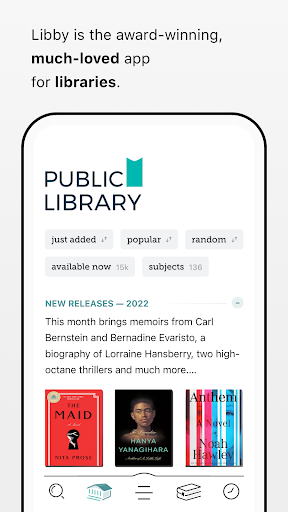
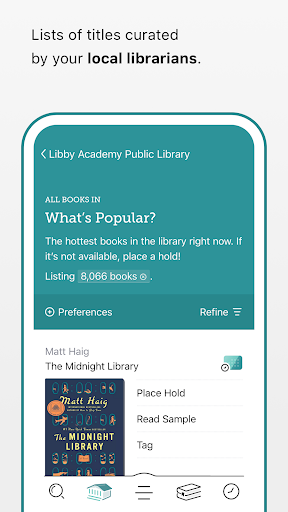
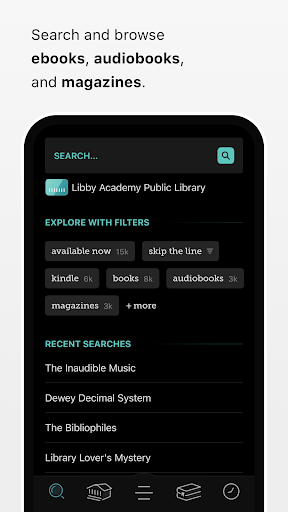
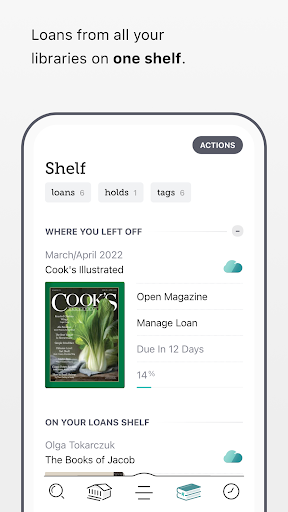
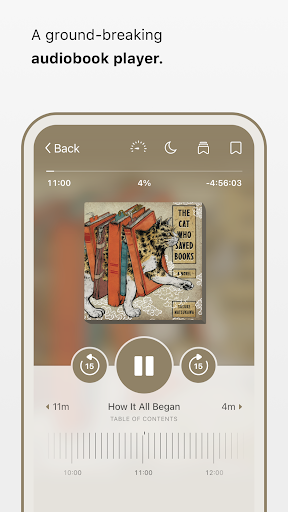
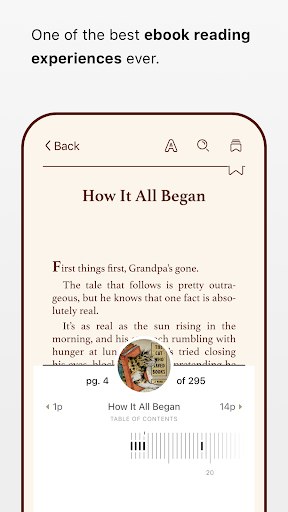
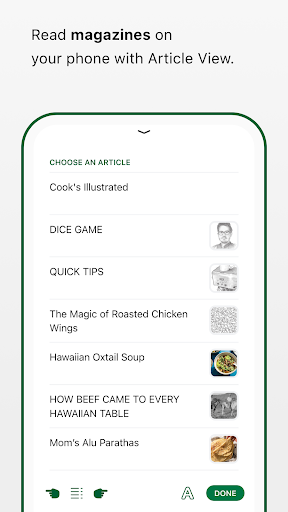
Libby is a user‑friendly app from OverDrive that lets you borrow ebooks, audiobooks and magazines from your local public library using a library card. Designed for casual readers and audiobook listeners alike, Libby provides an intuitive interface for searching catalogs, borrowing and downloading titles for offline reading, and syncing progress across devices.
Latest Update: Content controls and saved filter presets for personalized browsing
Libby now makes it easier to tailor what you see—introducing content controls and saved filter presets so you can quickly apply your preferred audience, format, language and availability settings. Create and name presets (for example “Kids,” “Audiobooks Only” or “Available Now”) and switch between them when searching or browsing across libraries. Parental/content maturity controls help limit visible results for children’s profiles, and your presets persist across sessions for faster discovery. Availability of the feature may vary by region and app version—update Libby, open Filters/Preferences in Search or your library settings to create presets, and enable any parental controls from your account settings to manage what younger readers can access.
Pro
1. Easy setup and borrowing—makes library lending simple for ebooks and audiobooks without extra accounts.
2. Robust offline support and polished playback/reading controls for a pleasant listening and reading experience.
3. Supports multiple library cards, holds management and cross‑device sync to streamline long‑term reading.
Con
1. Availability depends on your library’s holdings and licensing—some popular titles may have long waitlists or be unavailable.
2. Certain publisher restrictions limit exports, simultaneous use, or loan extensions for some ebooks and audiobooks.
3. Occasional regional limitations on features like Send to Kindle or magazine availability; performance may vary on older devices.
Frequently Asked Questions
Do I need a library card to use Libby?
Yes—you need an eligible public library card to borrow content. Many libraries allow residents to sign up for a card online or in person; add your card credentials in Libby to access that library’s catalog.
Can I download books and audiobooks for offline listening or reading?
Yes—Libby lets you download borrowed titles for offline use. Downloads may consume device storage, and large audiobook files can take time on slower connections—use Wi‑Fi for faster downloads.
How do holds and waitlists work in Libby?
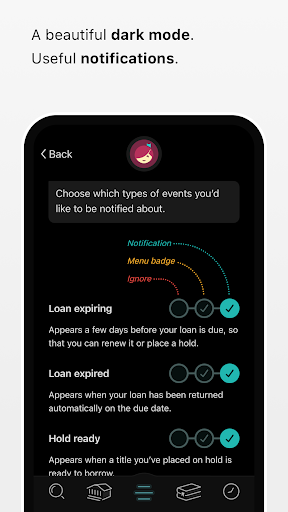
If a title is checked out, you can place a hold; Libby notifies you when the title becomes available and can automatically check it out for you. Wait times depend on your library’s copy count and current demand. You can manage or cancel holds from the app’s Shelf or Holds section.


